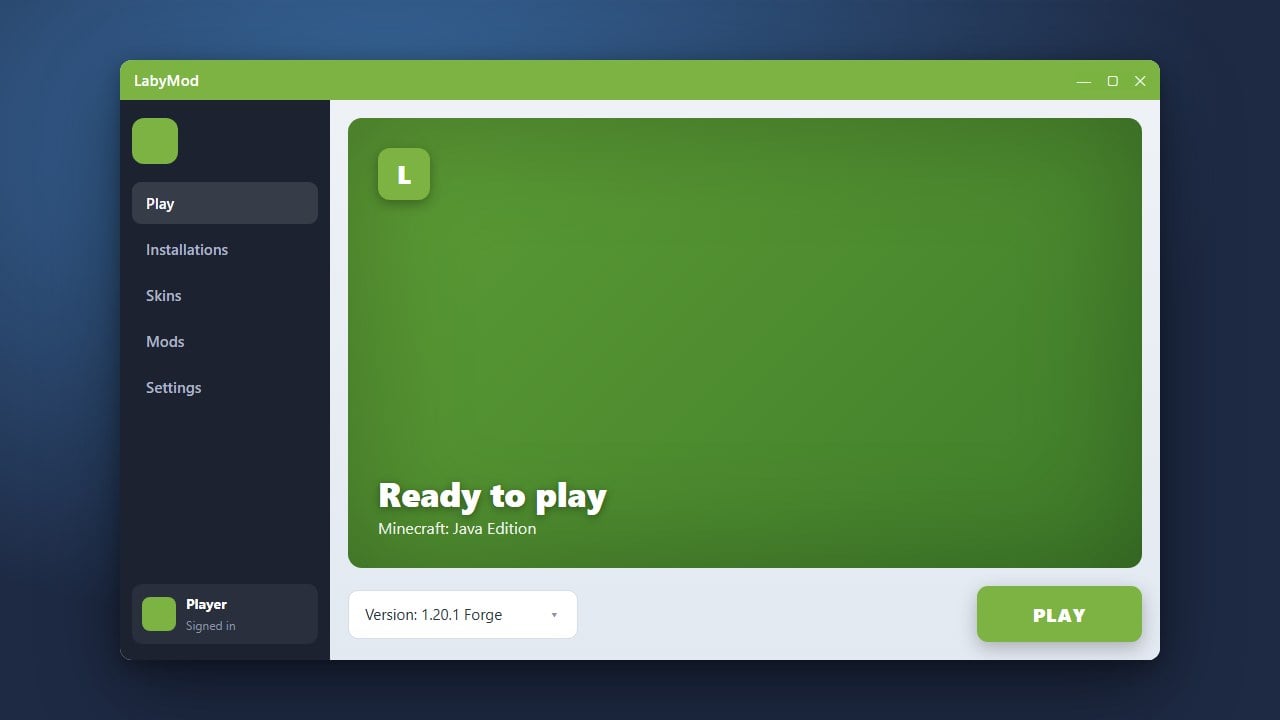
LabyMod is a feature-rich, customizable client for Minecraft Java Edition that enhances your gameplay with built-in mods, a custom UI, voice chat, and improved performance. Before you get started, ensure you purchase a legitimate copy of the game from minecraft.net to play online safely and support the developers. Never use third-party tools promising free accounts, as they pose serious security and malware risks.
Download the Installer
Go to the official LabyMod website and download the latest installer for your operating system. Make sure you have Java installed on your computer before running the downloaded file.
Run the Setup
Double-click the downloaded installer to open the setup window. Select your preferred Minecraft version, choose any additional features or recommended mods you want bundled, and click the install button.
Launch Minecraft
Open your official Minecraft Launcher and locate the newly created LabyMod profile in your version dropdown menu. If you want to learn more about setting it up, you can review How to Download and Install LabyMod for extra details.
Configure Mods and Settings
Start the game using the LabyMod profile, and press the Escape key to open the in-game menu. From there, access the LabyMod settings to customize your HUD, add useful widgets, and adjust your preferences. If you want to expand your toolkit further, you can check out How to Add Mods to LabyMod to install extra modifications.
Frequently Asked Questions
Is LabyMod free to use?
Yes, downloading and using LabyMod is completely free. They do offer optional cosmetic items for purchase in their store, but core features and mods do not cost anything.
Can I use LabyMod on Minecraft Bedrock Edition?
No, LabyMod is designed exclusively for Minecraft Java Edition and is not available for Bedrock Edition on mobile, consoles, or Windows.