When a custom resource pack fails to load, displays missing textures, or does not appear in your pack list at all, the problem usually comes down to nested folders, incorrect file extensions, or conflicting pack priorities. Whether you are running Minecraft Java Edition 1.21+ or Bedrock Edition, walking through these essential troubleshooting steps will get your textures running properly in minutes.
Check the Folder Structure and Nested Zips
The single most common reason a pack does not show up in Java Edition is incorrect folder nesting. Open the pack's .zip file or folder. Inside the root directory, you must immediately see the assets folder and the pack.mcmeta file. If opening the archive reveals another subfolder that holds those files instead, Minecraft cannot read it.
To fix this, extract the contents and re-compress or move the inner folder directly so that pack.mcmeta sits right at the top level of your pack archive.
Verify the File Location and Format
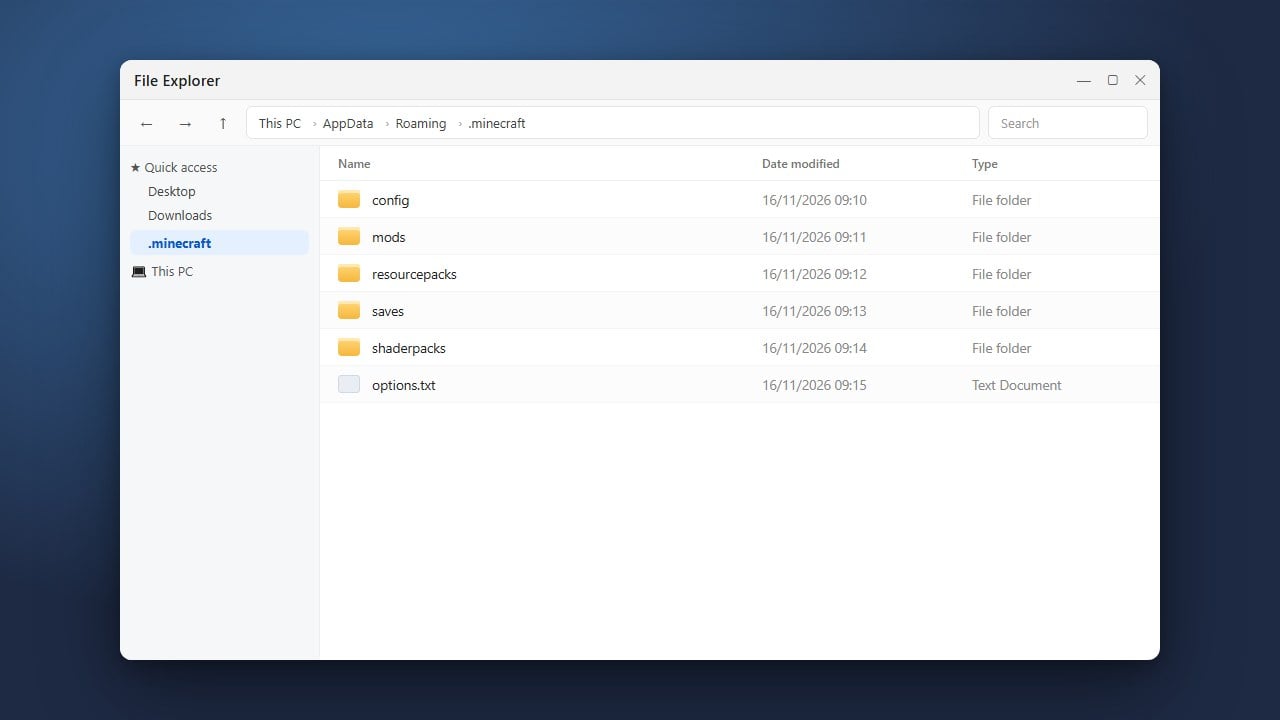
Confirm that your file is in the right location for your edition. On Java Edition, packs must be placed in the resourcepacks directory inside your main game folder. If you are unsure where that is, check our guide on how to find your .minecraft folder.
On Bedrock Edition, pack files typically end with .mcpack. Double-clicking a .mcpack file on PC or mobile automatically imports it into the game. If you downloaded a .zip file for Bedrock, rename the extension from .zip to .mcpack and open it to trigger the automatic importer.
Activate the Pack and Adjust Load Order
Placing a pack into your files does not automatically apply it in-game. On Java Edition, go to Options > Resource Packs. Find your pack in the left-hand Available column, hover over its icon, and click the arrow button to move it to the Selected column on the right.
Packs load from top to bottom, meaning packs higher on the list override textures from packs below them. If your custom textures are not visible in-game, click the up arrow to move your pack to the very top of the list above the default Minecraft textures.
Bypass Version Incompatibility Warnings
If a pack appears with red text or displays a warning stating it was made for an older or newer version of Minecraft, it may still work fine. Click the arrow to move it to the Selected list, and when prompted with the compatibility warning, confirm by clicking Yes.
Most texture packs designed for earlier versions still function in Minecraft 1.21+, though any newly added blocks, items, or entities will simply retain their default vanilla appearance until the pack creator updates them.
Install Required Mods for Advanced Features
Many modern packs require specific mods to display custom entity models, connected glass, emissive textures, or custom skyboxes. If your pack shows standard models instead of custom ones, check the pack download page to see if it requires OptiFine or Fabric/NeoForge alternatives such as Entity Model Features (EMF) and Continuity.
If the pack requires OptiFine features, follow our guide on how to install OptiFine or install the matching Fabric and NeoForge replacement mods to unlock those visual effects.
Frequently Asked Questions
Why do my blocks display black and purple checkerboards?
Black and purple checkerboard squares indicate missing texture files. This usually means the resource pack has a missing image, corrupt files, or is missing a required rendering mod. Try re-downloading the pack archive to replace any damaged files.
Why does my resource pack not show up in the Bedrock Edition menu?
In Bedrock Edition, packs must contain a valid manifest.json file at their root. If double-clicking a .mcpack file fails to import, ensure the file is not corrupted and check Settings > Global Resources > My Packs to see if it needs manual activation.
Can I use multiple resource packs at the same time?
Yes. You can stack multiple packs in both Java and Bedrock Edition. Textures will load according to priority: the pack placed highest in your active list takes precedence whenever two packs modify the same item or block.