Fresh Animations is one of the most beloved resource packs in Minecraft, breathing dynamic life into vanilla mobs with blinking eyes, realistic limb movements, and expressive facial reactions. Unlike standard texture packs, it relies on custom entity models to animate creatures. Follow this guide to set up Fresh Animations properly on Java Edition using modern Fabric or NeoForge mods, as well as Bedrock Edition via community ports.
If you see mobs with white blank eyes or missing textures on Java, ensure you installed both Entity Model Features (EMF) and Entity Texture Features (ETF), or enabled Custom Entity Models inside OptiFine Video Settings.
Want even more detail? The creator offers an official Fresh Animations Extensions add-on pack, which provides animated details for extra creatures and item textures. Load extensions directly above the main pack.
Install Required Entity Model Mods (Java Edition)
Fresh Animations requires custom entity model (CEM) support to work. While you can use OptiFine, modern Java Edition 1.21+ setups run much better using How to Install Fabric or NeoForge alongside two lightweight mods: Entity Model Features (EMF) and Entity Texture Features (ETF). Download both companion mods for your game version and place their .jar files into your mods folder.
Download the Fresh Animations Resource Pack
Head to CurseForge or Modrinth and search for the official Fresh Animations pack created by FreshLX. Download the version corresponding to your Minecraft release. Keep the downloaded file as a .zip archive; do not extract its contents.
Place the Pack into the Resource Packs Folder
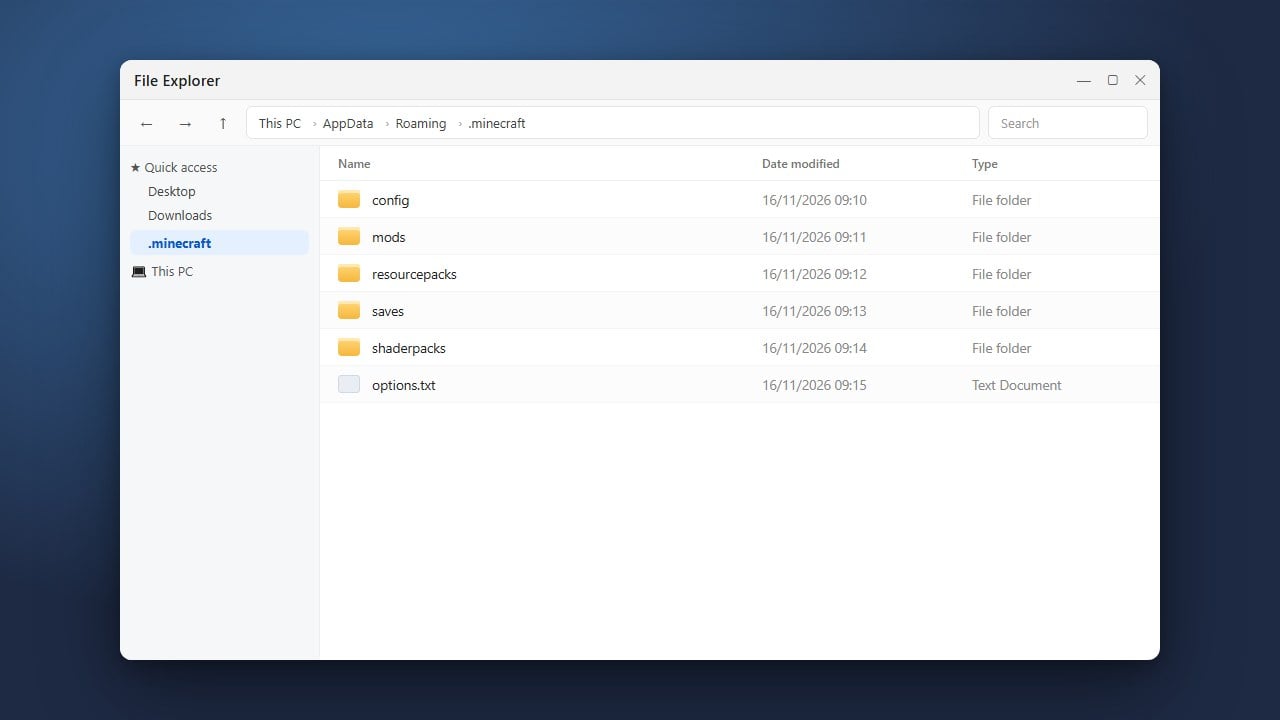
Launch Minecraft Java Edition and navigate to Options > Resource Packs. Click the Open Pack Folder button at the bottom-left of the screen to open your directory. Alternatively, locate it manually via How to Find Your .minecraft Folder. Drag and drop your downloaded Fresh Animations .zip file directly into this folder.
Activate the Pack in Minecraft Java
Return to Minecraft's Resource Packs menu. Fresh Animations will appear under the Available column on the left. Hover over the pack icon and click the arrow button to move it into the Selected column on the right. Ensure it sits above your default textures, then click Done to reload your resources.
Install Fresh Animations on Bedrock Edition
On Minecraft Bedrock Edition, the official Java pack cannot run directly, but verified community ports are available as .mcpack files. Download a Bedrock conversion of Fresh Animations, then double-click the .mcpack file on Windows, iOS, or Android to import it automatically into Minecraft. Finally, open Settings > Global Resources, select the pack under My Packs, and click Activate.
Frequently Asked Questions
Why do mobs look broken or have glowing white eyes?
This happens when Minecraft attempts to load the pack without a custom entity model loader. On Java Edition, you must install both EMF and ETF mods, or use OptiFine. If you still encounter issues, check out our guide on How to Fix Minecraft Resource Pack Not Working.
Does Fresh Animations work on multiplayer servers?
Yes! Fresh Animations is purely a client-side resource pack. You can use it on any multiplayer server, Realm, or LAN world without the server needing any mods installed.
Can I use Fresh Animations alongside other texture packs?
Yes, but compatibility depends on whether the other texture pack alters mob models. Standard block and item packs work smoothly. If you combine it with mob texture packs, place Fresh Animations lower in your Selected list or use dedicated Fresh Animations add-on patches.