Wondering if Legacy Launcher is safe and legit for playing Minecraft Java Edition? This guide breaks down what the launcher is, its safety and privacy considerations, and why you should always prioritize using official channels for purchasing and playing the game.
Never share your Microsoft account password or session tokens with untrusted third-party applications to protect your account from theft.
If you want to install mods safely, consider utilizing open-source launchers or checking out How to Install Forge and Fabric with Legacy Launcher for guidance.
Understand What Legacy Launcher Is
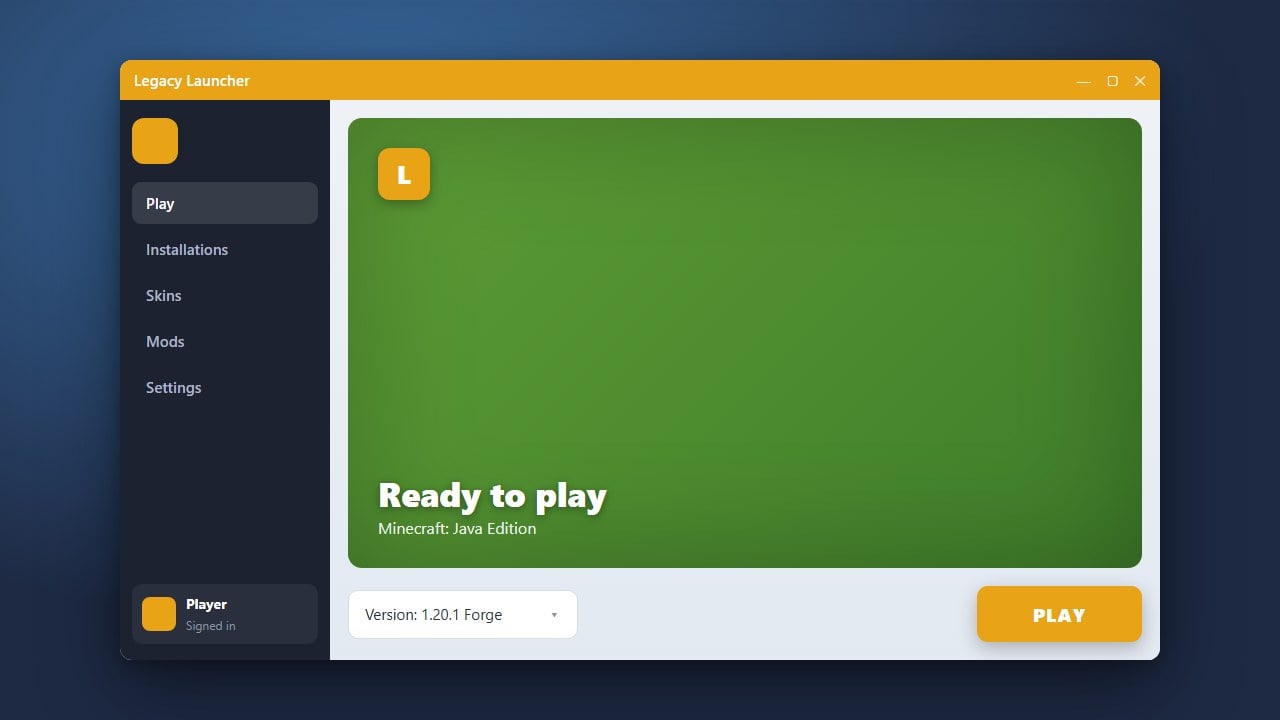
Legacy Launcher is a third-party Minecraft Java Edition launcher designed to manage game versions, mods, and skins outside of the official Mojang/Microsoft ecosystem. While many players use alternative launchers for convenience, it is important to know how they interact with official game servers and user authentication.
If you already use or plan to set up the software, you can check out guides like How to Download and Install Legacy Launcher to learn the proper setup process.
Review Safety and Privacy Concerns
Third-party software always carries inherent security and privacy risks. Some alternative launchers have faced scrutiny in the past regarding bundled adware, unverified telemetry data collection, or modified game files that bypass standard security checks. Always scan downloaded files with a trusted antivirus program before running them.
Understand the Risks of Third-Party Logins
Logging into any third-party launcher with your official Microsoft account can present security vulnerabilities if the software is compromised. To protect your personal information and prevent unauthorized access, never input your primary account credentials into unverified or suspicious software.
Support the Developers by Buying the Official Game
Some alternative launchers are frequently associated with playing Minecraft without purchasing a legal copy. We strongly recommend buying the official game directly from minecraft.net to support Mojang Studios, receive official updates, and guarantee access to secure online multiplayer servers without security risks.
Explore Safe Management Features
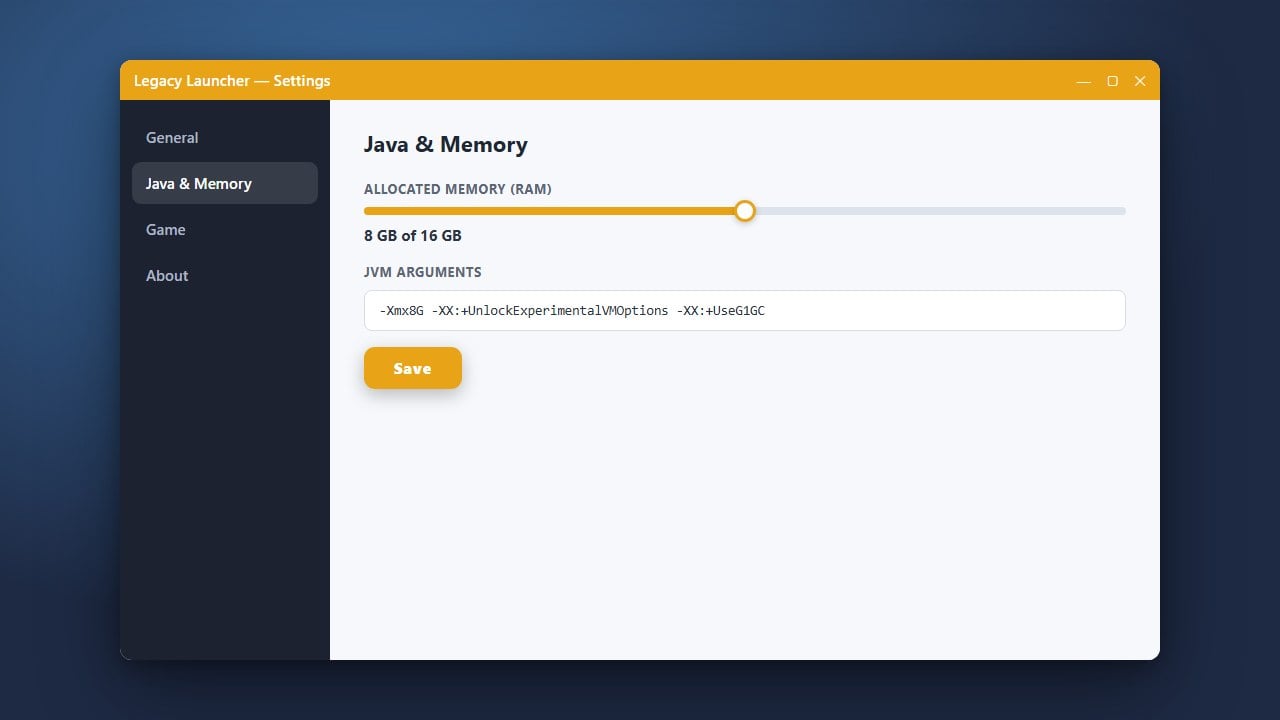
If you do choose to use Legacy Launcher for managing different versions, you should review its configuration settings, such as memory allocation. For instance, you can optimize your performance by following How to Allocate More RAM in Legacy Launcher to ensure your game runs smoothly.
Frequently Asked Questions
Is Legacy Launcher legal to use?
Using a custom launcher to run Minecraft files is a legal gray area if it bypasses authentication or allows free access to paid content. To stay completely safe and compliant with Mojang's End User License Agreement (EULA), you should always purchase an official license.
Can Legacy Launcher steal my Microsoft account?
Any time you enter your Microsoft credentials into a third-party interface rather than the official login portal, there is a risk of credential harvesting. It is always safest to use the official Minecraft Launcher provided by Microsoft.