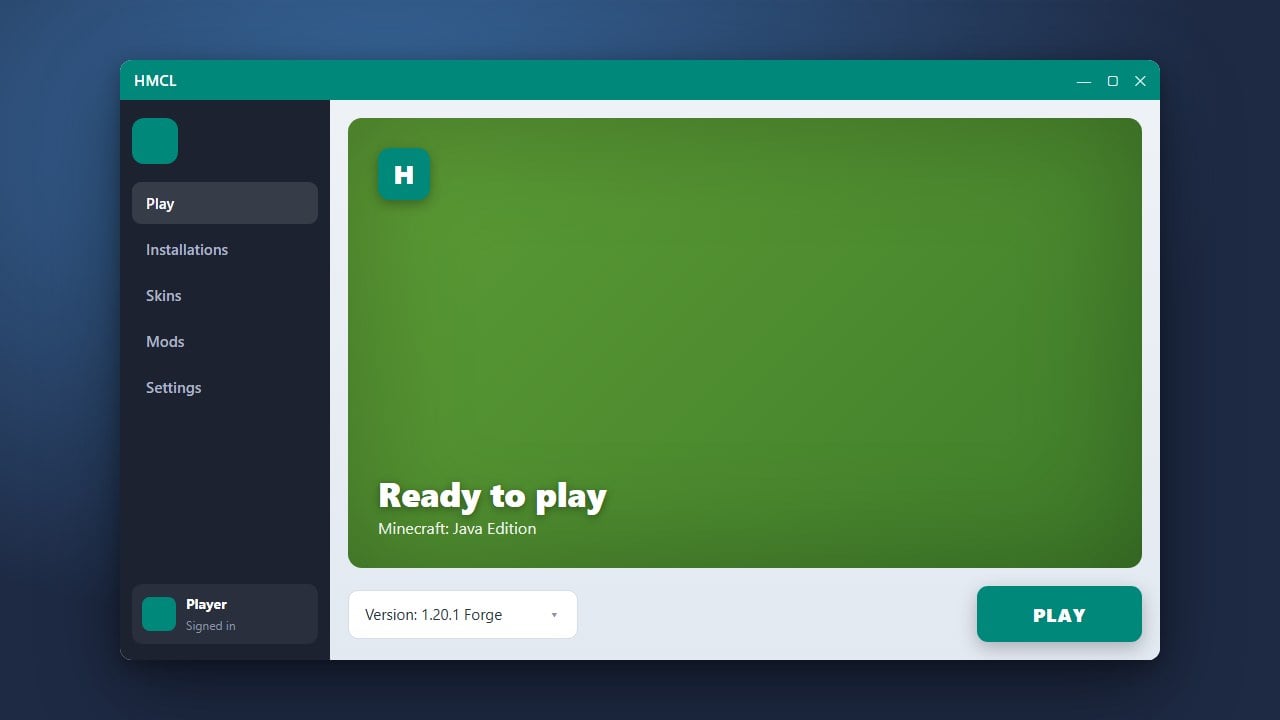
HMCL (Hello Minecraft Launcher) is a popular open-source, multi-functional custom launcher for Minecraft Java Edition. If you are wondering whether it is safe and legitimate to download and use on your computer, this guide breaks down its safety, features, and how it handles your official game account.
Never enter your official Microsoft account credentials into unofficial or obscure launchers. Stick to official OAuth login methods provided by trusted open-source launchers to prevent credential theft.
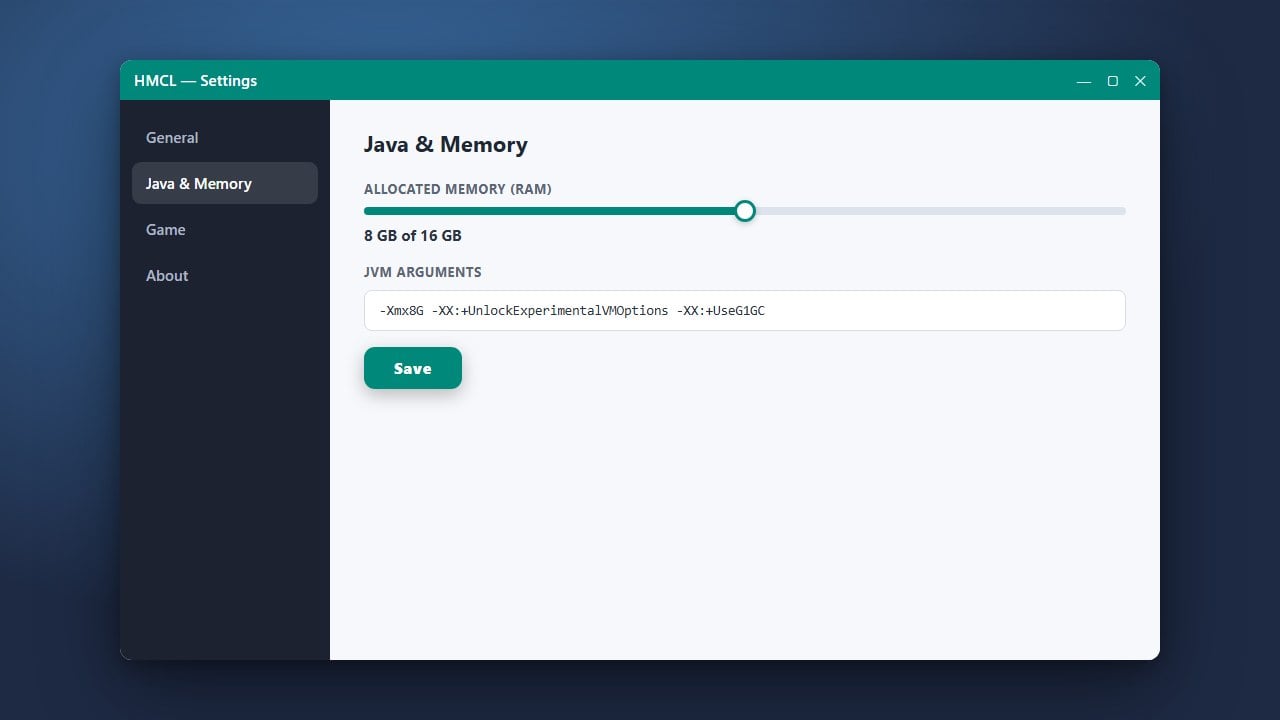
If your game runs out of memory or lags while using custom mods, you can easily adjust your allocated memory by following How to Allocate More RAM in HMCL.
Understand What HMCL Is
HMCL is a widely used third-party launcher developed primarily within the Chinese Minecraft community and hosted openly on GitHub. It is completely open-source, meaning its underlying code is publicly visible for developers to inspect, review, and verify for malicious behavior.
Because the source code is public and transparent, HMCL itself does not contain built-in spyware or malware when downloaded from its official repository. If you want to get started with it, make sure to read How to Download and Install HMCL safely.
Verify the Official Download Source
The biggest security risk when downloading any third-party software—including custom Minecraft launchers—is stumbling upon fake mirror websites that bundle adware, bloatware, or trojans into the installer.
Always download HMCL strictly from its official GitHub releases page or its designated official website. Avoid random third-party forums or ad-heavy upload sites that offer modified versions of the launcher executable.
Legitimacy and Microsoft Account Authentication
HMCL is legitimate in the sense that it operates as a custom interface to launch Minecraft Java Edition. However, it is important to note that HMCL allows both official Microsoft account logins (for legitimate players who purchased the game) and offline/offline-skin modes.
We strongly recommend purchasing the official game from minecraft.net to support the developers and ensure full, secure access to online servers and official features. Always use official Microsoft authentication inside the launcher to keep your account safe.
Manage Your Mods and Game Versions Safely
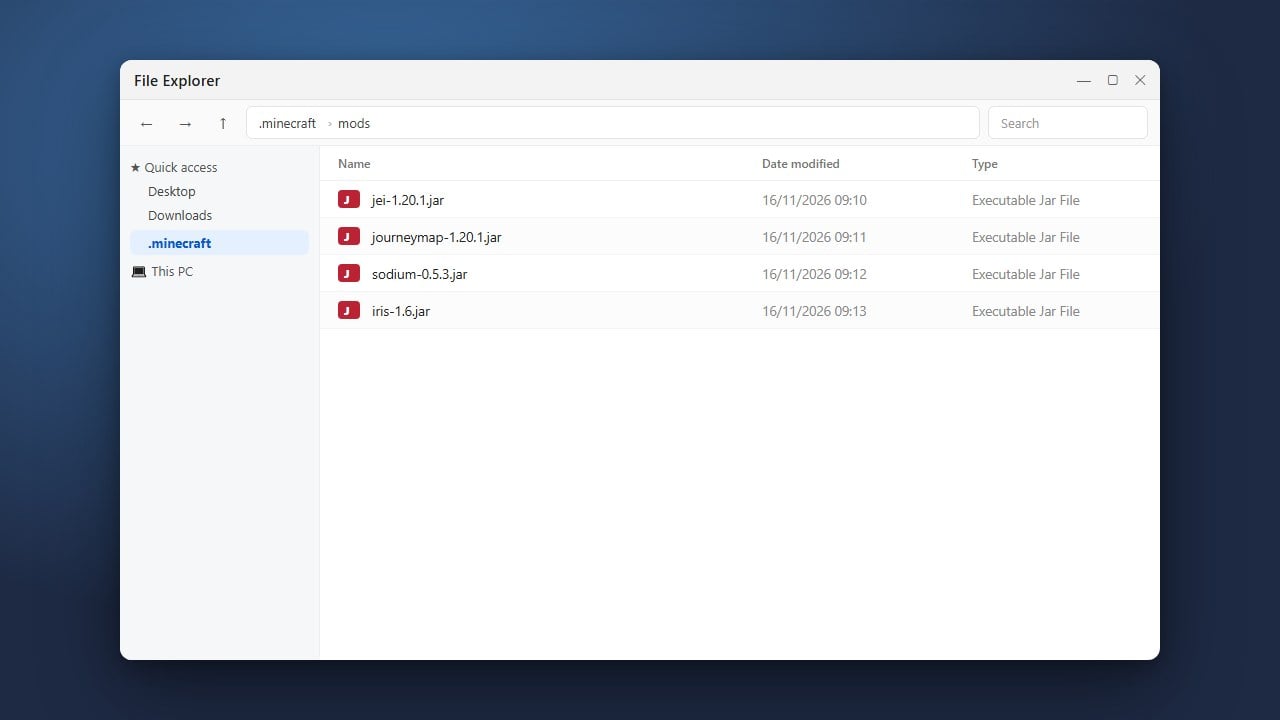
One of the main reasons players use HMCL is its robust capability to manage different versions, Forge, Fabric, and mods. You can easily configure your environment, adjust memory, and switch setups.
To get the most out of your setup, you can follow guideslike How to Install Forge and Fabric with HMCL to ensure your loaders are set up correctly without risking corrupted game files.
Frequently Asked Questions
Is HMCL free to download?
Yes, HMCL is a free, open-source project. However, playing Minecraft Java Edition online still requires a legitimate, paid Microsoft/Minecraft account.
Can HMCL steal my Minecraft account?
Official versions of HMCL use secure Microsoft authentication protocols and do not store your raw password. Always download from the official GitHub repository to avoid malicious modifications.