FoldCraft Launcher is a popular custom launcher designed for Android devices that lets you play Minecraft Java Edition on mobile. Please note that third-party launchers require you to own a legitimate Minecraft account, and we always recommend purchasing the official game from minecraft.net to ensure full security and support.
Download and Install the APK
First, download the official FoldCraft Launcher APK from its trusted repository or GitHub page onto your Android device. Open your file manager, tap the downloaded APK file, and follow the on-screen prompts to complete the installation. You may need to enable installations from unknown sources in your Android security settings.
Open the Launcher and Add an Account
Launch FoldCraft Launcher from your app drawer. When prompted, log in with your legitimate Minecraft account credentials or set up an offline/local profile if supported. Always exercise caution when entering login details into third-party apps to protect your personal account security.
Download a Minecraft Version
Navigate to the version management or profile creation tab within the launcher. Select the specific Minecraft Java Edition version you wish to play, then click the download button to let the launcher fetch the necessary game assets and libraries.
Configure RAM and Settings
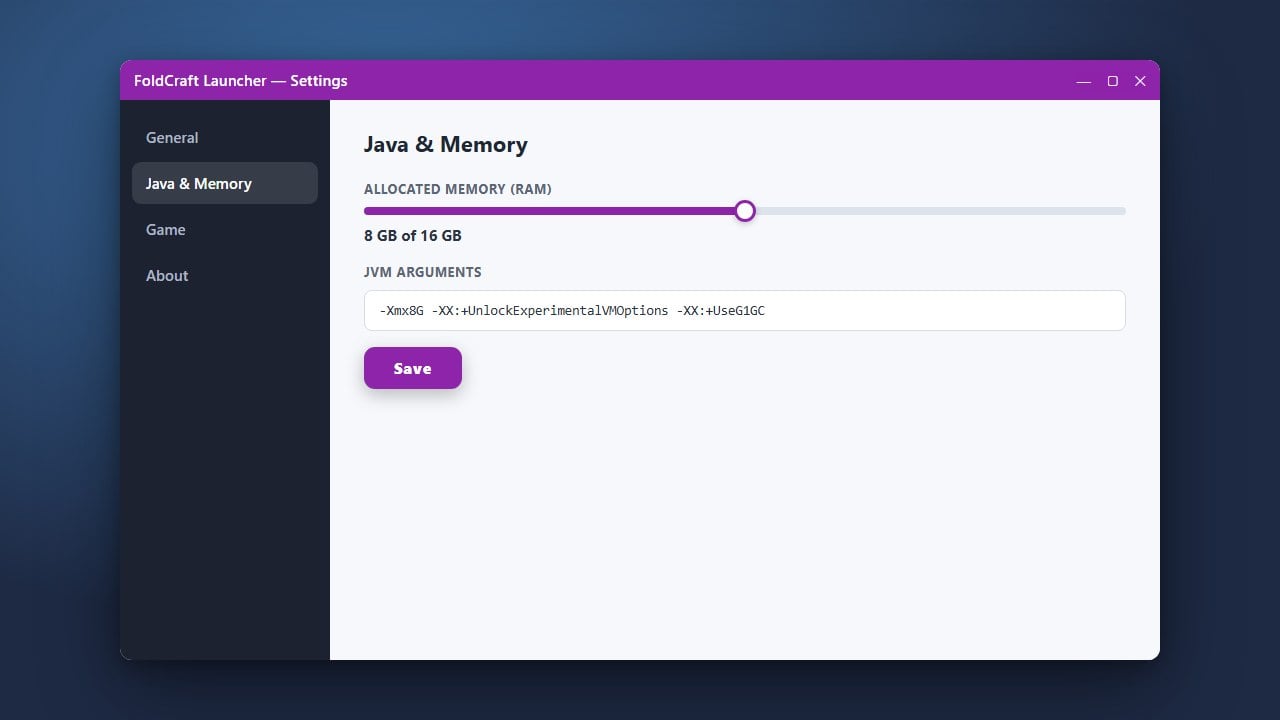
Before launching your game, check out guides like How to Allocate More RAM in FoldCraft Launcher to ensure your mobile device has enough memory assigned for smooth performance. You can also adjust touchscreen controls, resolution, and Java arguments in the settings menu.
Launch and Play the Game
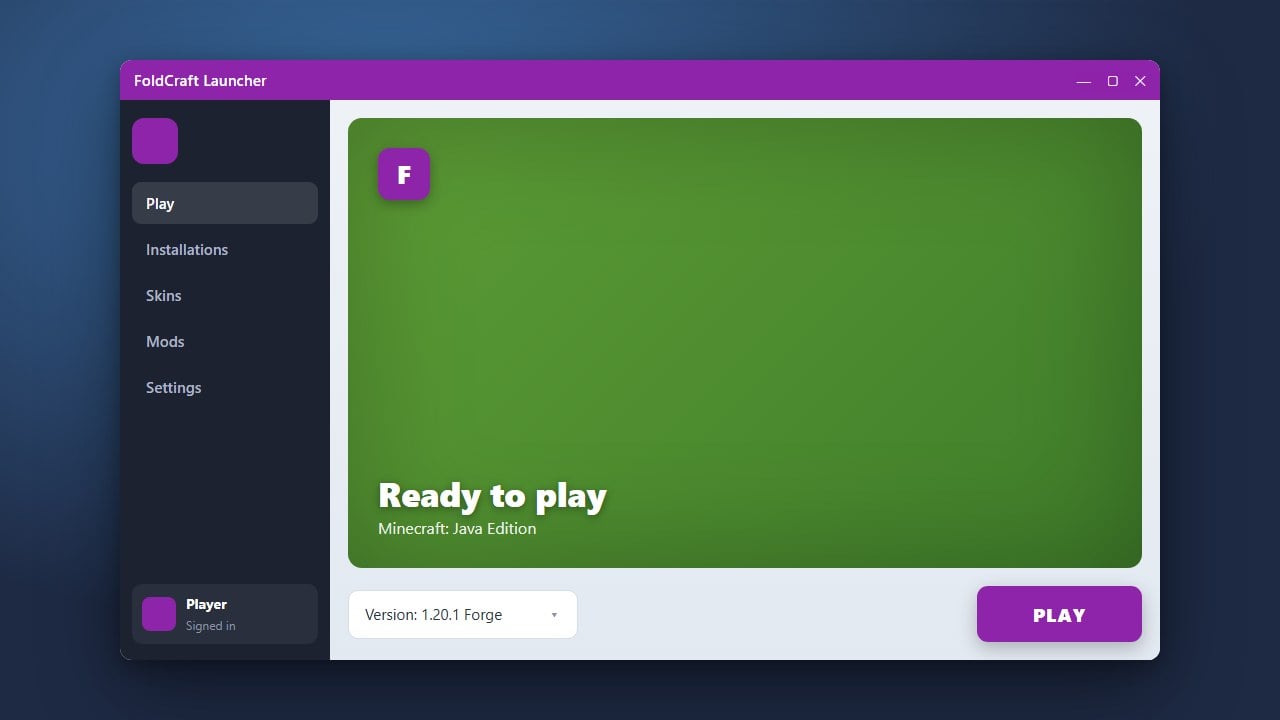
Once everything is downloaded and configured, return to the main dashboard and press the Play button. The launcher will initialize Java and boot up Minecraft, allowing you to join worlds or servers directly from your mobile device.
Frequently Asked Questions
Is FoldCraft Launcher free to use?
Yes, the launcher application itself is free to download and use. However, you still need a paid, legitimate Minecraft account to log in and access the full game.
Can I play Minecraft Bedrock Edition using FoldCraft Launcher?
No, FoldCraft Launcher is strictly designed to run Minecraft Java Edition on Android devices. Minecraft Bedrock Edition has its own official mobile application available on the Google Play Store.