FoldCraft Launcher is a popular community-made launcher for playing Minecraft: Java Edition on Android devices. While it lets you experience Java mods on mobile, always remember to purchase the official game from minecraft.net to support Mojang. Be aware that using third-party mobile launchers can carry security risks regarding your Microsoft account credentials.
Never input your main Microsoft account details into untrusted third-party apps unless you fully trust the developer. Consider using an offline or local profile if available and supported.
Make sure you have installed a mod loader like Fabric or Forge for your profile, otherwise your mods will not load when you start the game.
Install FoldCraft Launcher
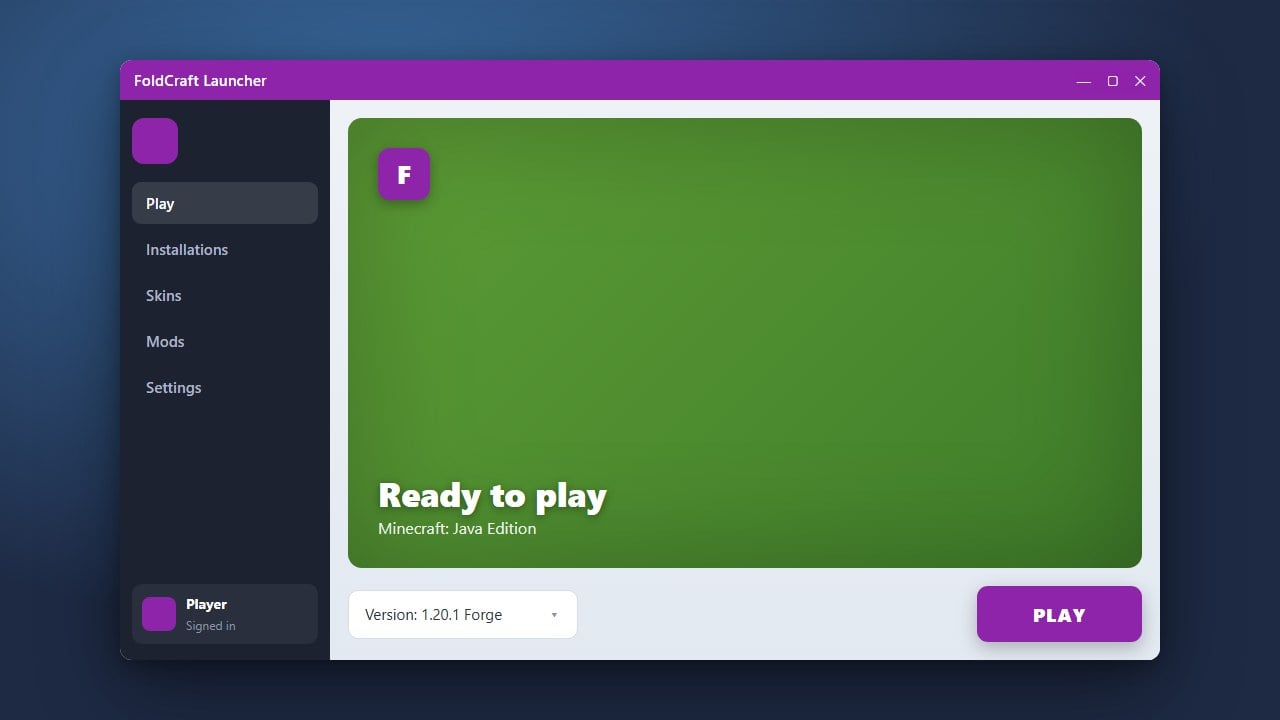
First, make sure you have successfully completed How to Download and Install FoldCraft Launcher on your Android device. Open the launcher app once the installation is complete.
Set Up Your Account
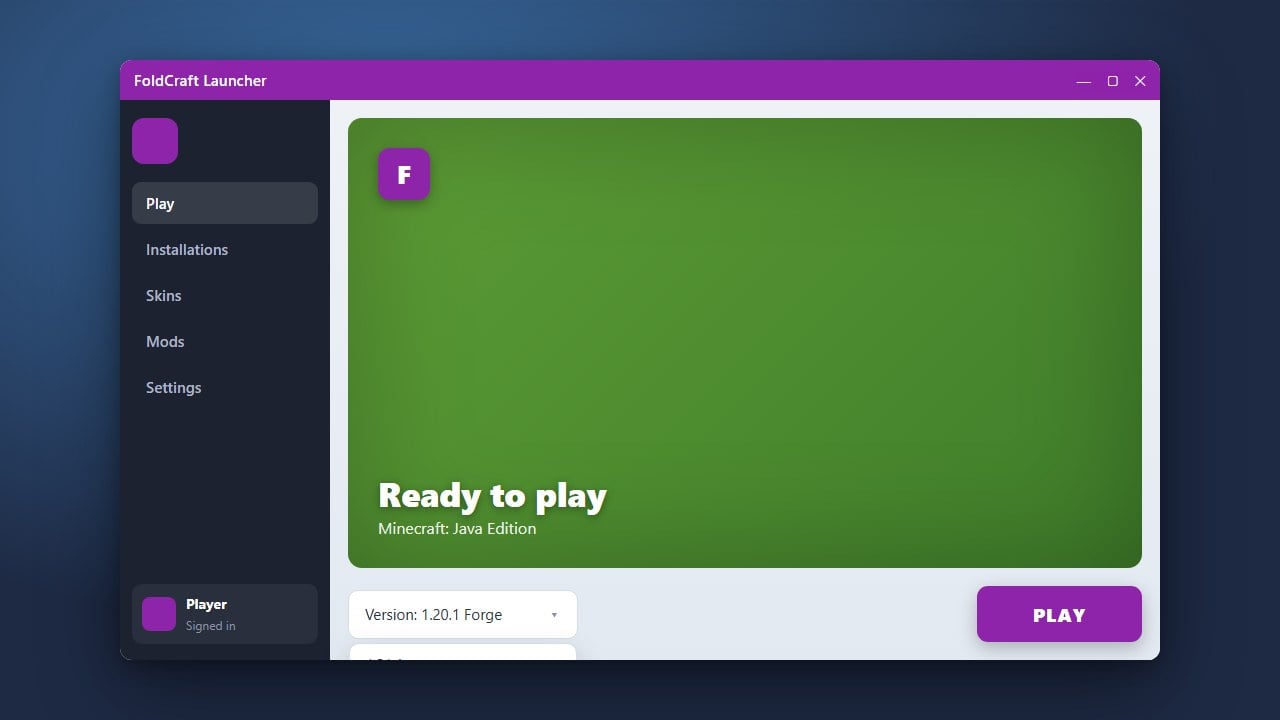
Log in using your official Minecraft account credentials within the launcher interface. If you need assistance setting up your environment or changing versions first, check out How to Change the Minecraft Version in FoldCraft Launcher before proceeding further.
Download Compatible Mods
Find and download your desired Minecraft: Java Edition mods (such as Fabric or Forge mods) from trusted sources like Modrinth or CurseForge. Ensure that the mod files match your specific game version.
Open the Game Directory
Inside FoldCraft Launcher, navigate to your instance settings or profile folder to locate the game directory. Alternatively, you can use your phone's file manager to find the game files associated with the launcher.
Place Mods Into the Folder
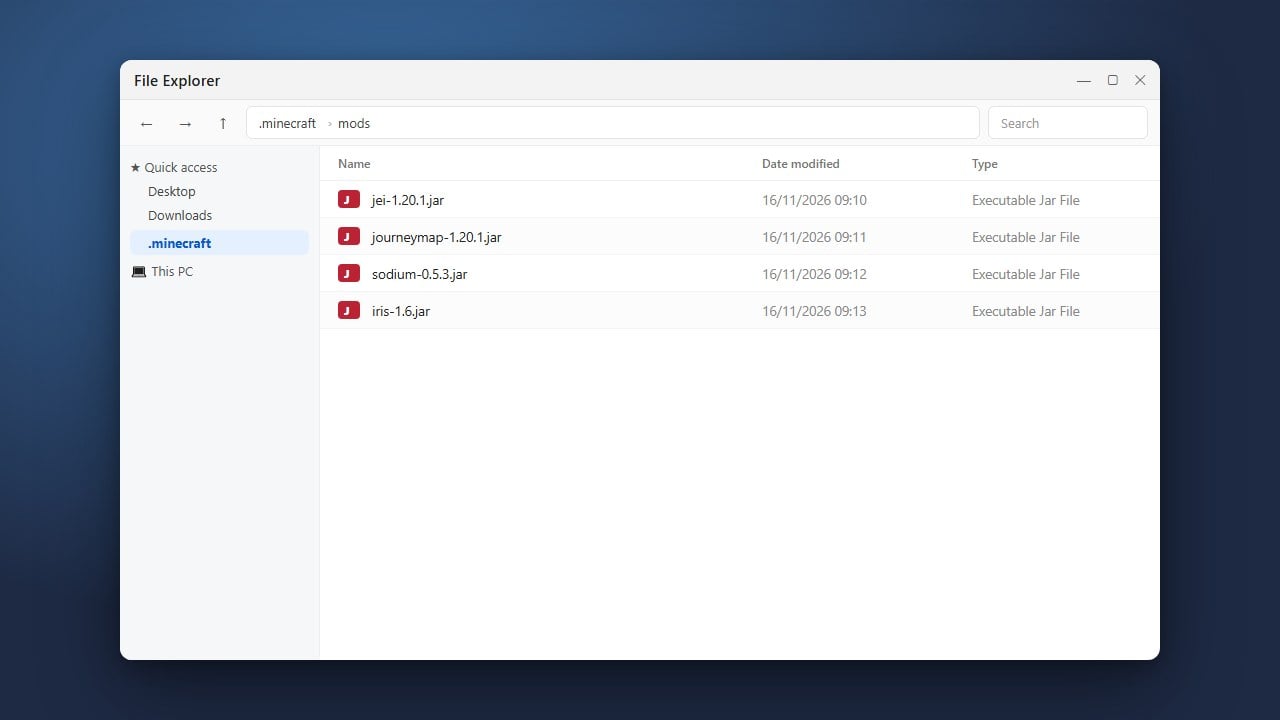
Locate the mods folder inside your instance directory. Copy and paste your downloaded .jar mod files directly into this mods folder.
Launch the Game
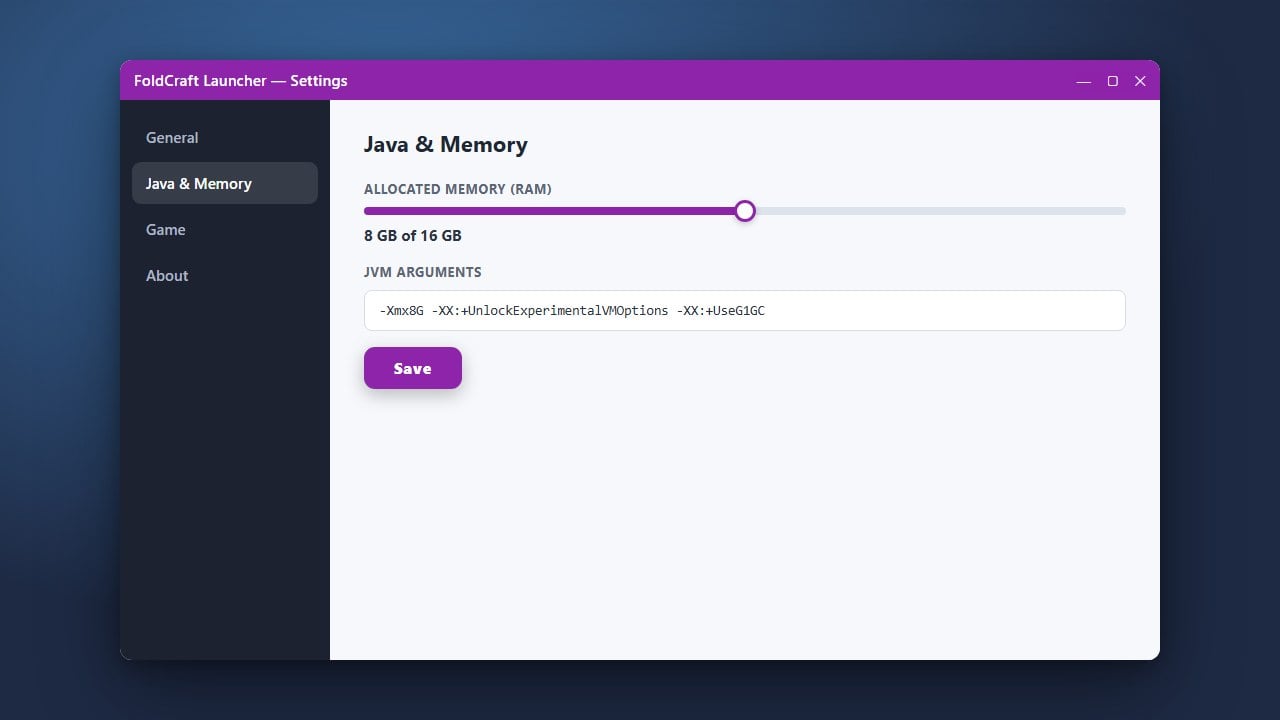
Return to FoldCraft Launcher, select your modded profile or version, and tap play. If your game requires extra performance or stability adjustments, you can also look into How to Allocate More RAM in FoldCraft Launcher.
Frequently Asked Questions
Can I play Bedrock Edition mods using FoldCraft Launcher?
No, FoldCraft Launcher is designed specifically for running Minecraft: Java Edition on Android devices, not Bedrock Edition.
Why is my game crashing after adding mods?
Crashing usually happens when a mod is incompatible with your game version, missing a dependency, or conflicting with another mod you installed.