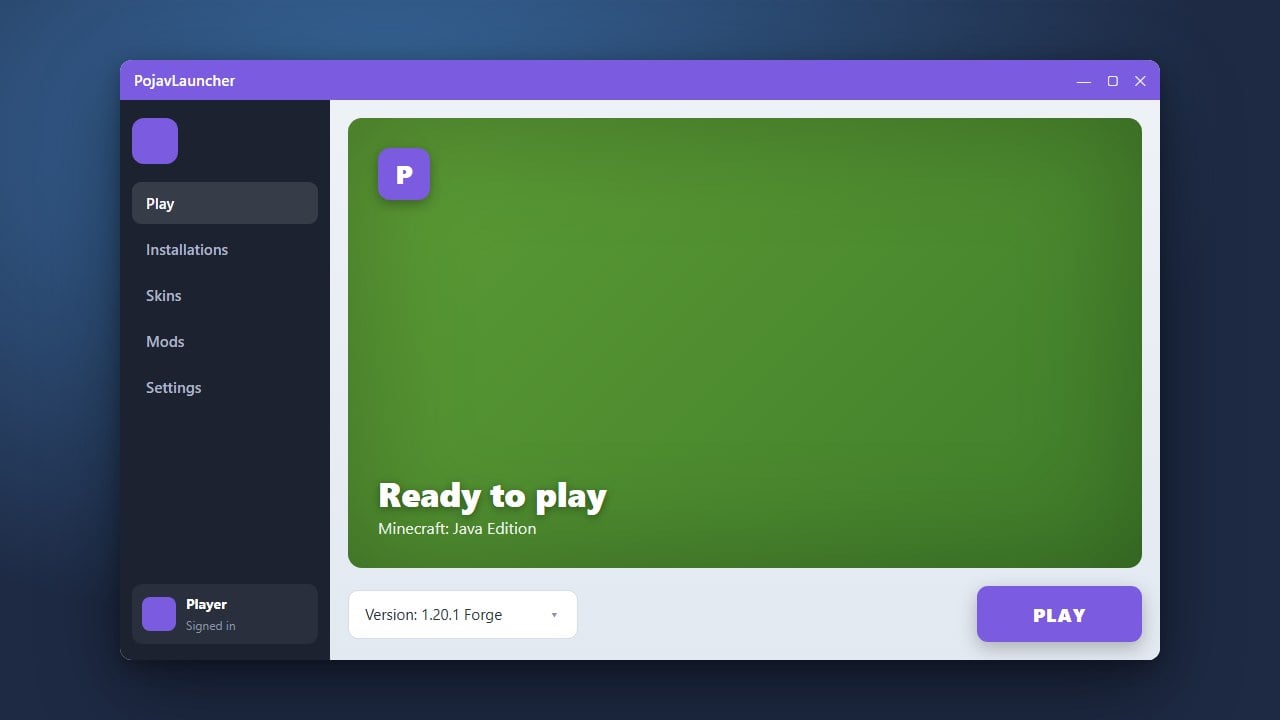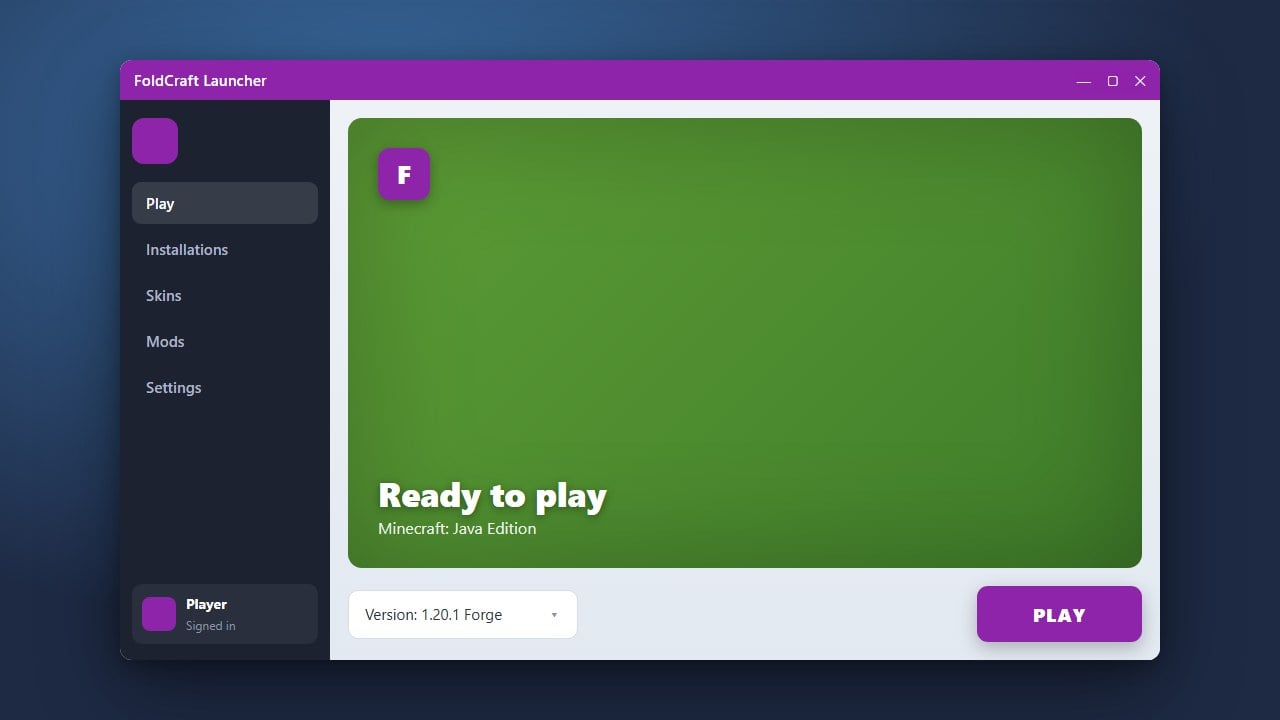
FoldCraft Launcher is a popular custom launcher designed to run Minecraft Java Edition on Android devices. This guide will walk you through downloading, installing, and setting up the launcher properly on your mobile device.
Be cautious when entering your official Microsoft account credentials into third-party launchers. Always verify you are using the authentic app version from official developers to protect your personal data.
Check Device Compatibility
Before downloading FoldCraft Launcher, ensure your Android device has sufficient storage space and a capable processor. Running Java Edition on mobile requires adequate hardware performance to maintain a stable framerate.
Download the APK File
Navigate to the official and trusted repository for FoldCraft Launcher (such as its official GitHub page) to download the latest stable APK file. Always download from official sources to avoid modified or unsafe files.
Enable Unknown Sources
On your Android device, open your settings and grant permission to install apps from unknown sources when prompted by your browser or file manager. This step is necessary for manually installing any downloaded APK package.
Install the Launcher
Locate the downloaded FoldCraft Launcher APK file in your device's downloads folder and tap on it to begin the installation process. Follow the on-screen prompts until the app icon appears on your home screen or app drawer.
Configure and Log In
Open FoldCraft Launcher and set up your account profile. Please note that while third-party launchers offer alternative ways to access the game, we strongly recommend purchasing the official game from minecraft.net to support the developers and ensure account security. You may also want to check out mobile alternatives like How to Download and Install PojavLauncher for similar features.
Frequently Asked Questions
Can I play Minecraft Bedrock Edition with FoldCraft Launcher?
No, FoldCraft Launcher is specifically designed to run Minecraft Java Edition on Android devices, not the Bedrock Edition.
Is FoldCraft Launcher free to use?
Yes, the launcher itself is free to download and use, but you still need a legitimate Minecraft Java Edition account to play online and access official servers.