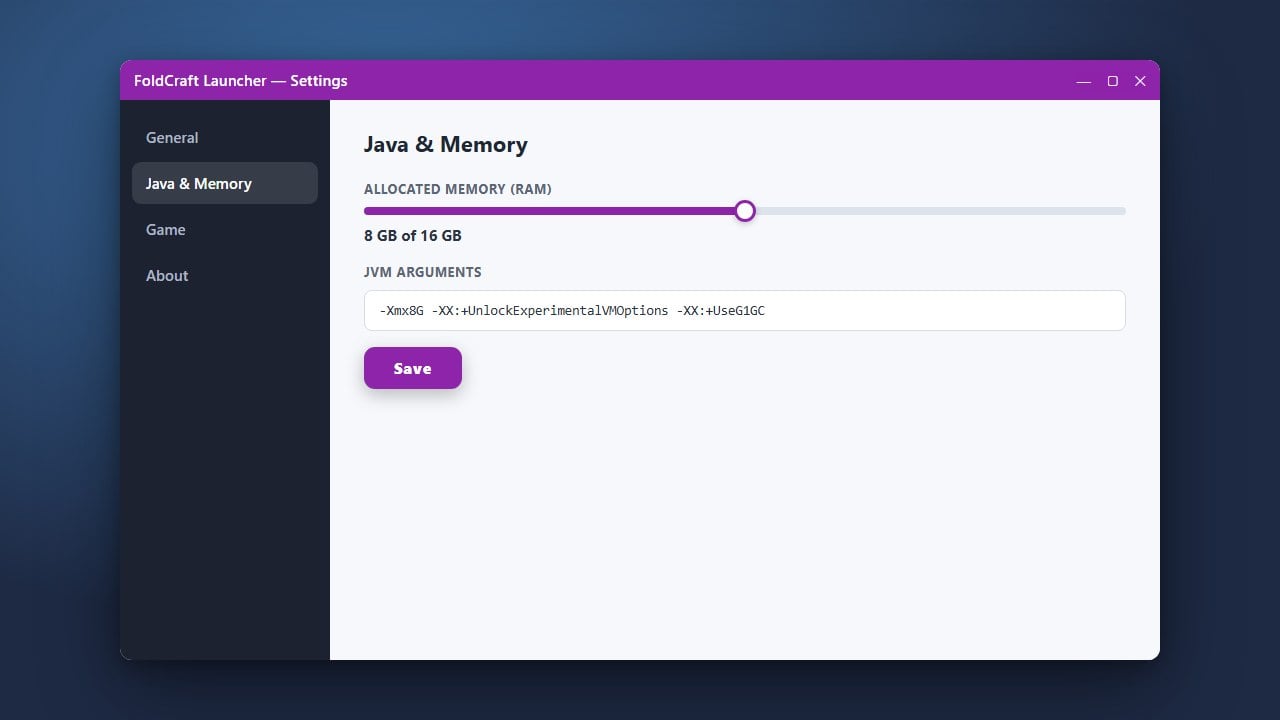
If you are experiencing lag or stuttering while playing Minecraft Java Edition on your mobile device using FoldCraft Launcher, allocating more RAM can significantly improve your performance. This quick guide will walk you through adjusting your memory settings correctly.
Open FoldCraft Launcher
Start by launching the FoldCraft Launcher app on your mobile device. Make sure you are logged into your account and ready at the main dashboard before making any changes.
Navigate to Settings
Tap on the menu icon, usually located in the top corner of the screen, and select Settings or Global Settings to open the configuration panel.
Locate Java Memory Allocation
Scroll through the settings menu until you find the memory or RAM slider option. This setting dictates how much device memory Minecraft is allowed to use while running.
Adjust the RAM Slider
Drag the slider to your desired RAM allocation amount. Be careful not to allocate all of your phone's memory, as your operating system needs RAM to run smoothly alongside the game.
Save and Launch Minecraft
Save your changes and return to the main menu. You can also check out our guide on How to Change the Minecraft Version in FoldCraft Launcher if you need to switch versions before playing. Launch the game to enjoy your improved frame rates!
Frequently Asked Questions
How much RAM should I allocate in FoldCraft Launcher?
For vanilla Minecraft, 2GB to 4GB of RAM is usually plenty. If you are running heavy mods, you may want to allocate more, provided your mobile device has enough total memory.
Why is my game crashing after changing RAM settings?
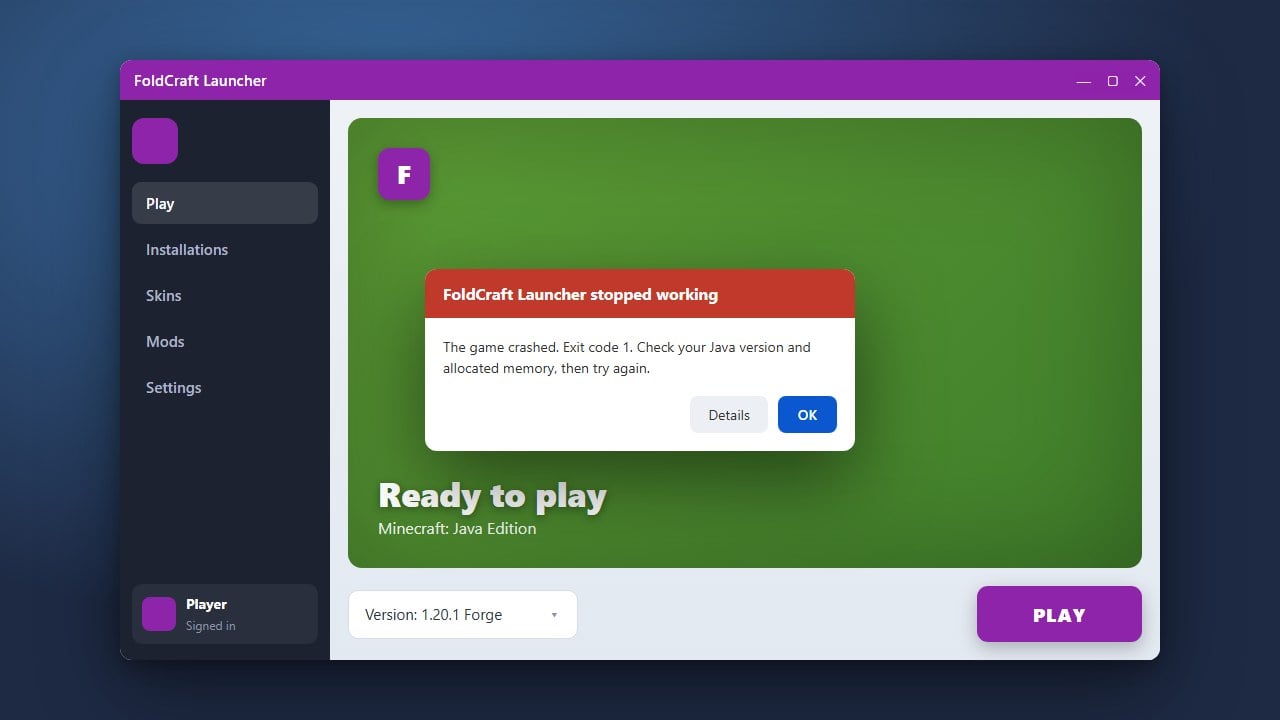
If the game crashes immediately upon launch, you likely allocated more RAM than your mobile device has available. Lower the memory slider and try launching again.