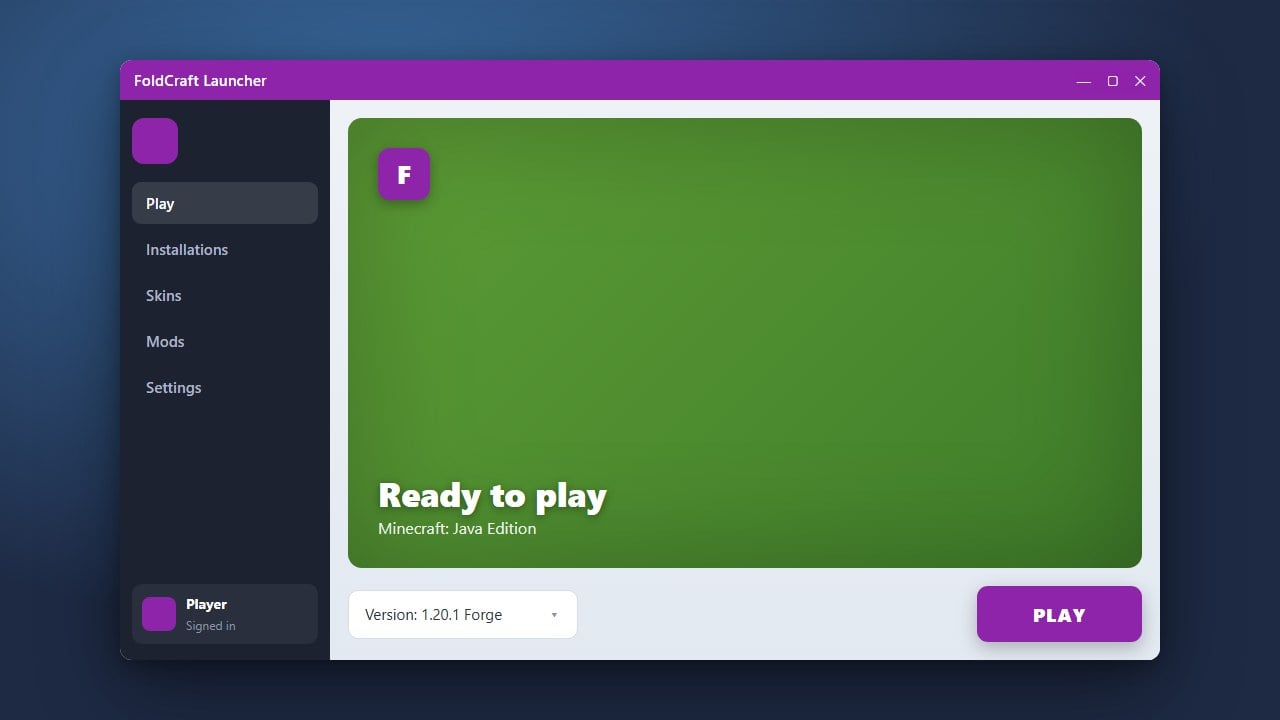
FoldCraft Launcher is a popular alternative tool used to run Minecraft Java Edition on mobile devices. If you want to customize your gameplay with mods, this guide will show you how to set up both Forge and Fabric. Note: FoldCraft Launcher is a third-party client for Minecraft Java Edition and does not replace the official game. We strongly recommend purchasing a legitimate copy of Minecraft from minecraft.net to support the developers and ensure account security. Third-party mobile launchers can sometimes pose privacy risks or handle credentials insecurely, so always use caution.
Download and Set Up FoldCraft Launcher
First, make sure you have FoldCraft Launcher installed on your device. If you haven't set it up yet, you can follow the initial steps outlined in How to Download and Install FoldCraft Launcher to get the application running properly.
Open the launcher and log in using your Minecraft account details or set up an offline profile if supported, ensuring your runtime environment and Java version match the requirements for current Minecraft Java Edition 1.21+ releases.
Create a New Profile or Instance
Navigate to the versions or profiles tab within FoldCraft Launcher to create a fresh workspace for your modded setup. Keeping your mod loaders separated into distinct profiles prevents file conflicts between different versions.
If you need help navigating version settings, you can check How to Change the Minecraft Version in FoldCraft Launcher for additional assistance.
Install the Fabric Mod Loader
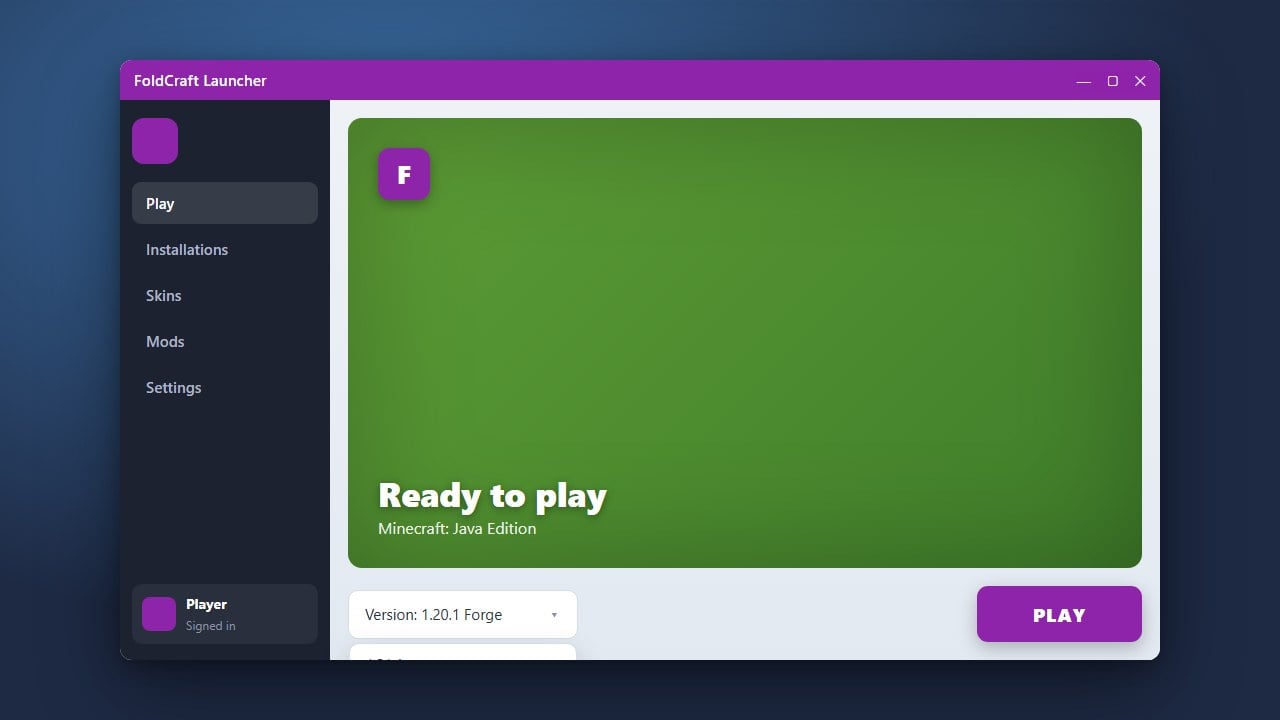
To install Fabric, select your target Minecraft version within the launcher's installation or version management menu. Look for the option to add a mod loader and choose Fabric from the available list.
Confirm your selection, and the launcher will automatically download the necessary Fabric libraries and installer files for your chosen game version.
Install the Forge Mod Loader
If you prefer using Forge instead of Fabric—or want to set up a separate profile for it—return to your profile creation menu and select your desired Minecraft version. Choose Forge from the mod loader installation options.
Allow the launcher a moment to download the required Forge binaries and establish the correct directory structure for running Forge mods.
Allocate RAM and Launch the Game
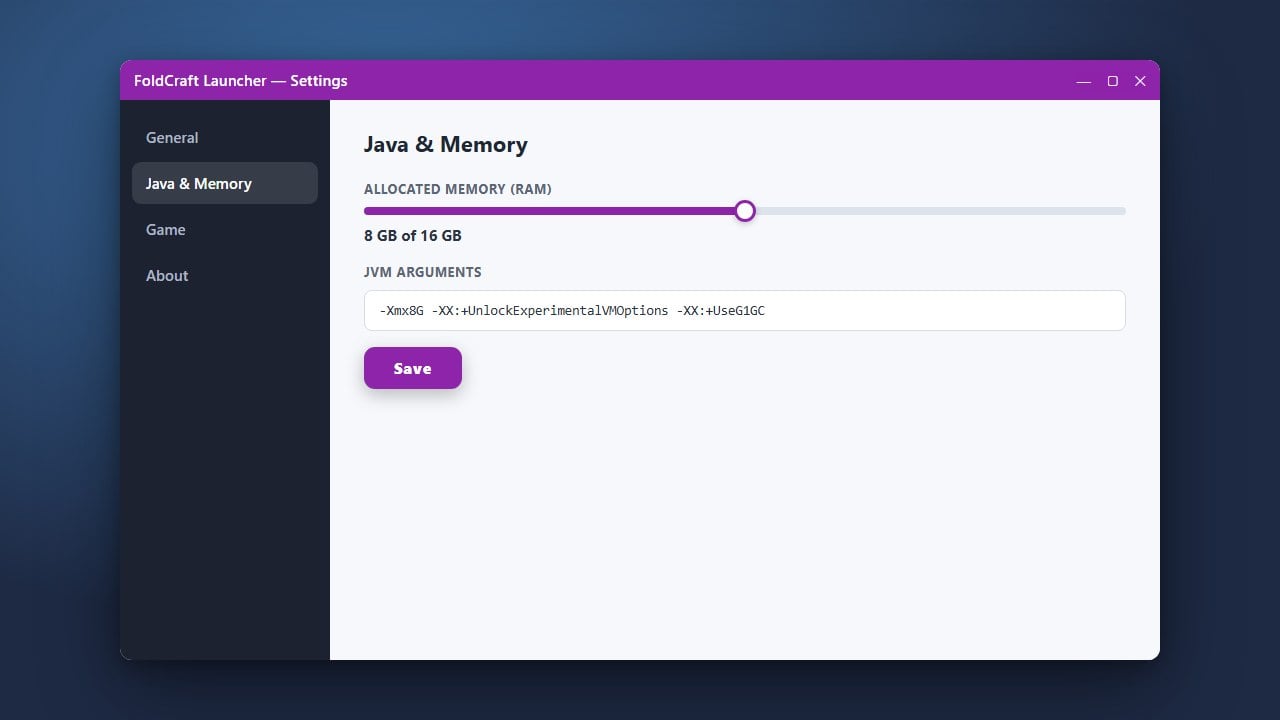
Modded Minecraft requires extra memory to run smoothly, especially on mobile devices. Ensure you assign adequate memory by following How to Allocate More RAM in FoldCraft Launcher before starting your game.
Once your RAM is configured, select your newly created Forge or Fabric profile from the main menu and hit the play button to launch Minecraft.
Frequently Asked Questions
Can I run Forge and Fabric mods together at the same time?
No, Forge and Fabric are separate mod loaders and cannot load each other's mods natively in the same profile. You must create separate profiles in FoldCraft Launcher for each loader.
Does FoldCraft Launcher work with Minecraft Bedrock Edition?
No, FoldCraft Launcher is designed exclusively for Minecraft Java Edition on mobile operating systems. Minecraft Bedrock Edition uses a completely different architecture and does not support Java mod loaders like Forge or Fabric.