FoldCraft Launcher is a popular community-driven launcher used primarily on Android to run Java Edition on mobile devices. Because it handles Java profiles and mods, you can enhance your game visuals using shader packs. Before diving in, please remember that third-party launchers do not replace owning the official game, and you should always purchase a legitimate copy from minecraft.net to support the developers and ensure account safety.
1. Download a Compatible Shader Pack
First, find and download a shader pack (.zip file) designed for Java Edition rendering engines like Iris or OptiFine. Make sure to download shaders from trusted sources to keep your device secure.
2. Set Up a Renderer Modification
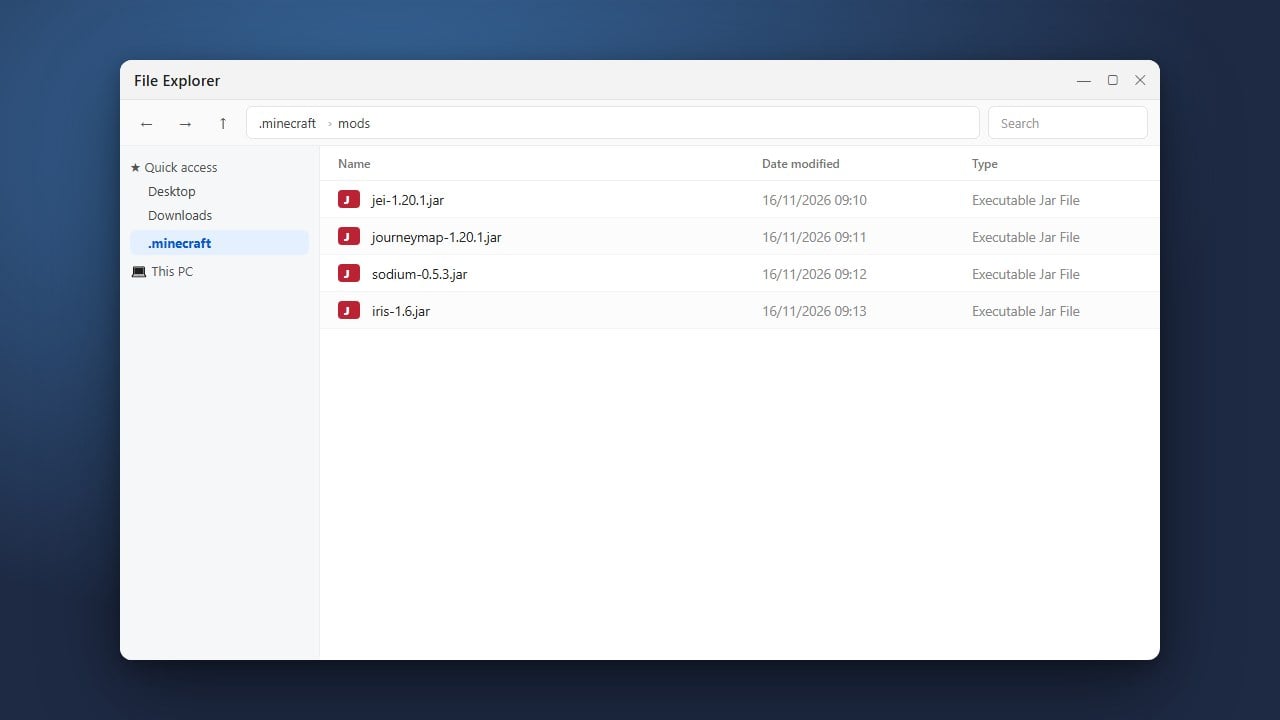
Shaders require a rendering mod to function properly in Java Edition. If you haven't already, use our guide on How to Install Forge and Fabric with FoldCraft Launcher to install a mod loader like Fabric along with the Iris mod, which natively supports modern shader packs.
3. Open Your Instance Folder
Launch FoldCraft Launcher on your mobile device, navigate to your game profile or instance management tab, and open the game directory. Inside, locate the folder named shaderpacks. If it does not exist, you can create a new folder and name it exactly shaderpacks.
4. Move the Shader File
Move or copy your downloaded shader .zip file directly into the shaderpacks folder using your device's file manager. Do not extract the zip file; FoldCraft Launcher and Iris need the compressed archive to read the shaders correctly.
5. Launch the Game and Select Your Shaders
Start your profile through FoldCraft Launcher. Once you reach the main menu, go to Options, click on Video Settings (or the Iris shader menu), choose Shader Packs, select your downloaded shader from the list, and apply your changes to enjoy the enhanced visuals.
Frequently Asked Questions
Do I need a special mod to use shaders?
Yes, Java Edition requires a performance and rendering mod like Iris (for Fabric) or OptiFine to process and render shader packs correctly.
Why is the shader option missing in my settings?
If the shader menu does not appear, ensure that you successfully installed Iris or OptiFine into your active profile and that you launched the game using that specific profile.