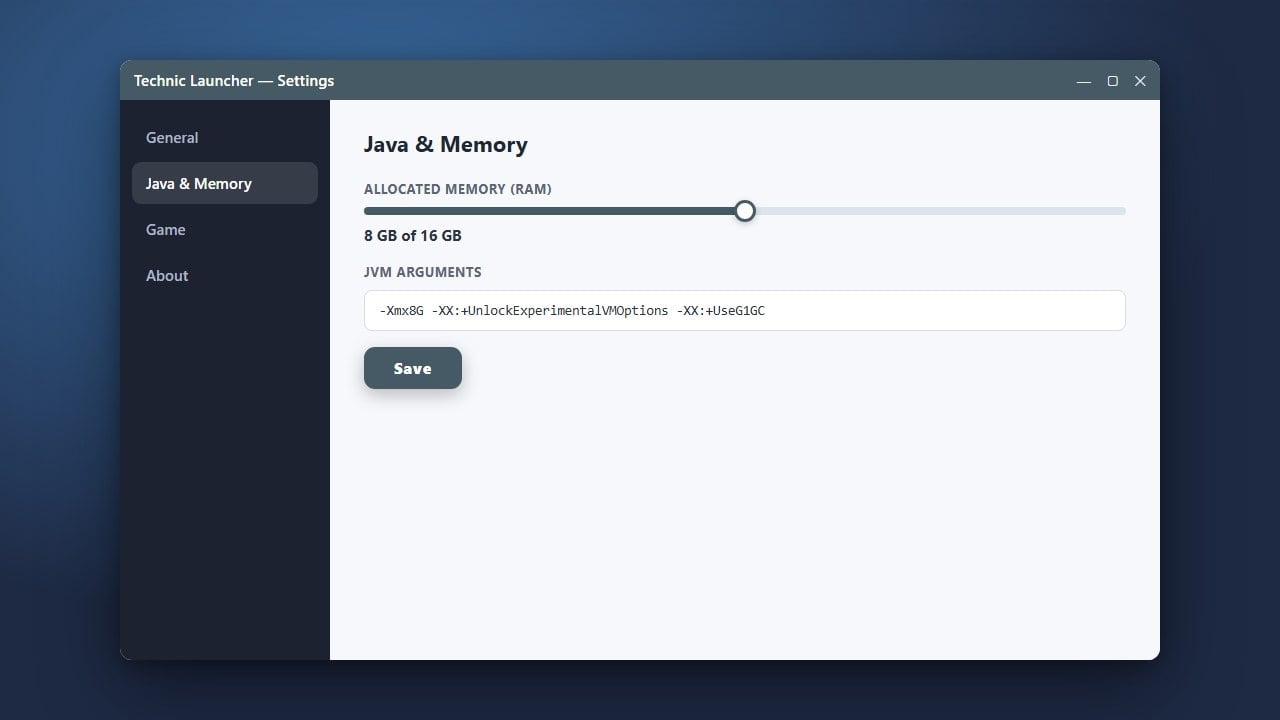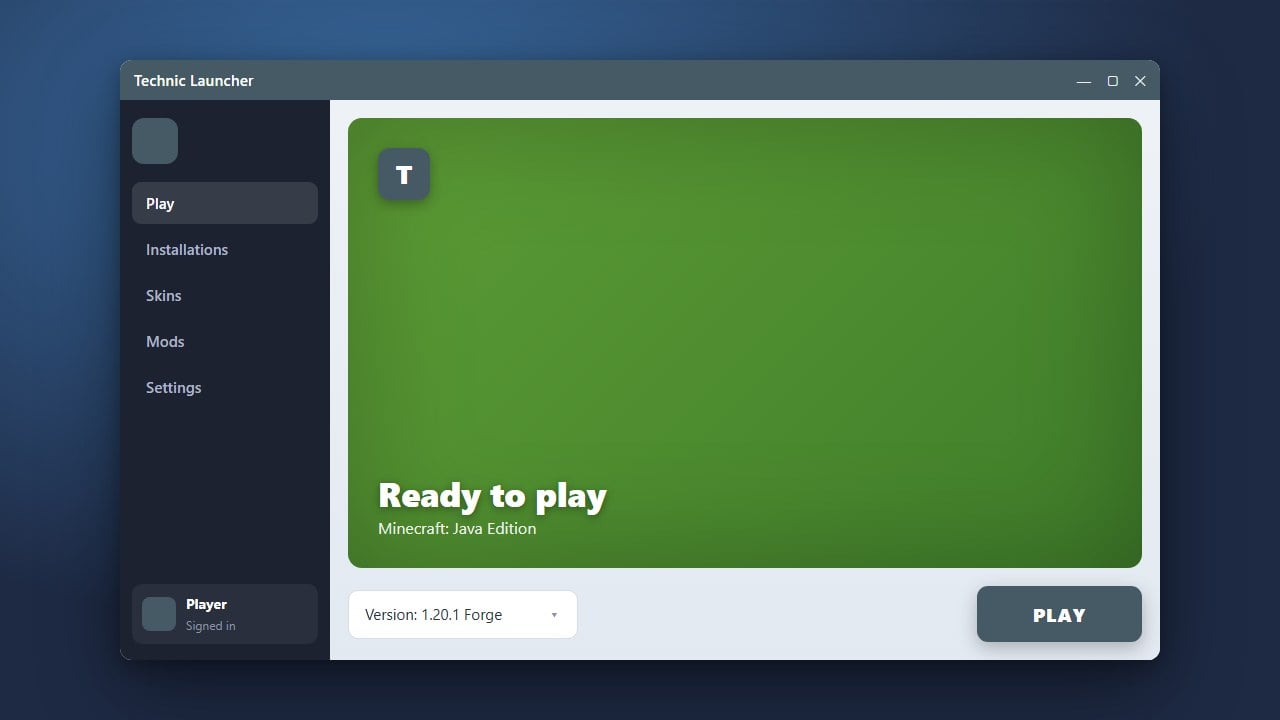
Keeping your Technic Launcher up to date ensures you have access to the latest modpacks, performance improvements, and bug fixes for Minecraft Java Edition. If you are looking to install the launcher fresh or need to set up performance options like RAM, you can check out How to Download and Install Technic Launcher or learn How to Allocate More RAM in Technic Launcher for a smoother experience.
Open the Technic Launcher
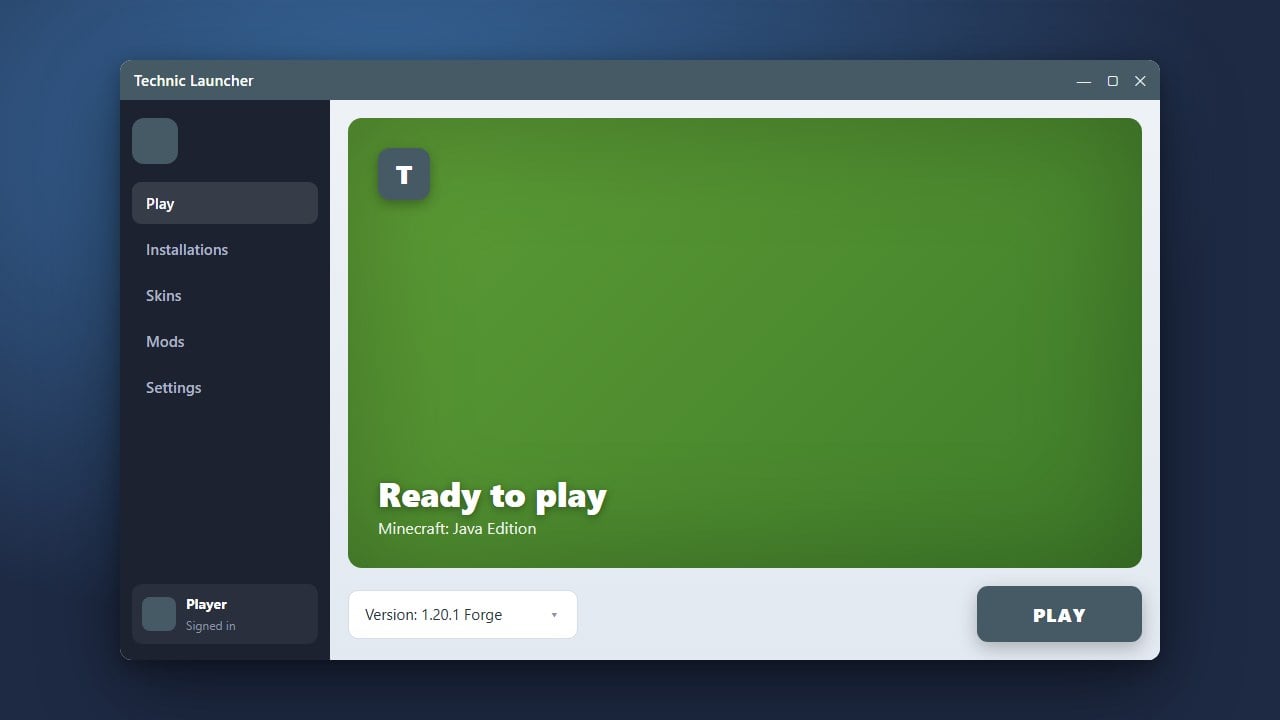
Start by launching the Technic Launcher from your desktop shortcut or applications menu on your computer. Make sure your PC has an active internet connection so the client can check for available updates.
Check for Automatic Updates
By default, the Technic Launcher automatically checks for updates every time it opens. If a new version is available, a notification or progress bar will usually appear near the bottom of the window indicating that an update is downloading.
Restart the Application
Once the download progress finishes, close the launcher completely and open it back up. Restarting ensures that all updated core files and libraries are properly loaded into memory.
Verify the Version and Log In
Check the bottom corner of the launcher interface to confirm you are running the latest version. Log back in with your official Minecraft account credentials if prompted, ensuring you legally own the game to play online and access modpacks safely.