The Technic Launcher is a long-standing tool used by the Minecraft Java Edition community to download and manage custom modpacks. If you are wondering whether it is safe and legitimate to use, this guide breaks down its safety, licensing requirements, and what you need to know before logging in.
Never download the Technic Launcher from random third-party mirror sites, as bad actors frequently bundle adware, spyware, or modified files into unofficial downloads.
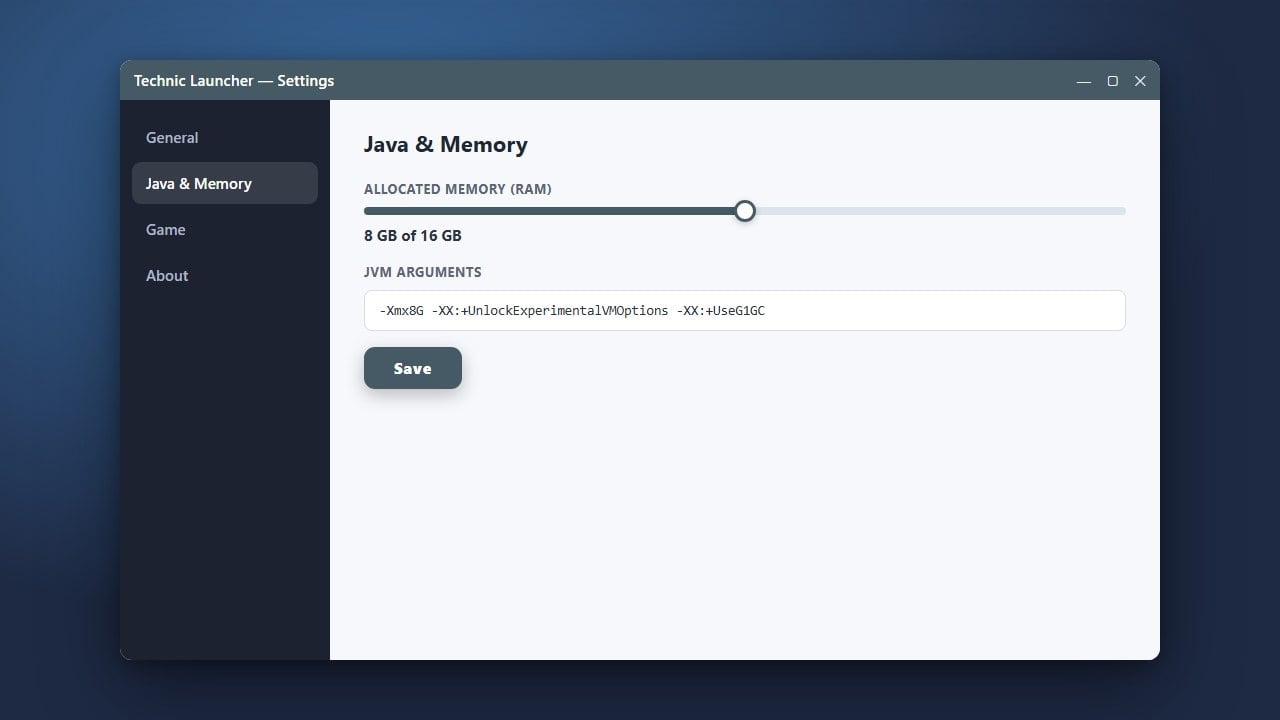
If you encounter performance issues or crashes while playing heavy modpacks, you may need to adjust your memory settings as shown in our guide on How to Allocate More RAM in Technic Launcher.
Understand What the Technic Launcher Is
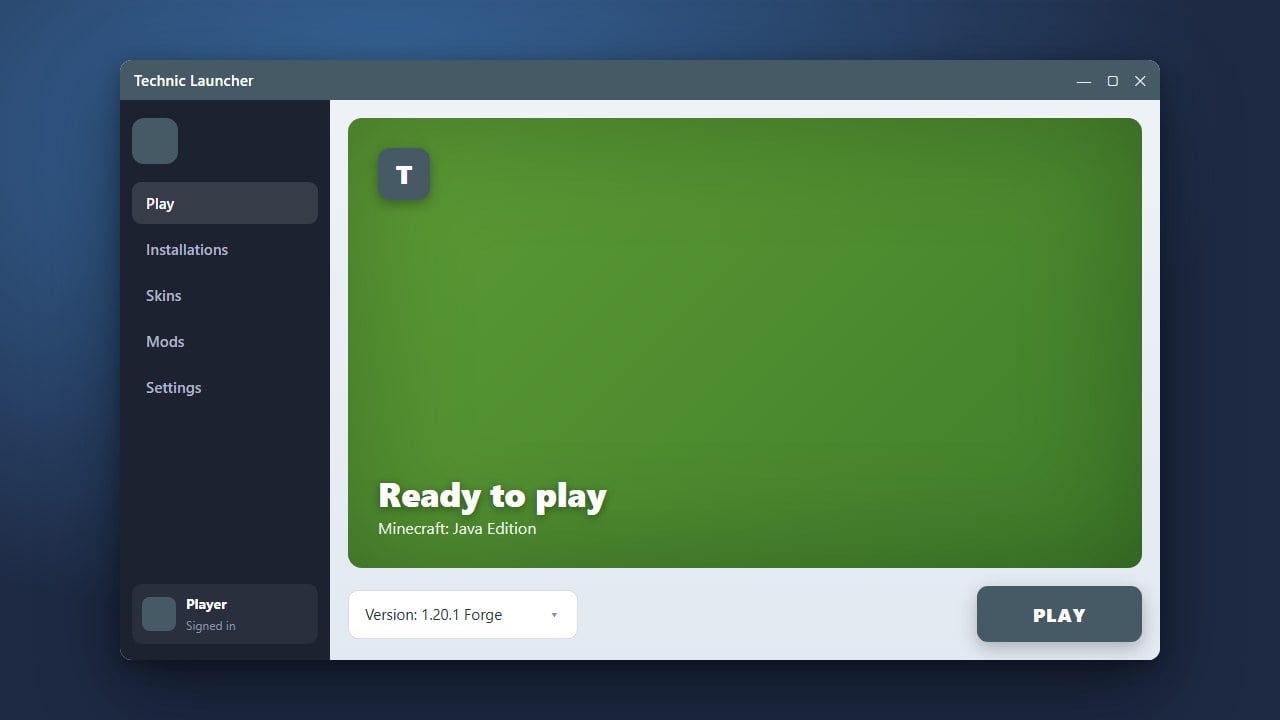
The Technic Launcher is a third-party client designed primarily for browsing, installing, and playing custom Minecraft modpacks like Attack of the B-Team and Tekkit. It acts as an alternative interface to manage your Java Edition game files and mods easily.
Check Legality and Account Requirements
The Technic Launcher itself is a legitimate piece of software created to manage modpacks, but it does not provide a free copy of Minecraft. To play on official servers and access your account, you must log in using your genuine Microsoft account that owns a legal copy of Minecraft Java Edition purchased from minecraft.net.
Evaluate Safety and Security
In terms of malware, the official Technic Launcher downloaded from their website is generally considered safe. However, because it is an older launcher that has existed for many years, users should always exercise caution. Make sure you only download the application from its official domain to avoid unofficial, modified installers that could bundle adware or malicious software.
Log In Safely Using Official Credentials
When you open the launcher, it requires your Microsoft login credentials to authenticate through Mojang/Microsoft's official servers. Always verify that you are using the authentic launcher interface so your account details remain secure and are not intercepted by third-party phishing tools.
Compare with Modern Alternatives
While Technic is nostalgic and great for classic modpacks, many players today prefer modern, open-source launchers with better performance and active updates. If you want to explore other options for managing your game, you can check out guides like How to Download and Install CurseForge App or How to Download and Install Prism Launcher.
Frequently Asked Questions
Is the Technic Launcher free?
Yes, downloading and using the launcher is completely free. However, you must already own a paid, legitimate copy of Minecraft Java Edition to play.
Can the Technic Launcher steal my Microsoft account?
The official, unmodified Technic Launcher uses standard Microsoft authentication protocols and does not steal accounts. Always ensure you download it from the official source to protect your login details.
Can I play Bedrock Edition with the Technic Launcher?
No, the Technic Launcher is exclusively built for Minecraft Java Edition. Bedrock Edition is not supported.