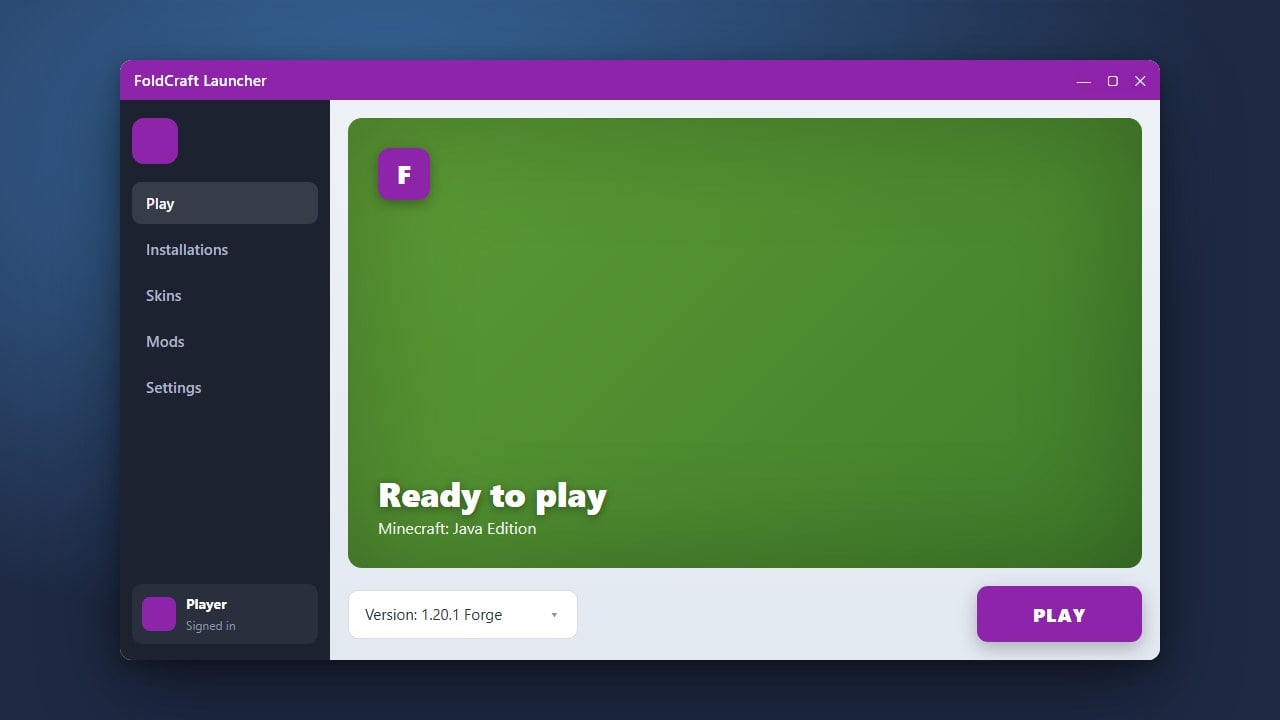
Updating FoldCraft Launcher ensures you have access to the latest performance improvements, bug fixes, and compatibility updates for playing Java Edition on Android. For the official, secure Minecraft experience across all supported platforms, we always recommend purchasing the game directly from minecraft.net.
Always download updates from official sources. Unofficial mirrors can sometimes bundle unwanted adware or pose security and privacy risks to your device.
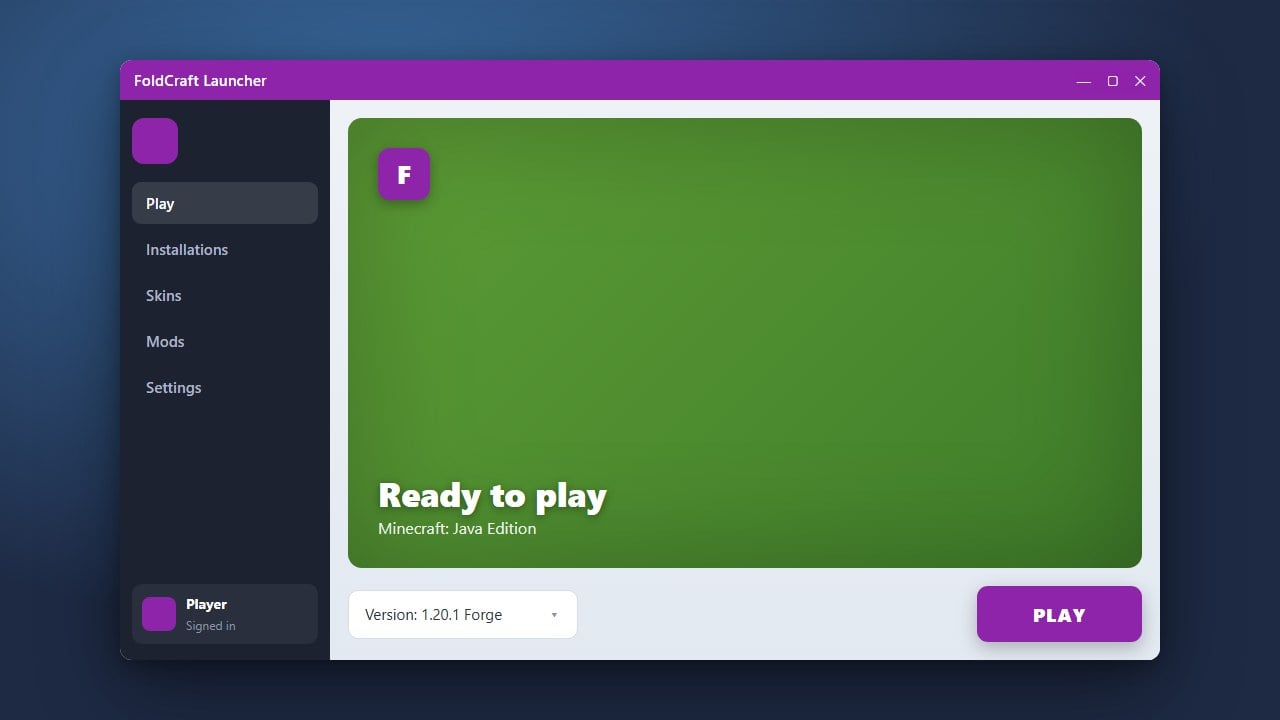
Open FoldCraft Launcher
Unlock your mobile device and locate the FoldCraft Launcher app icon on your home screen or app drawer. Tap the icon to open the application.
Check for Update Prompts
When you open the launcher, it often checks for available updates automatically. If a newer version is ready, a popup window will usually appear on your screen notifying you of the update.
Download the Latest Version
If an update is available, tap the download or update button within the prompt. Alternatively, you can visit the official repository or trusted download page to grab the latest APK file directly.
Install the Update
Once the new APK file has finished downloading on your Android device, open it to begin the installation process. Follow the on-screen prompts to overwrite your existing installation safely without losing your game settings or configurations.
Verify Your Installation
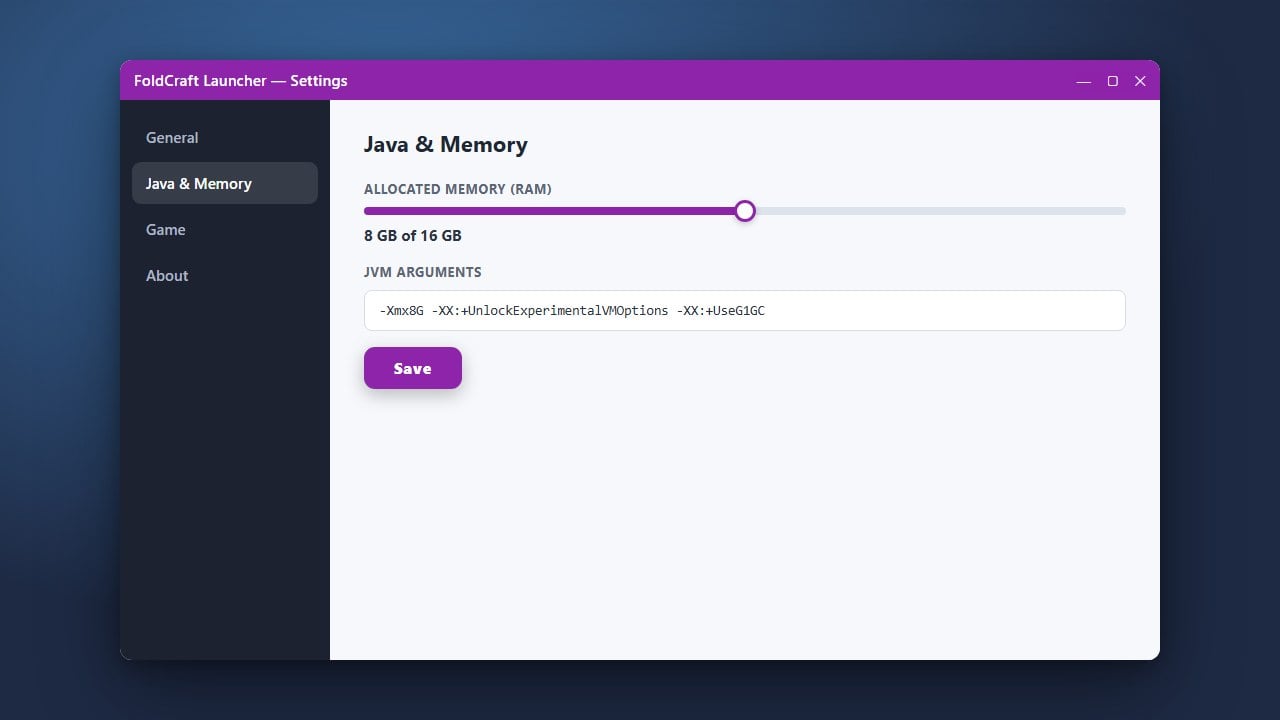
Open FoldCraft Launcher once more after the installation completes. Check the settings or the main menu to confirm that the version number matches the latest release.
Frequently Asked Questions
Will updating FoldCraft Launcher delete my worlds?
Normally, updating the application preserves your existing game files and world saves. However, it is always a good idea to back up your important world folders before performing any major app updates.
Why does FoldCraft Launcher need an update?
Updates are released frequently to fix bugs, improve touch controls, enhance Java compatibility, and ensure the launcher runs smoothly on newer versions of Android.