MultiMC is a free, open-source custom launcher for Minecraft Java Edition that makes managing multiple modded instances simple. Remember that you must own a legitimate copy of Minecraft and log in with your official Microsoft account to play online and keep your account secure. In this guide, you will learn how to set up both Forge and Fabric instances inside MultiMC.
Always remember that Forge mods and Fabric mods are not cross-compatible; make sure you download the correct mod files that match your active instance loader!
Only download MultiMC from its official website to avoid malicious lookalike installers that could compromise your PC or Minecraft account safety.
Create a New Instance
Open MultiMC and click the Add Instance button in the top left corner. A window will pop up allowing you to choose your desired Minecraft version (such as 1.21) and your preferred loader.
Install Fabric
If you want to play with Fabric, select the version you want, choose Fabric from the loader dropdown menu on the right side, and click OK. MultiMC will automatically configure the correct Fabric loader version for your instance.
Install Forge
To set up a Forge instance instead, click Add Instance again, select your preferred Minecraft version, but this time select Forge from the loader dropdown menu before clicking OK. MultiMC handles the entire Forge installation process seamlessly in the background.
Configure RAM Allocation
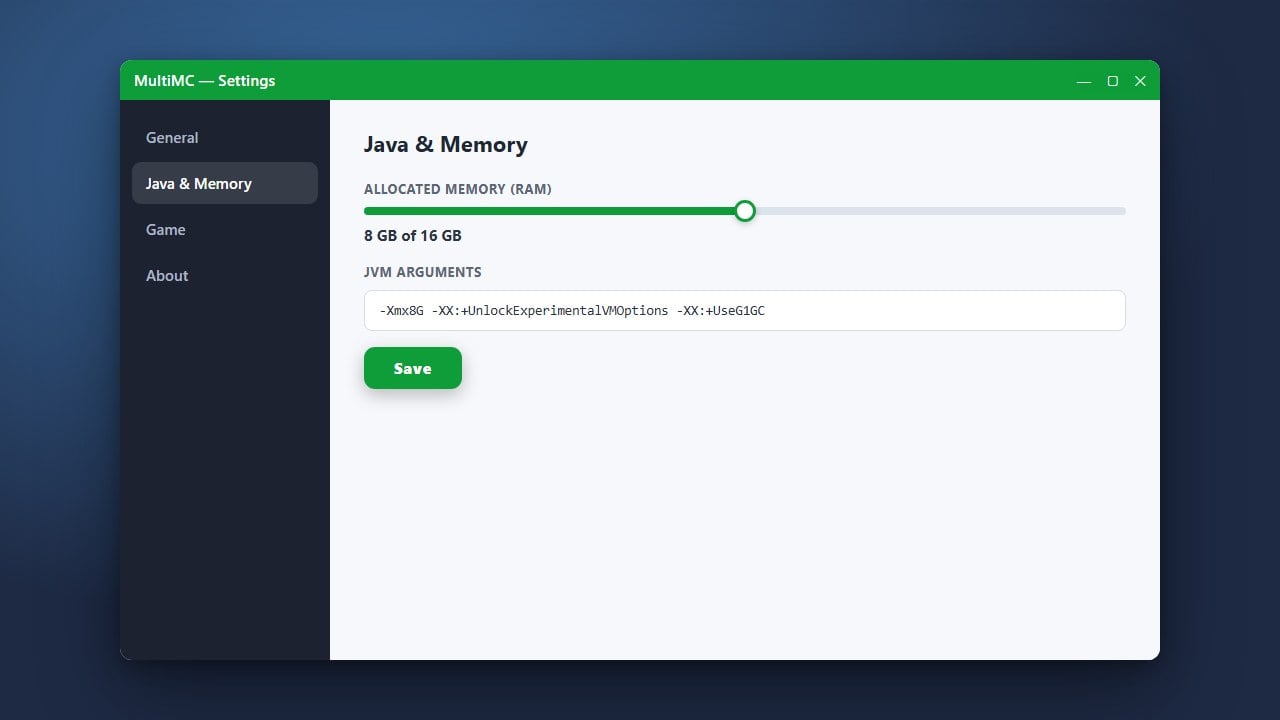
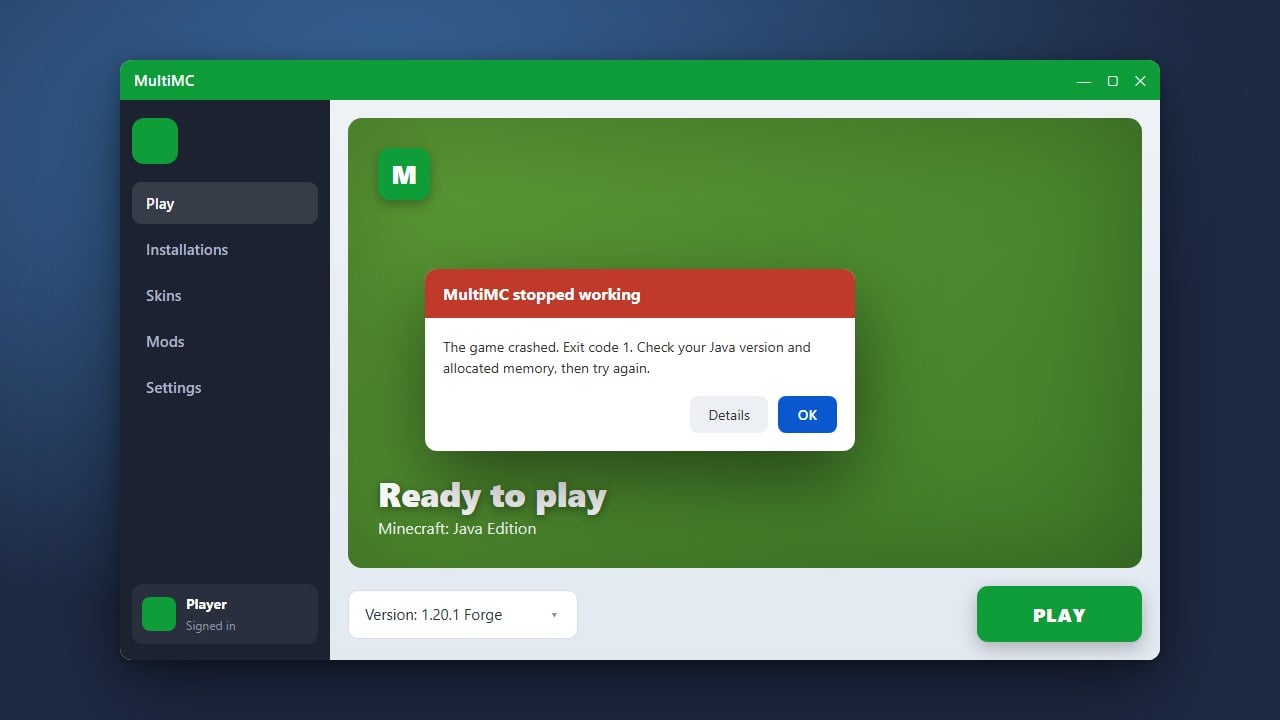
Modded Minecraft requires extra memory to run smoothly. Before launching your new instances, check out our guide on How to Allocate More RAM in MultiMC to ensure your game has enough memory assigned to prevent lag and crashes.
Launch Your Game
Double-click your newly created Fabric or Forge instance in the MultiMC window to start it up. The launcher will download all necessary official assets, libraries, and the mod loader files safely before opening Minecraft.
Frequently Asked Questions
Can I run Forge and Fabric mods in the same instance?
No, Forge and Fabric use completely different underlying APIs and loader systems, so they cannot be mixed together in the same instance. You must create separate instances for each loader in MultiMC.
Do I need to install Java separately for MultiMC?
MultiMC can often automatically detect or download the appropriate Java runtime versions required for modern Minecraft versions (like Java 21 for recent updates), but you can also manually configure custom Java paths in the settings if needed.