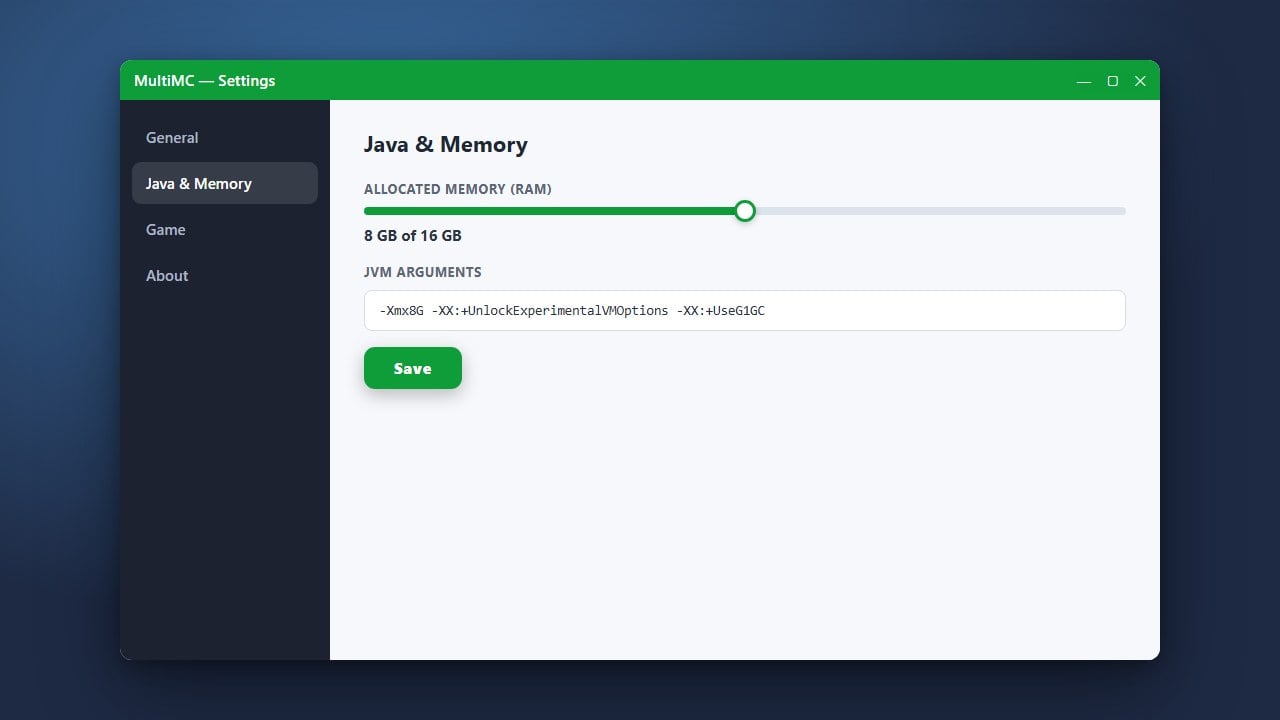
If your Minecraft game is lagging, freezing, or crashing with out-of-memory errors, giving the game more RAM inside MultiMC will often solve the issue. This guide walks you through adjusting your memory settings quickly and safely.
Never allocate all of your computer's total RAM to Minecraft. If your PC has 16 GB of RAM, allocating more than 8 GB to Minecraft can starve your operating system and cause severe system stuttering.
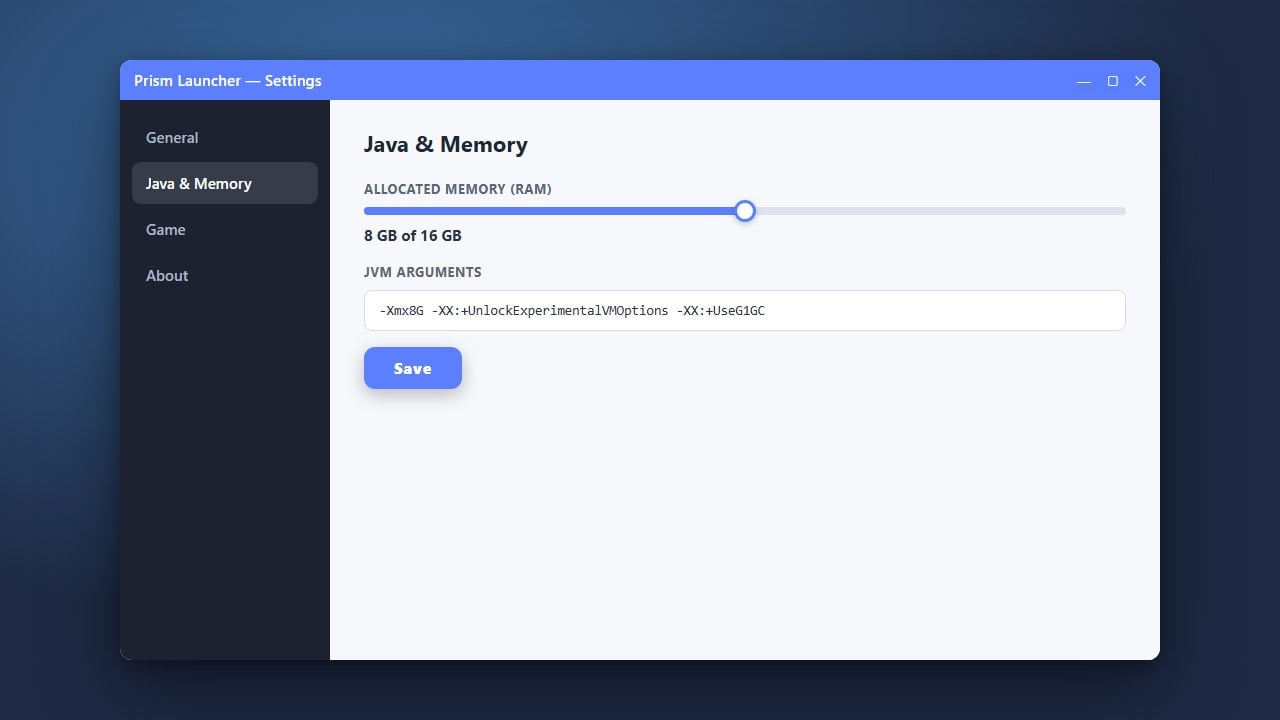
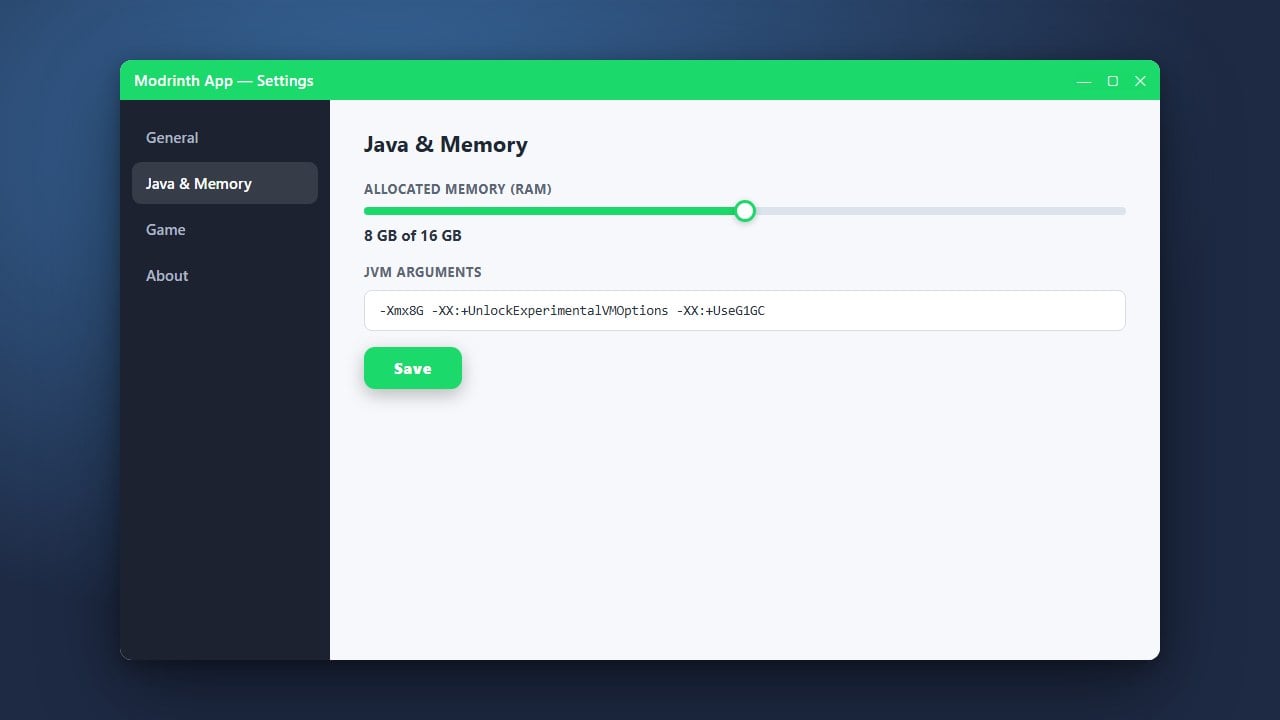
If you prefer using alternative launchers, check out our other helpful tutorials like How to Allocate More RAM in Prism Launcher or How to Allocate More RAM in Modrinth App.
Open MultiMC Settings
Launch MultiMC on your computer. Look at the top right corner of the window and click on the Settings button to open the main configuration menu.
Navigate to the Java Tab
In the Settings window sidebar on the left, find and click on the Java tab. This section controls your Java installation paths and memory allocation limits.
Enable Memory Customization
Look for the Memory section near the top. Check the box next to Maximum memory allocation (and minimum memory if desired) to override the default global limits.
Set Your RAM Values
Type in your desired RAM values in megabytes (MB). For example, 4096 MB equals 4 GB, which is ideal for most modern modded setups. Make sure not to allocate more RAM than your computer physically has free, leaving enough for your operating system.
Save and Launch Your Game
Click the Close or OK button to save your changes. You can now start your instance, and Minecraft will run using your newly configured memory settings.
Frequently Asked Questions
How much RAM should I allocate to Minecraft in MultiMC?
For vanilla Minecraft, 2 GB to 3 GB is usually plenty. For heavy modpacks, 4 GB to 6 GB is recommended depending on the number of mods installed.
Can I set RAM limits for a specific instance instead of globally?
Yes! Right-click your specific instance in MultiMC, select Edit Instance, go to the Settings tab on the left, check Memory, and set custom values just for that profile.