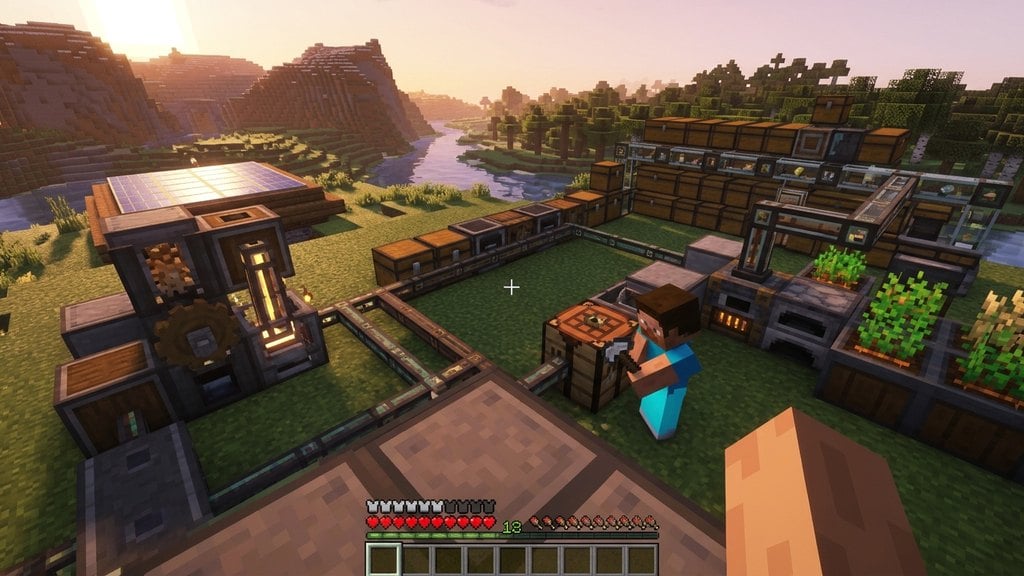
Shaders transform Minecraft's visual experience by introducing dynamic sun rays, moving shadows, realistic water reflections, and waving foliage. Because Java Edition and Bedrock Edition on PC use different rendering engines, the installation process varies depending on which edition you play.
Do not extract Java shader archives. Minecraft requires the shader pack to remain inside its original .zip container to load properly.
If your framerate drops after enabling shaders, open the shader pack settings menu in Java Edition and lower profile presets from Ultra or High down to Medium or Potato.
Identify Your Minecraft PC Edition
Open the Minecraft Launcher on your PC and check which version you want to enhance. Java Edition requires a shader loader mod like Iris or OptiFine to run .zip shaderpacks. Bedrock Edition (Minecraft for Windows) uses PBR-enabled resource packs with Deferred Graphics or Ray Tracing.
Install a Shader Loader for Java Edition
Vanilla Java Edition cannot load custom shaders natively. The fastest and highest-performing method for modern Minecraft (1.21+) is to install Iris alongside Sodium. You can follow our guide on How to Install Iris Shaders, or alternatively install OptiFine if you are using an older setup via How to Install OptiFine.
Download Your Preferred Shader Pack
For Java Edition, download a shader pack such as Complementary, BSL, or Complementary Reimagined from a trusted community source. Ensure it saves as a .zip file, and do not unzip it. For Bedrock Edition, download a PBR resource pack formatted as a .mcpack designed for Ray Tracing or the Deferred Technical Preview.
Activate Shaders in Java Edition
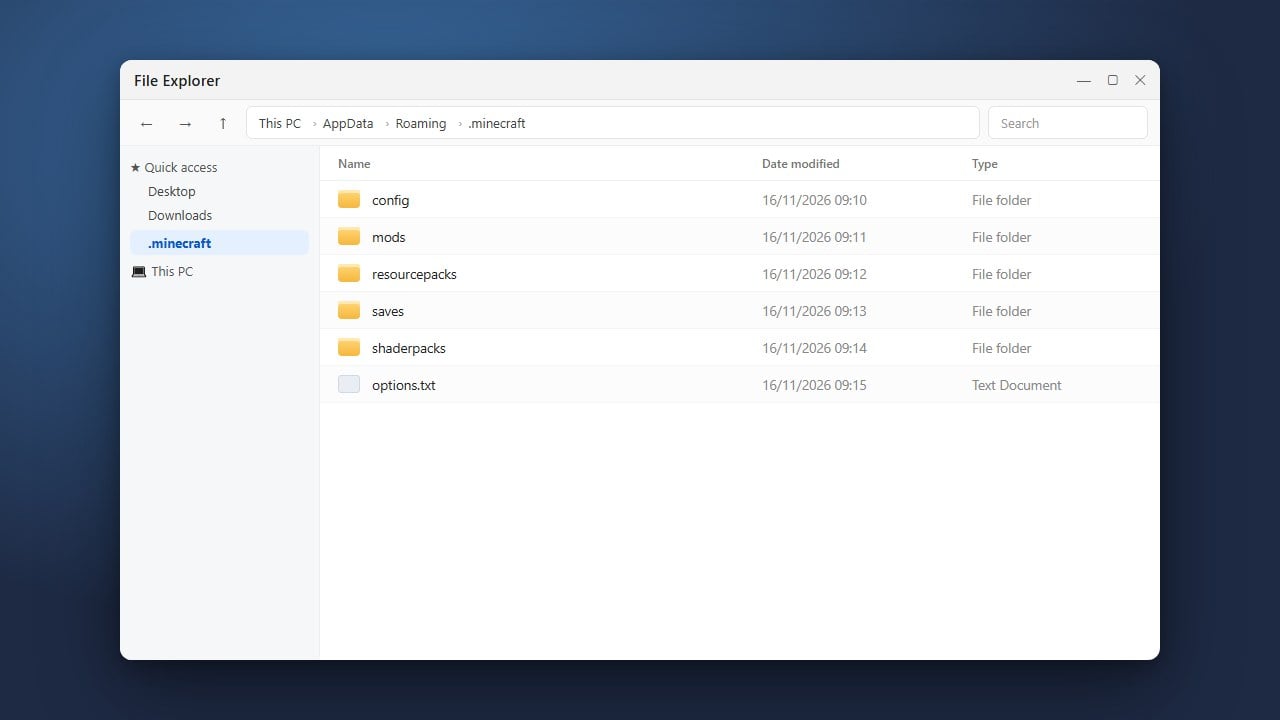
Launch Java Edition using your Iris or OptiFine profile. From the main menu, navigate to Options > Video Settings > Shader Packs. Click the Open Shader Pack Folder button (or navigate manually using How to Find Your .minecraft Folder) and move your downloaded .zip shader file directly into this folder. Select the shader pack from the in-game list and click Apply.
Activate Shaders in Bedrock Edition
For Bedrock Edition on Windows PC, double-click the downloaded .mcpack file to launch Minecraft and automatically import the pack. Go to Settings > Global Resources > My Packs, select your imported pack, and click Activate. If using Deferred Graphics, open your world settings, ensure experimental features are enabled if required, and switch the graphics mode to Deferred Technical Preview or Ray Tracing under Video settings.
Frequently Asked Questions
Can vanilla Minecraft Java run shaders without mods?
No. Standard vanilla Java Edition does not have built-in support for external shader packs. You must install a rendering mod such as Iris or OptiFine to enable the shader menu.
Why is the Ray Tracing option greyed out in Bedrock Edition?
Bedrock Ray Tracing requires hardware support (an Nvidia RTX card or compatible AMD RX 6000+ series card) along with an active Ray Tracing-enabled PBR resource pack. Without both, the toggle remains inaccessible.
Can I use Java shader packs on Bedrock Edition?
No. Java shader packs use OpenGL code tailored for Java mods, whereas Bedrock Edition runs on RenderDragon with DirectX. Java .zip shaders will not work on Bedrock Edition.