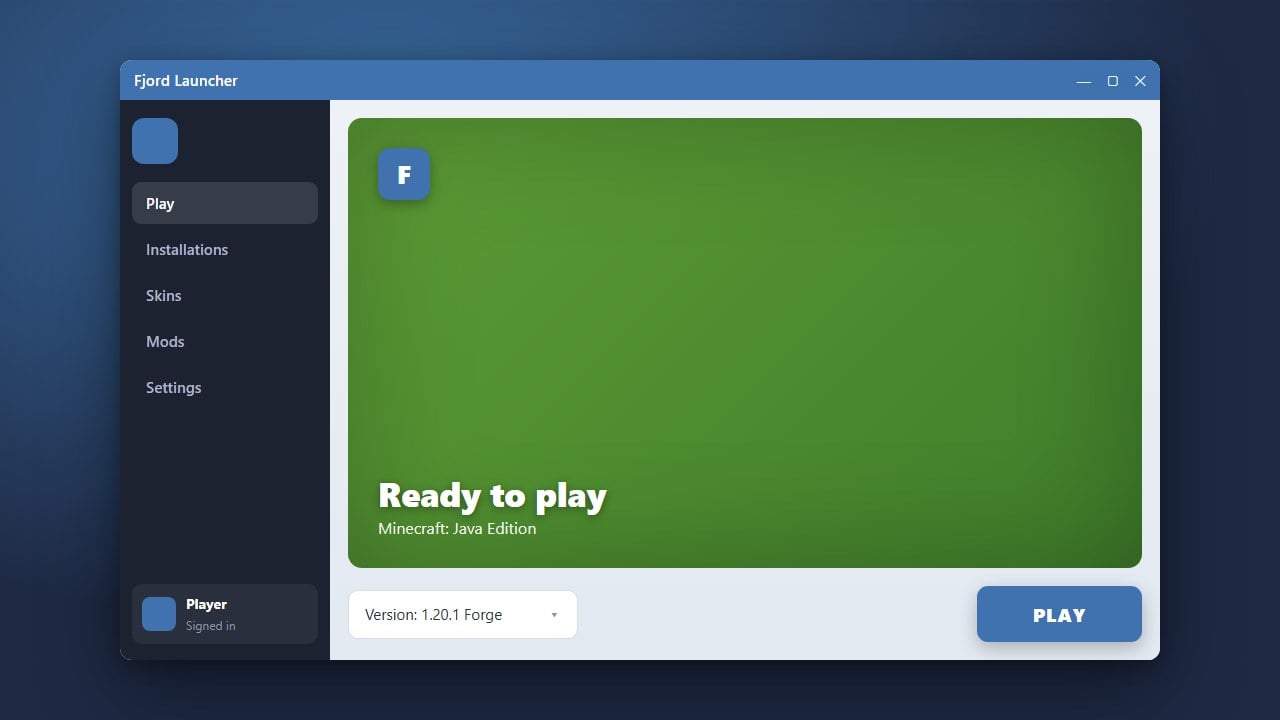
When exploring alternative ways to manage and launch Minecraft, you might come across third-party tools like Fjord Launcher. Because safety and account security are top priorities for every player, it is important to evaluate whether these custom launchers are truly safe and legitimate to use on your computer.
Never input your primary Microsoft account credentials into untrusted launchers to avoid potential account theft or permanent bans.
Always purchase your copy of Minecraft directly from the official website to guarantee full access to all official servers, updates, and features.
Understand What Fjord Launcher Is
Fjord Launcher is a third-party application designed to help players manage different versions, accounts, and client setups. While it offers alternative interface options and convenient file management, it is not developed, supported, or endorsed by Mojang Studios or Microsoft.
Check Official Ownership and Licensing Requirements
To play the official version of Minecraft legitimately, you must always purchase the game directly from minecraft.net. Third-party software should never be used as a substitute for buying a legitimate account, as doing so violates game terms of service and software copyright laws.
Evaluate Account Safety and Privacy Risks
Entering your Microsoft or Mojang login credentials into any unverified third-party launcher carries inherent security risks. To protect your personal information and prevent unauthorized access to your account, you should always rely on the official game launcher.
Review Antivirus and Malware Warnings
Custom launchers and unofficial client files are frequently flagged by modern antivirus programs and Windows Defender. While some detections may be false positives due to how the software hooks into system files, downloading unverified executables can expose your device to adware or malicious code.
Stick to Trusted and Open-Source Alternatives
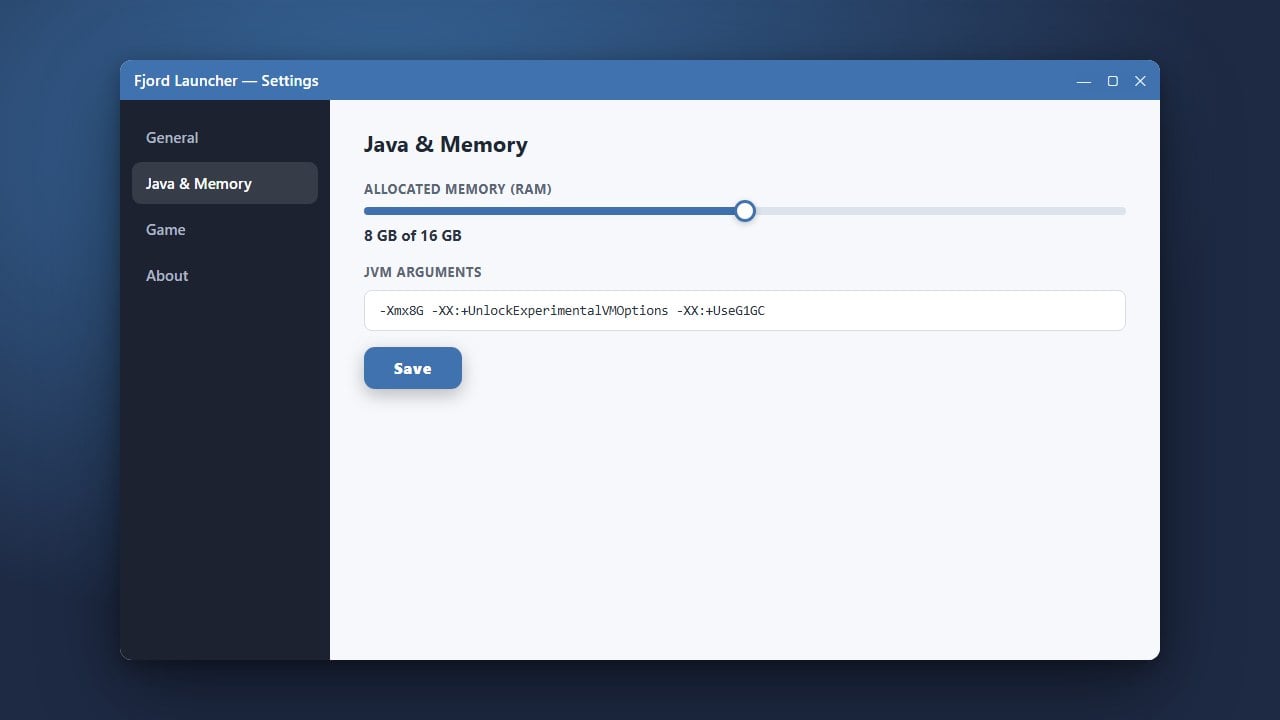
If you prefer using customized tools to manage your game files, explore established, open-source options like Prism Launcher or Modrinth App. You can also review guides such as How to Allocate More RAM in Fjord Launcher if you choose to test it carefully.
Frequently Asked Questions
Is Fjord Launcher free to use?
While the launcher application itself may be downloaded for free, it does not grant you a free license to play Minecraft. You still need to own a legitimate, purchased account.
Can Fjord Launcher get my Microsoft account banned?
Using unauthorized third-party launchers that bypass normal authentication checks or game integrity can violate Mojang's terms of service, putting your account at risk of suspension.