Keeping your client up to date ensures you have the latest bug fixes, performance improvements, and feature updates. If you are using third-party software like Fjord Launcher to play Minecraft Bedrock Edition, it is important to remember that these alternative launchers do not replace purchasing the official game; always buy genuine copies from minecraft.net and remain aware of potential account or privacy risks associated with unverified tools.
Third-party launchers can sometimes trigger false positives or carry privacy risks. Always download files from official or trusted repositories, and consider supporting the developers by purchasing the official game.
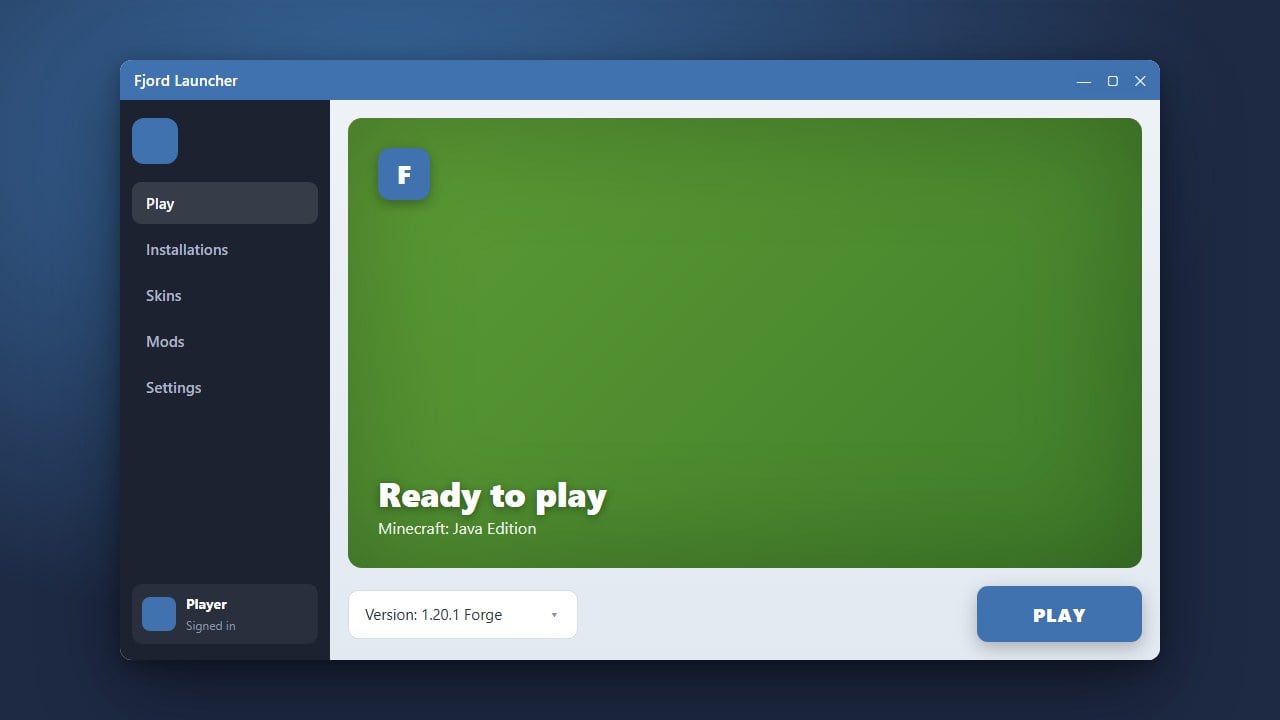
Open Fjord Launcher
Start by launching the application on your device. Make sure your internet connection is active so the launcher can check for available updates.
Check for Update Notifications
Look at the dashboard or the settings menu for any prompts indicating that a newer version of Fjord Launcher is available. Many alternative clients feature an automatic update banner or notification icon.
Access the Settings or About Menu
If you do not see an automatic prompt, navigate to the Settings or About section within the app interface to locate version details and check for updates manually.
Download and Install the Update
Click the update or download button if a newer version is found. Allow the application to safely download and apply the patch files.
Restart the Launcher
Once the installation process completes, close Fjord Launcher entirely and reopen it to ensure all updated components load correctly for Minecraft Bedrock Edition.
Frequently Asked Questions
Do I need to uninstall my old version before updating?
Usually, no. Most modern launchers like Fjord handle updates over the existing installation automatically.
Is Fjord Launcher free to use?
Yes, the launcher tool itself is free, but you still need a legitimate, paid Minecraft account to play online features legally.