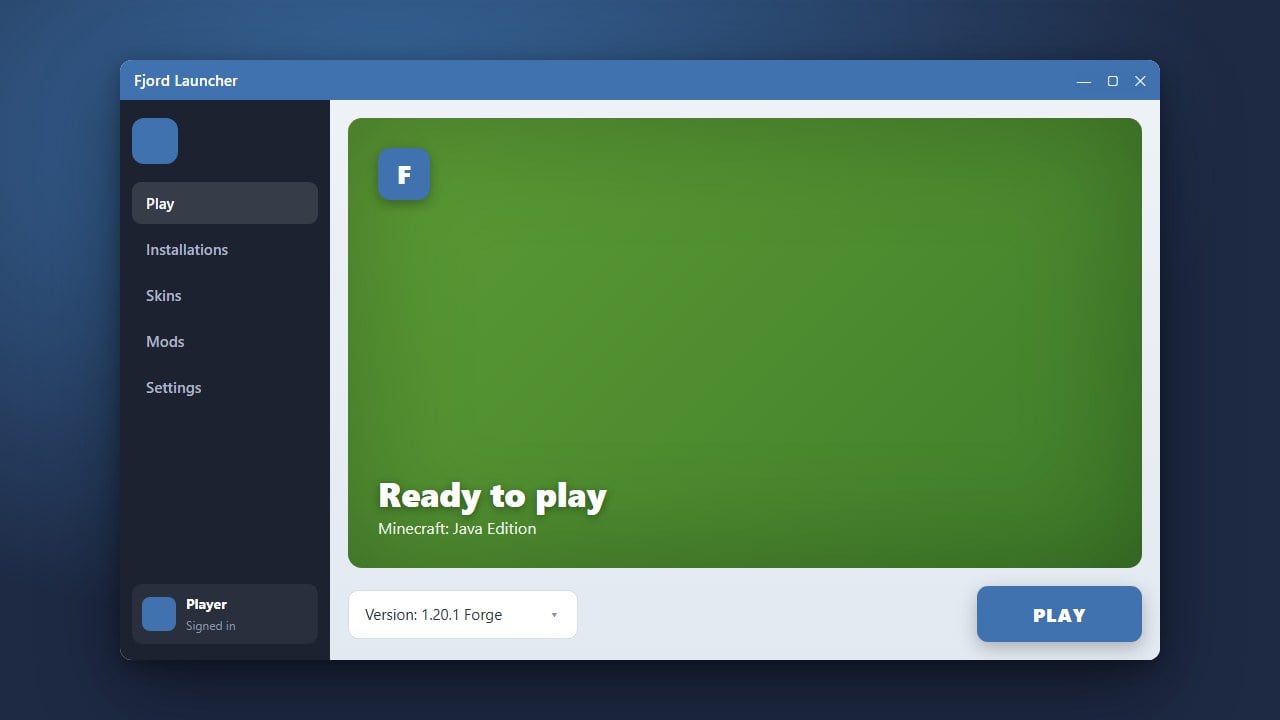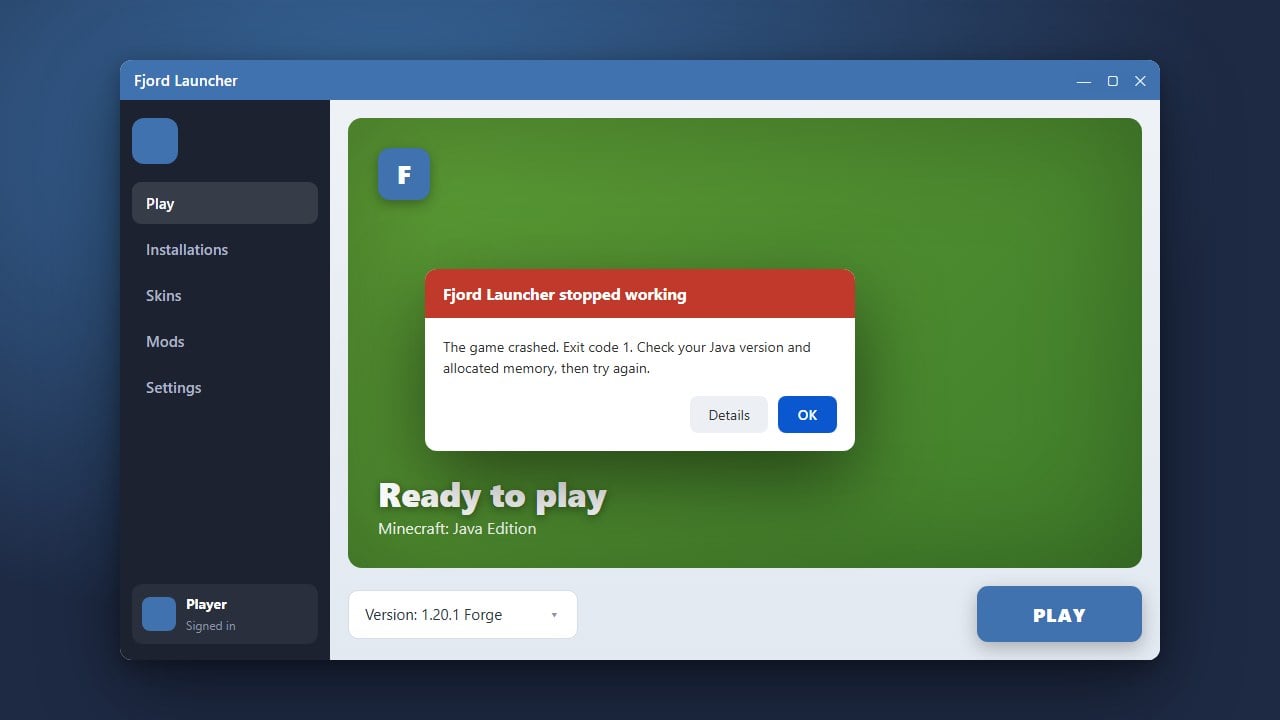
If Fjord Launcher refuses to open, crashes unexpectedly, or gets stuck on startup, it can be frustrating. This guide walks you through the best troubleshooting methods to get your launcher running smoothly again on supported systems.
Check Your Java Runtime Environment
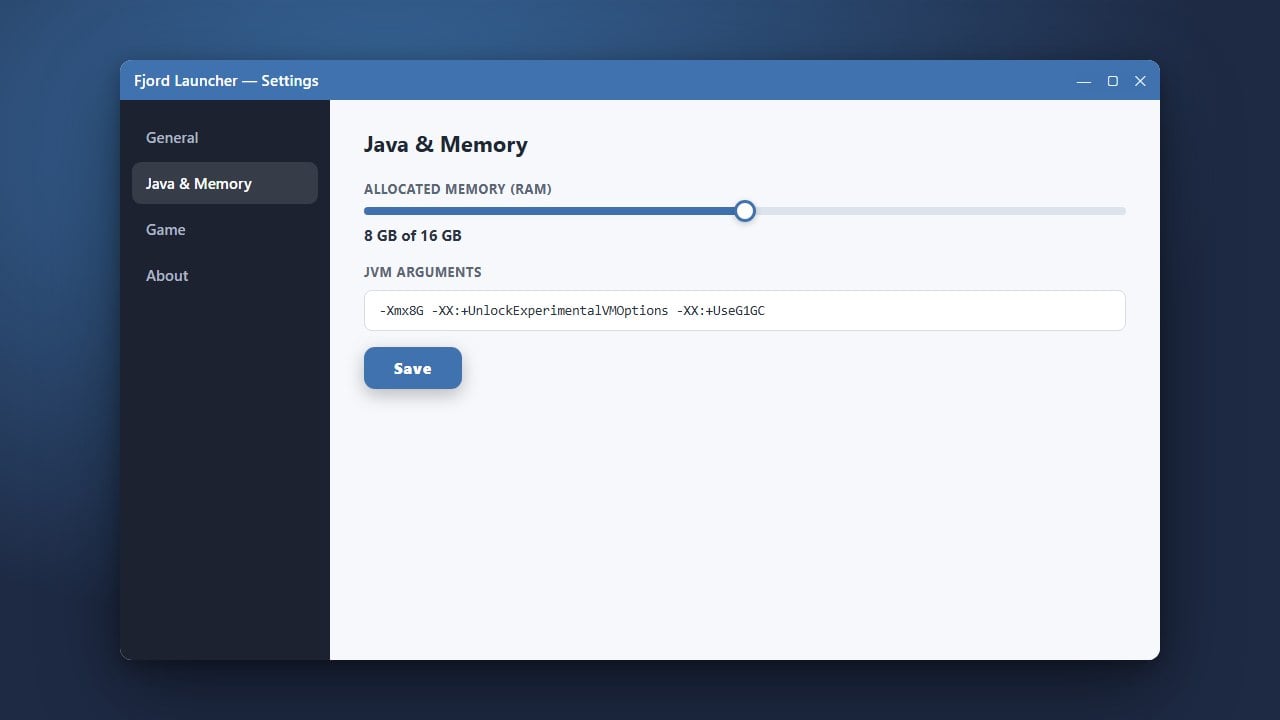
Fjord Launcher relies on Java to execute properly on your computer. Make sure you have the correct and up-to-date Java runtime installed for your operating system.
If your Java version is outdated or missing, the launcher process may silently fail in the background without showing any error message.
End Background Tasks via Task Manager
Sometimes a previous instance of Fjord Launcher freezes during startup and continues running invisibly in the background. Open your Task Manager (Ctrl + Shift + Esc on Windows) and look for any active Fjord processes.
Select them, click End Task, and then try launching the application again to see if it opens normally.
Verify Antivirus and Firewall Settings
Overzealous security software or Windows Defender might mistakenly block third-party launchers from accessing required files or connecting to the internet. Check your quarantine or blocked items list to ensure Fjord is allowed.
You can also try temporarily disabling your real-time protection to test if your antivirus is preventing the application from starting.
Clear Corrupted Launcher Cache
Corrupted configuration files or temporary data can cause continuous startup crashes. Navigate to your user data directory, locate the application folder for the launcher, and clear out old temporary files or cache logs.
After clearing the corrupted cache, restart the executable to force it to generate fresh, working configuration files.
Reinstall the Application Properly
If core files are missing or permanently damaged, a clean reinstallation is usually the fastest fix. Completely uninstall the software from your system before downloading the latest release installer.
Always make sure to download installation files directly from trusted sources to avoid modified or unsafe copies.
Frequently Asked Questions
Why does Fjord Launcher crash immediately upon opening?
Immediate crashes are usually caused by an outdated Java installation, missing dependencies, or corrupted local configuration files in your user data directory.
Is it safe to use third-party Minecraft launchers?
Many third-party tools carry privacy and security risks, particularly those that handle account logins or offline bypasses. For complete safety and official updates, always use the official Minecraft launcher.