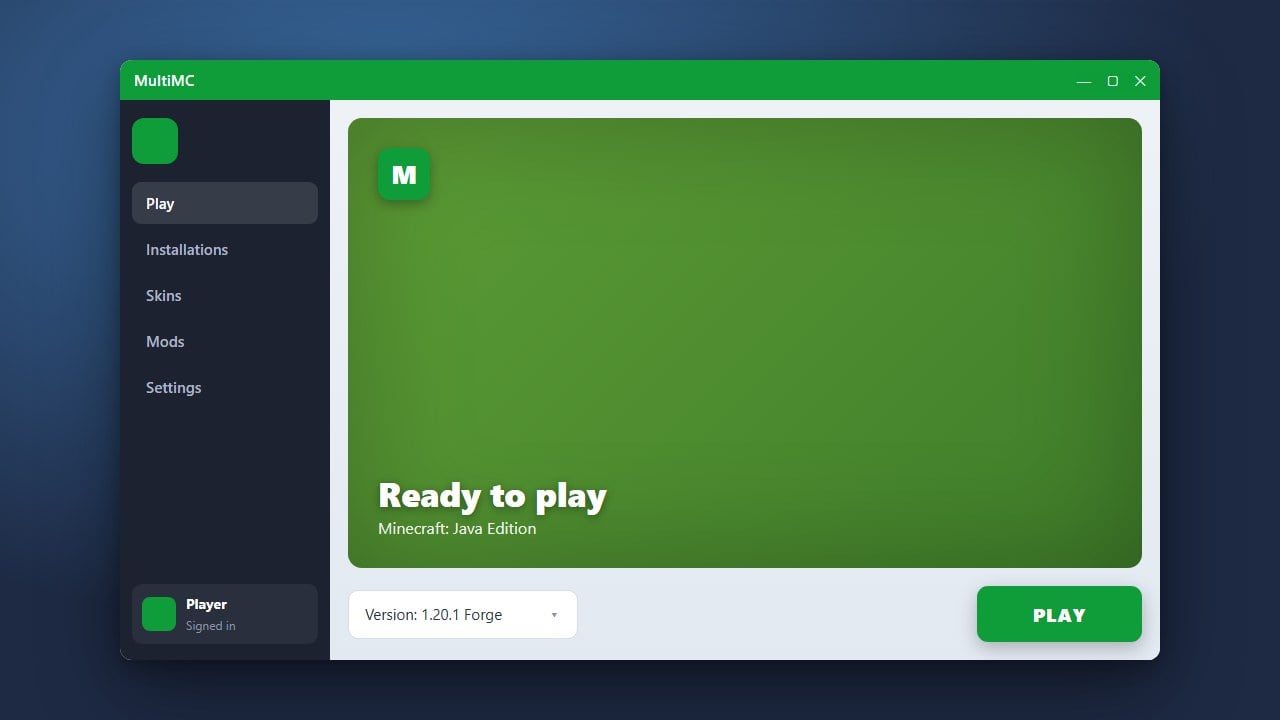
MultiMC is a popular, open-source custom launcher for Minecraft Java Edition that lets you manage multiple instances, versions, and mod packs with ease. Please note that MultiMC is a tool to organize your game and requires a legitimate Microsoft or Minecraft account; you must purchase the official game from minecraft.net to play.
Download and Install MultiMC
Go to the official MultiMC website and download the installer for your operating system (Windows, macOS, or Linux). Run the installer and follow the on-screen prompts to finish setting up the application on your computer.
Configure Java
When you first open MultiMC, it will ask you to select a Java installation. MultiMC needs Java to run Minecraft Java Edition properly. Ensure you have a compatible Java version installed (such as Java 17 or Java 21 depending on your game version) and select it when prompted.
Add Your Minecraft Account
To play Minecraft through the launcher, click the Profiles button in the top right corner of the MultiMC window and select Manage Accounts. Click Add Microsoft and log in with your legitimate Microsoft account that owns Minecraft.
Create a New Instance
Click the Add Instance button in the top left corner. Choose your desired Minecraft version, and optionally select a mod loader like Fabric or Forge. Give your instance a name and click OK to create it.
Launch and Play
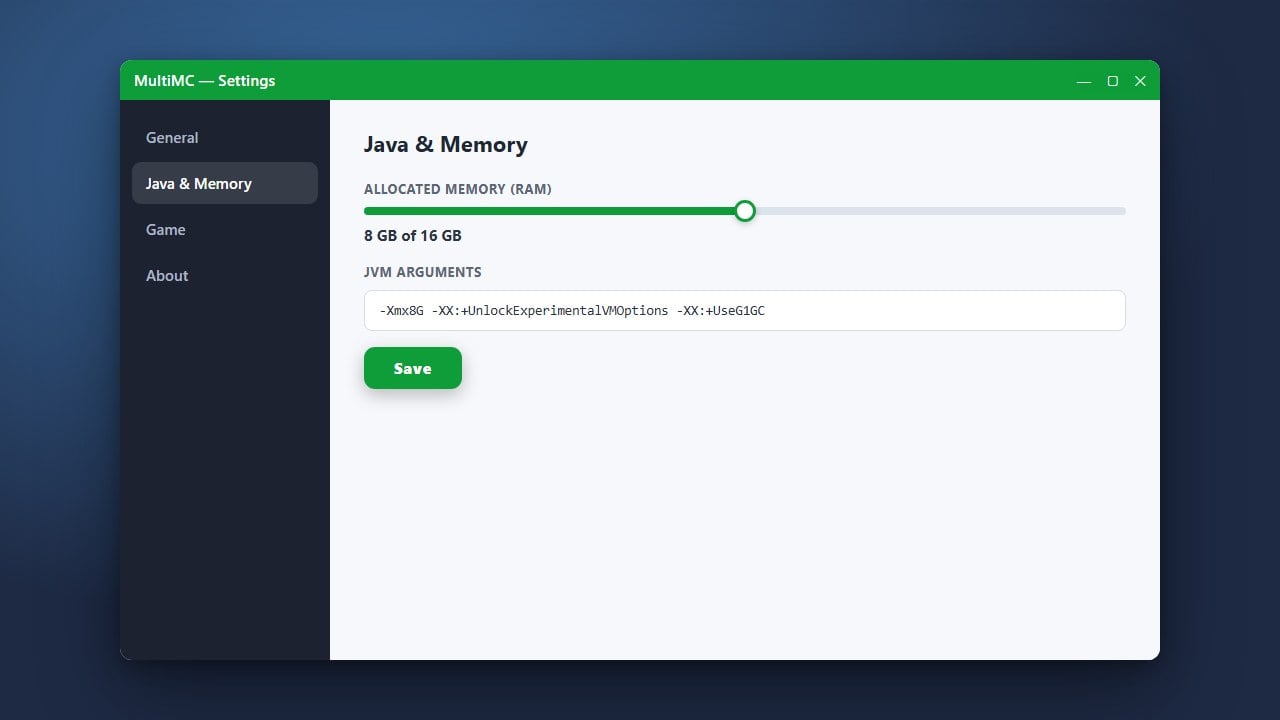
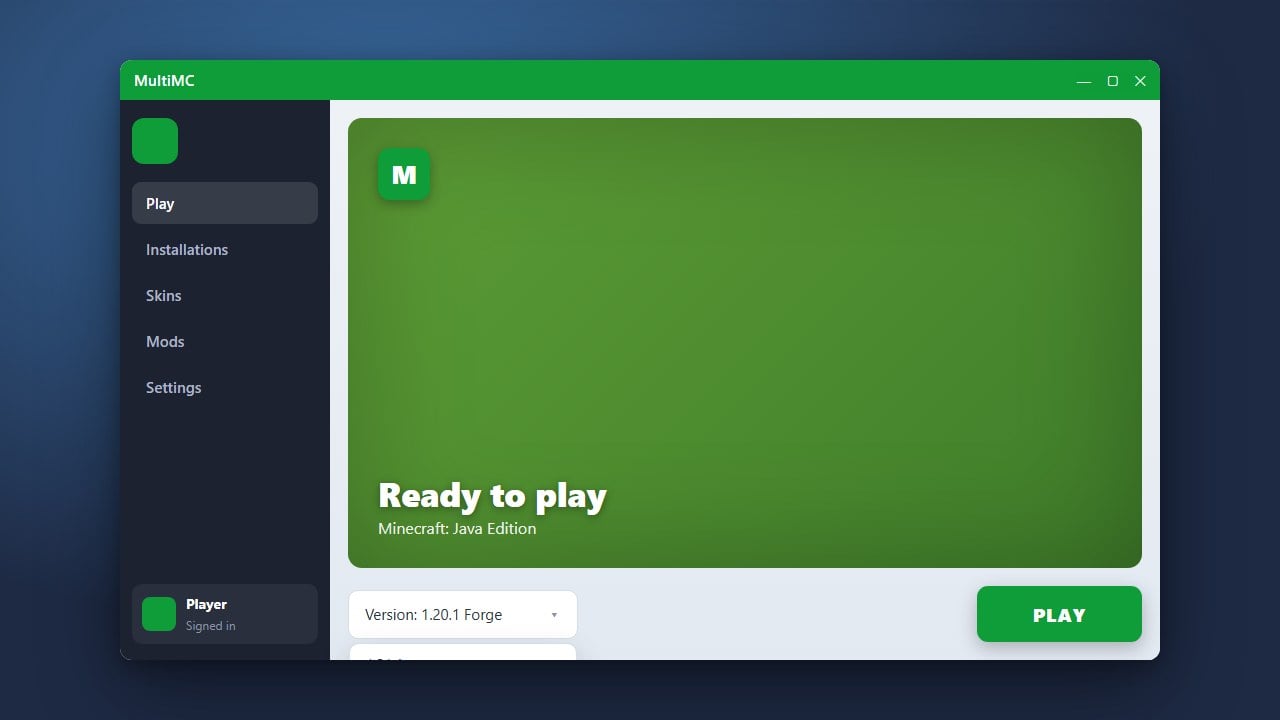
Double-click your newly created instance in the MultiMC list to start the game. You can also view details like how to allocate more RAM in MultiMC if your game needs extra memory to run smoothly, or check out how to install Forge and Fabric with MultiMC to set up advanced modded environments.
Frequently Asked Questions
Do I need to buy Minecraft to use MultiMC?
Yes. MultiMC is just an alternative launcher and does not include a copy of the game. You must own a legitimate Minecraft Java Edition account to log in and play.
Is MultiMC safe to use?
Yes, MultiMC is completely open-source, safe, and trusted by the Minecraft community. It communicates directly with official Microsoft login servers to keep your account secure.