Keeping your MultiMC launcher up to date ensures you have the latest performance improvements, bug fixes, and compatibility updates for playing Java Edition. MultiMC is an open-source, legitimate third-party launcher that requires you to log into agenuine Minecraft account purchased from minecraft.net, ensuring your account remains safe and secure.
Always download MultiMC exclusively from its official website to protect your PC from malicious imposters and unsafe modified copies.
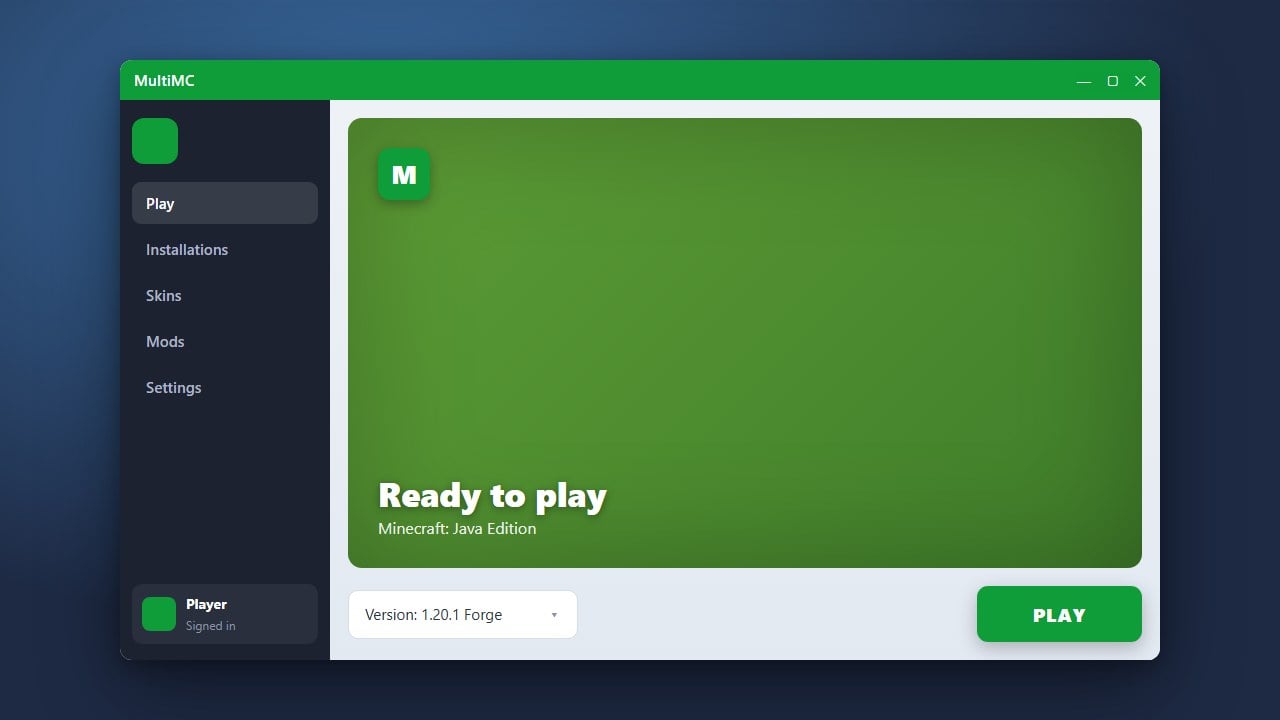
Open MultiMC
Start by launching the MultiMC application on your computer. Before checking for updates, make sure your internet connection is active so the launcher can reach the update servers.
Check for Updates
Click on the Help menu located in the top application bar. From the drop-down menu, select Check for Updates to see if a newer version of the launcher is available.
Download the New Version
If an update is found, a prompt will appear displaying the new release notes and version details. Click the confirmation button to allow MultiMC to download the update packages automatically.
Restart and Apply
Once the download completes, MultiMC will ask for permission to restart and apply the update. Accept the prompt, let the launcher close and reopen itself, and you are ready to play!
Frequently Asked Questions
Will updating MultiMC delete my instances?
No, updating the MultiMC application only updates the launcher software itself. Your instances, worlds, and configs remain safely stored in their folders.
Do I need to pay for Minecraft to use MultiMC?
Yes. MultiMC is simply an alternative management tool and launcher; it does not include the game. You must own a legitimate copy of Java Edition linked to a Microsoft account.