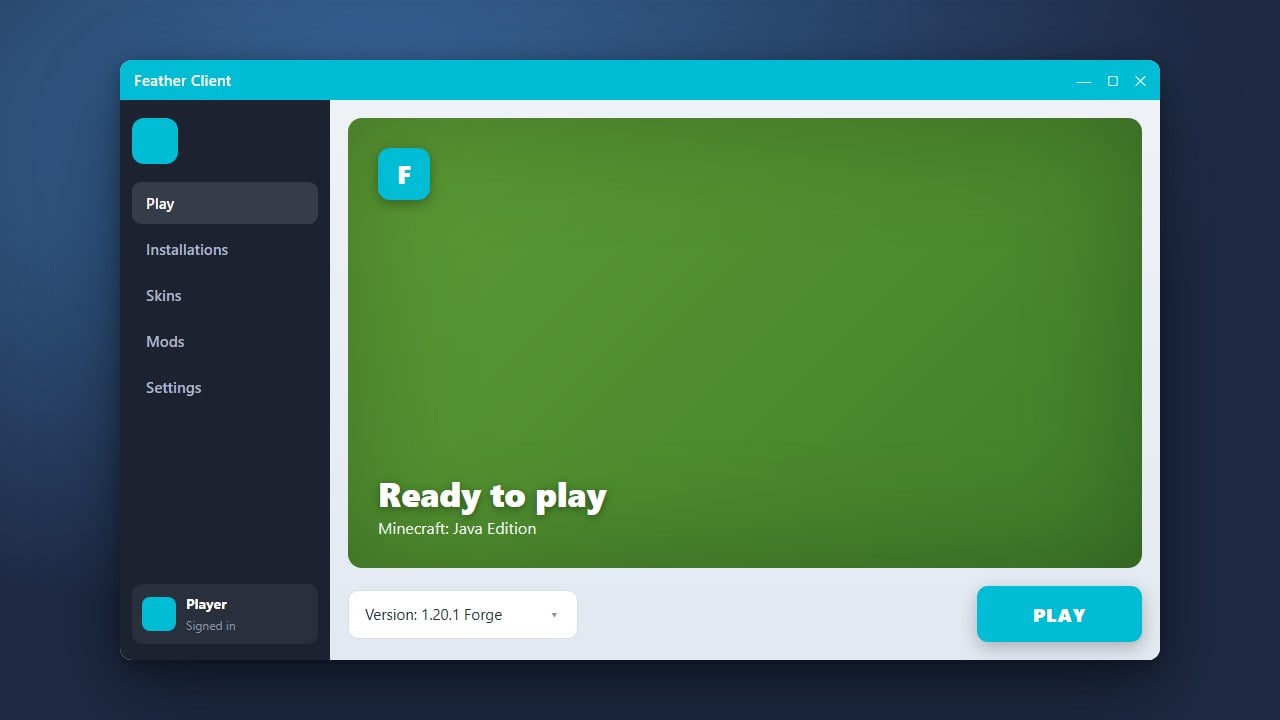
If you are switching to another launcher or simply want a clean Minecraft setup, this guide will walk you through completely uninstalling Feather Client from your computer for Minecraft Java Edition.
Always remember to back up any important worlds, screenshots, or resource packs from your client directories before deleting application folders to prevent accidental data loss.
If you used Feather Client because you were looking for built-in optimization or mod management, you can check out guides like How to Add Mods to Feather Client if you ever decide to reinstall and set things up properly.
Close Feather Client and Minecraft
Before starting the uninstallation process, make sure that Feather Client and any running instances of Minecraft are completely closed. Check your system tray (Windows) or dock (macOS) to ensure background processes are not running, as open files cannot be deleted.
Uninstall the Application
Open your system's settings to remove the main application. On Windows, open Apps & features or Installed apps, search for Feather Client, click the three dots, and select Uninstall. On macOS, simply drag the Feather Client application from your Applications folder into the Trash.
Delete Residual Application Data
To ensure a complete removal, you need to clear out remaining configuration and cache folders. On Windows, press Windows Key + R, type %appdata%, and delete the feather folder if it remains. On macOS, check your ~/Library/Application Support directory and remove any lingering Feather files.
Verify Your Minecraft Directory
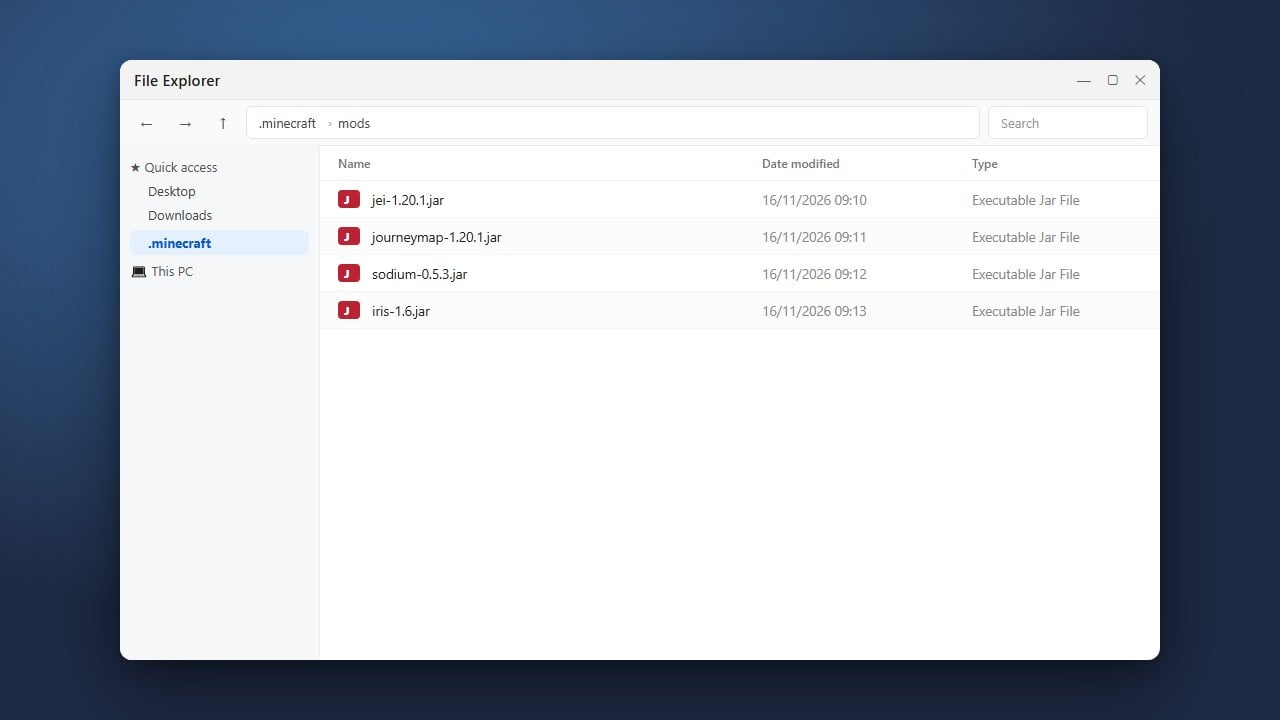
Feather Client often installs customized profiles inside your standard Minecraft directory. Open your .minecraft folder and check the versions folder to ensure any leftover Feather-specific client versions or mod profiles have been removed so your vanilla or alternative launcher starts fresh.
Frequently Asked Questions
Will uninstalling Feather Client delete my Minecraft worlds?
Usually, your standard singleplayer worlds are stored safely in the main .minecraft/saves folder, but it is always best practice to back up your saves before uninstalling any third-party launcher or client.
Can I reinstall Feather Client later if I change my mind?
Yes, you can download and install the client again at any time by visiting the official website and following guides such as How to Download and Install Feather Client.