Enhance your Minecraft Bedrock Edition experience in Fjord Launcher by adding gorgeous shaders. Before getting started with alternative launchers, we always recommend purchasing the official game directly from minecraft.net to support the developers and ensure account safety. Third-party clients can sometimes carry privacy risks or violate official terms of service.
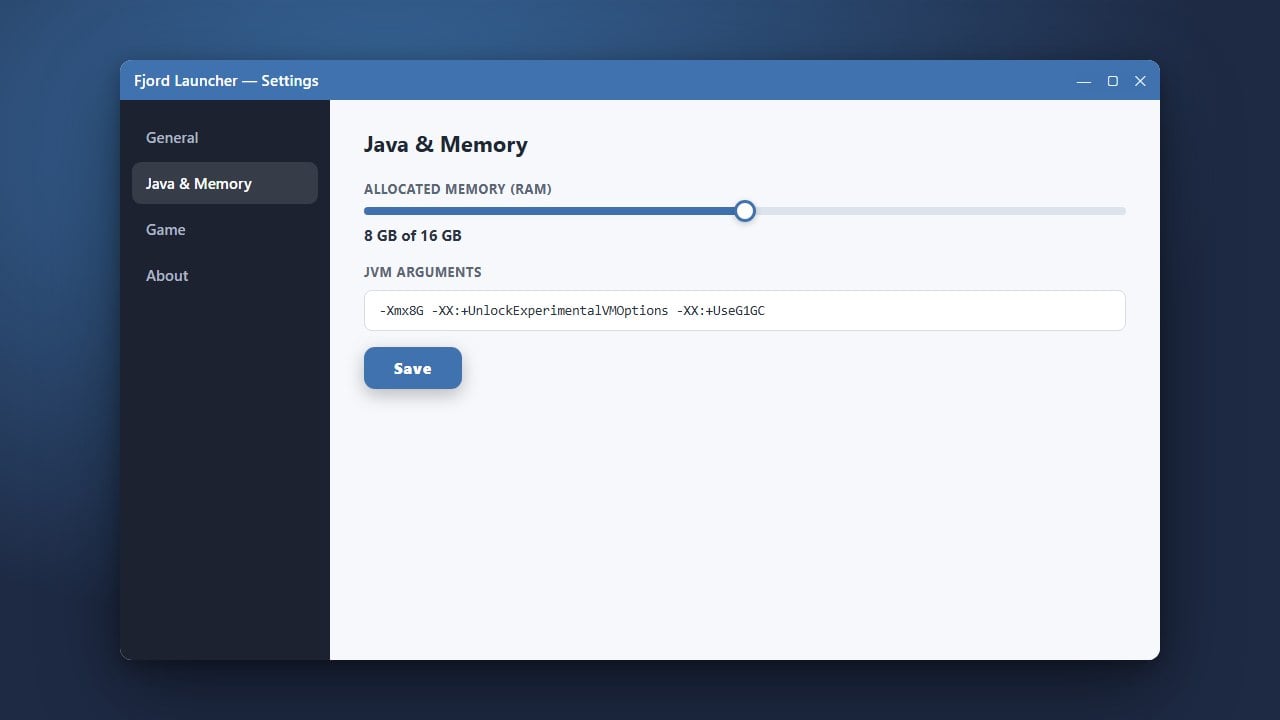
Shaders can significantly lower your frame rate (FPS). If your game lags or crashes, try lowering your video settings or allocating more memory using How to Allocate More RAM in Fjord Launcher.
Download a Compatible Shader Pack
First, find and download a shader pack designed specifically for Minecraft Bedrock Edition (usually in .zip or .mcpack format). Make sure the shader supports your current game version, such as version 1.21.
Open Fjord Launcher and Select Your Instance
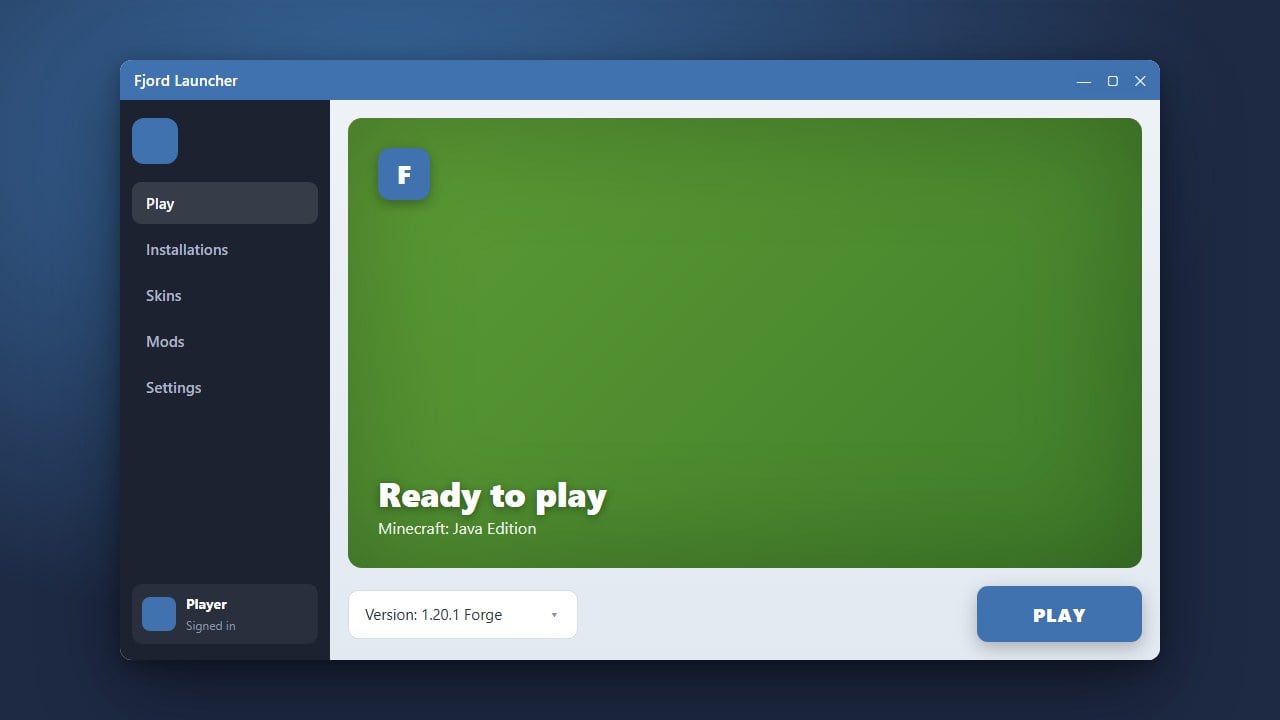
Launch Fjord Launcher on your device and navigate to your game library or instances tab. Select the Bedrock instance where you want to install your shaders.
If you need help setting up your version first, check out How to Change the Minecraft Version in Fjord Launcher.
Access the Resource Packs Folder
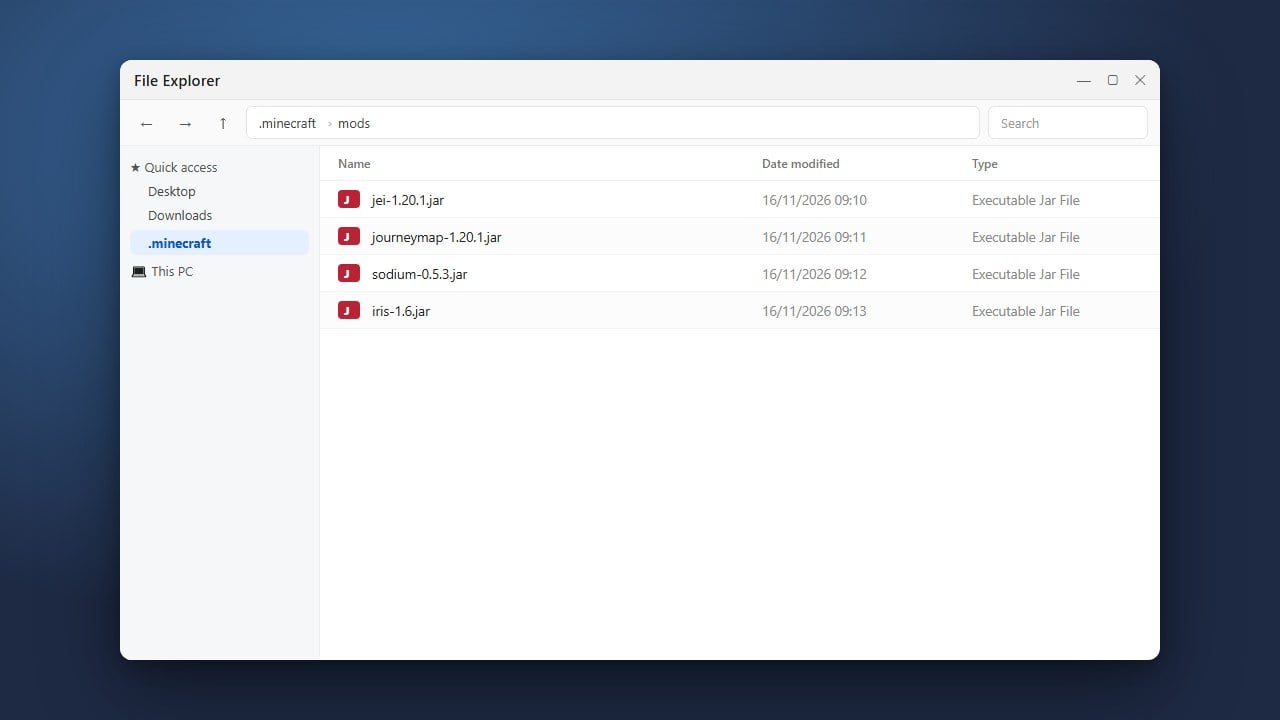
Inside your instance settings or profile menu, look for the option to open the game directory or resource packs folder. This will open the file explorer location where Minecraft Bedrock stores visual modifications.
Import or Move Your Shader Pack
If your shader is a .mcpack file, you can double-click it to automatically import it. If it is a .zip folder, simply drag and drop the unzipped shader folder directly into the resource_packs directory.
Activate Shaders in Game Settings
Start up your game through Fjord Launcher and go to the Settings menu. Scroll down to Global Resources or Resource Packs, find your newly added shader under 'My Packs', and click Activate.
Frequently Asked Questions
Can I use Java Edition shaders on Bedrock Edition in Fjord Launcher?
No. Java Edition shaders (like Iris or Optifine packs) use a completely different shader language and format than Bedrock Edition. You must use packs specifically created for Bedrock.
Why aren't my shaders showing up in the game settings?
Ensure that your shader pack is properly extracted if it was downloaded as a ZIP, and verify that it was placed inside the correct resource_packs folder for your Bedrock instance.