Prism Launcher is a powerful, open-source custom launcher for Minecraft Java Edition that lets you easily manage multiple instances, mod loaders, and resource packs. Before getting started, please ensure you purchase a legitimate copy of the game from minecraft.net, as custom launchers require an authentic Microsoft/Minecraft account to play online safely and legally.
Always download mods from trusted sources like Modrinth or CurseForge to protect your PC and your Microsoft account from malicious files or adware.
Download and Set Up Prism Launcher
First, make sure you have downloaded the correct installer for your operating system from the official website. If you haven't installed it yet, check out our guide on How to Download and Install Prism Launcher to get everything configured properly.
Open Prism Launcher once installed, complete the initial setup wizard, and log in securely using your official Microsoft account.
Create a New Instance
Click the Add Instance button in the top-left corner of the Prism Launcher window. In the window that pops up, select your desired Minecraft version and choose your preferred mod loader, such as Fabric, Forge, NeoForge, or Quilt.
Give your new instance a recognizable name and click OK to generate the isolated game environment.
Open the Instance Mod Menu
Once your new instance appears in the main Prism Launcher list, single-click it to select it. On the right-hand sidebar, click the Edit button, then select Loader Mods from the menu options.
This screen displays every mod currently installed in your active instance and provides direct tools to add new ones.
Download Mods Directly or Add Files
Prism Launcher features a built-in search tool for Modrinth and CurseForge. Click the Download Mods button on the right, search for your favorite mods, and click Install to add them automatically.
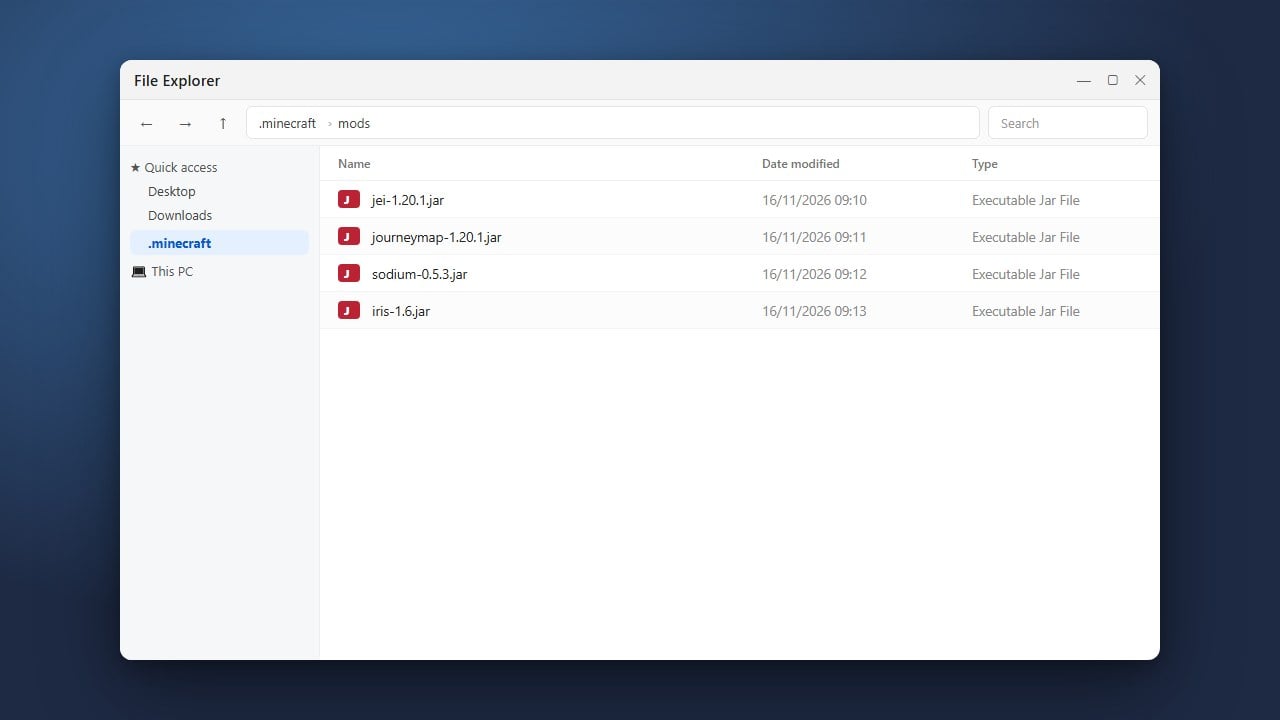
Alternatively, if you already downloaded .jar files from trusted sources, you can simply drag and drop the mod files directly into the Prism Launcher window.
Launch and Play Minecraft
Double-click your configured instance in Prism Launcher to start the game. Prism will automatically download any necessary dependencies or libraries required by your selected mods.
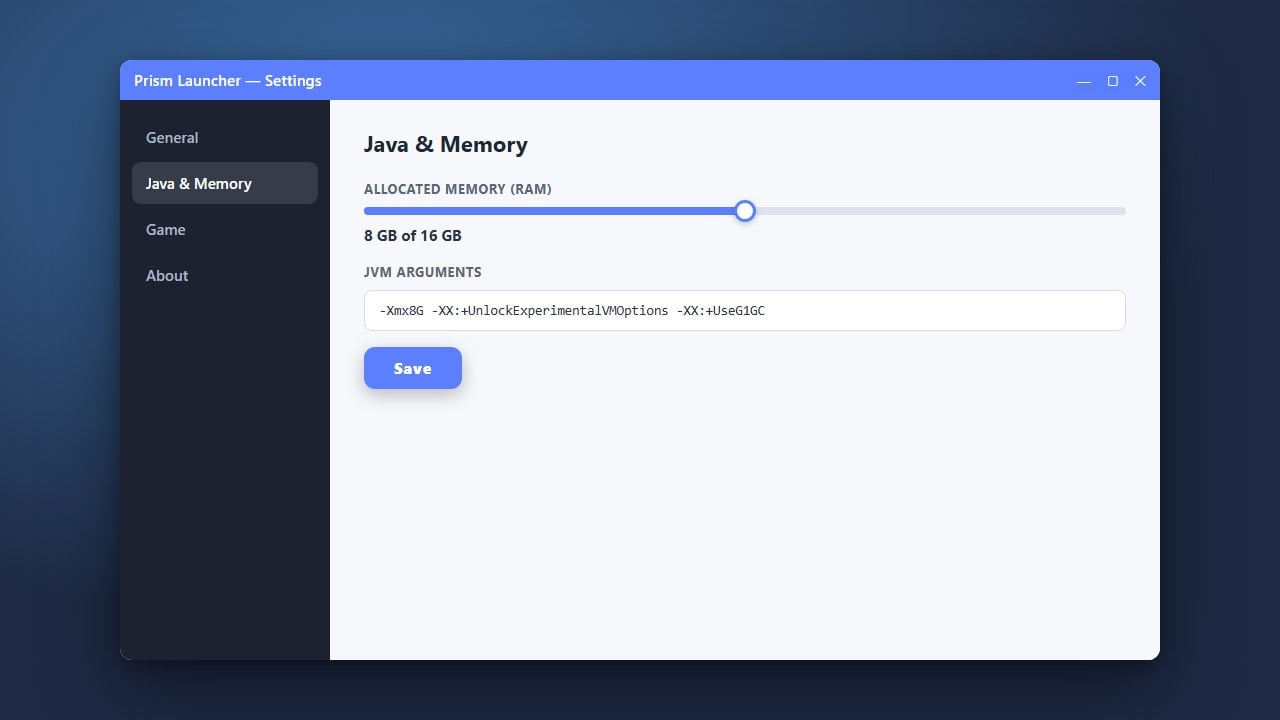
If you ever experience performance drops or lag while running large modpacks, you can easily optimize your settings by following our guide on How to Allocate More RAM in Prism Launcher.
Frequently Asked Questions
Do I need to own Minecraft to use Prism Launcher?
Yes. Prism Launcher is simply an alternative management tool and requires you to log in with a valid, purchased Minecraft account to download game assets and play.
Can I install both Forge and Fabric mods in the same instance?
No. Forge and Fabric use entirely different mod architectures. You must create separate instances in Prism Launcher for each different mod loader.