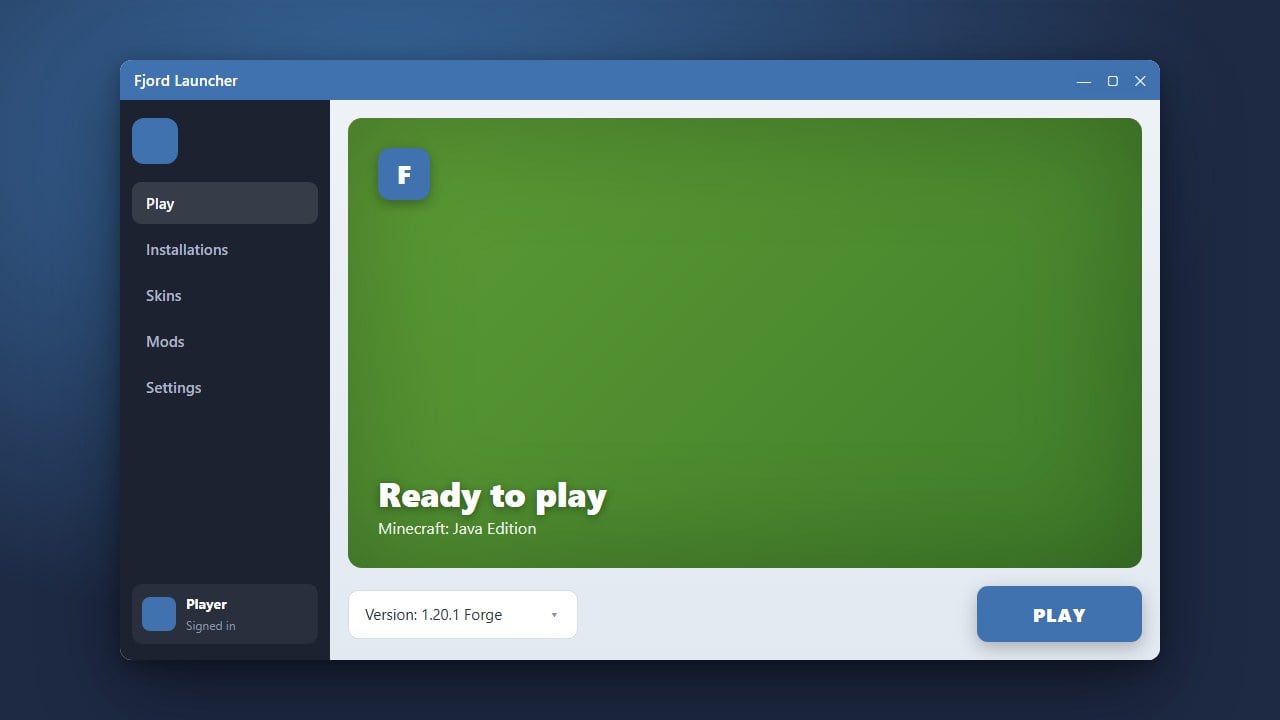
Fjord Launcher is an alternative launcher that lets players manage profiles, versions, and add-ons easily. Before using third-party launchers, we always recommend purchasing the official game from minecraft.net to support Mojang Studios and protect your Microsoft account security. This guide will walk you through setting up and adding mods correctly.
Always download mods from trusted creators to avoid malicious files. If you need help with other launchers, check out How to Download and Install Fjord Launcher first.
Open Fjord Launcher and Select Your Profile
Launch Fjord Launcher on your computer and make sure you are logged into your valid Minecraft account. Navigate to your instances or profiles tab to choose the specific game version where you want to add your mods.
Access the Instance Directory
Click on your chosen profile or instance settings within the launcher interface. Look for an option labeled Folder or Open Directory to open the game files on your computer.
Locate the Mods Folder
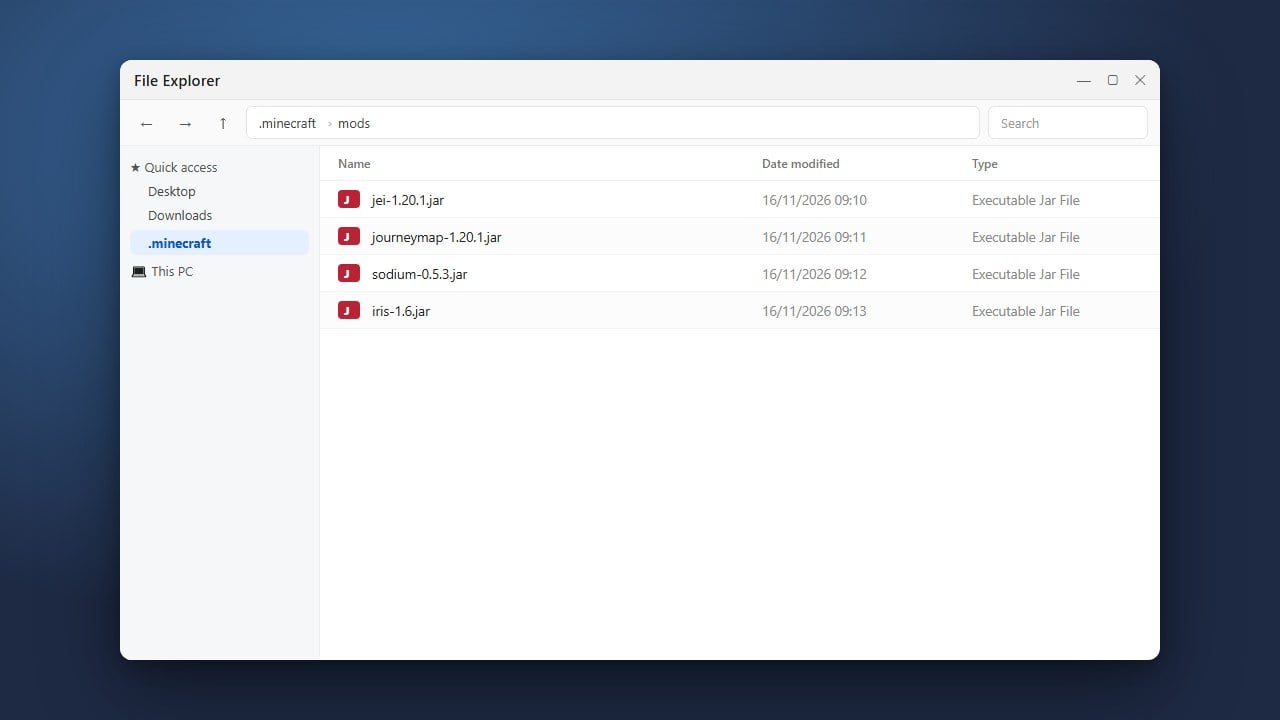
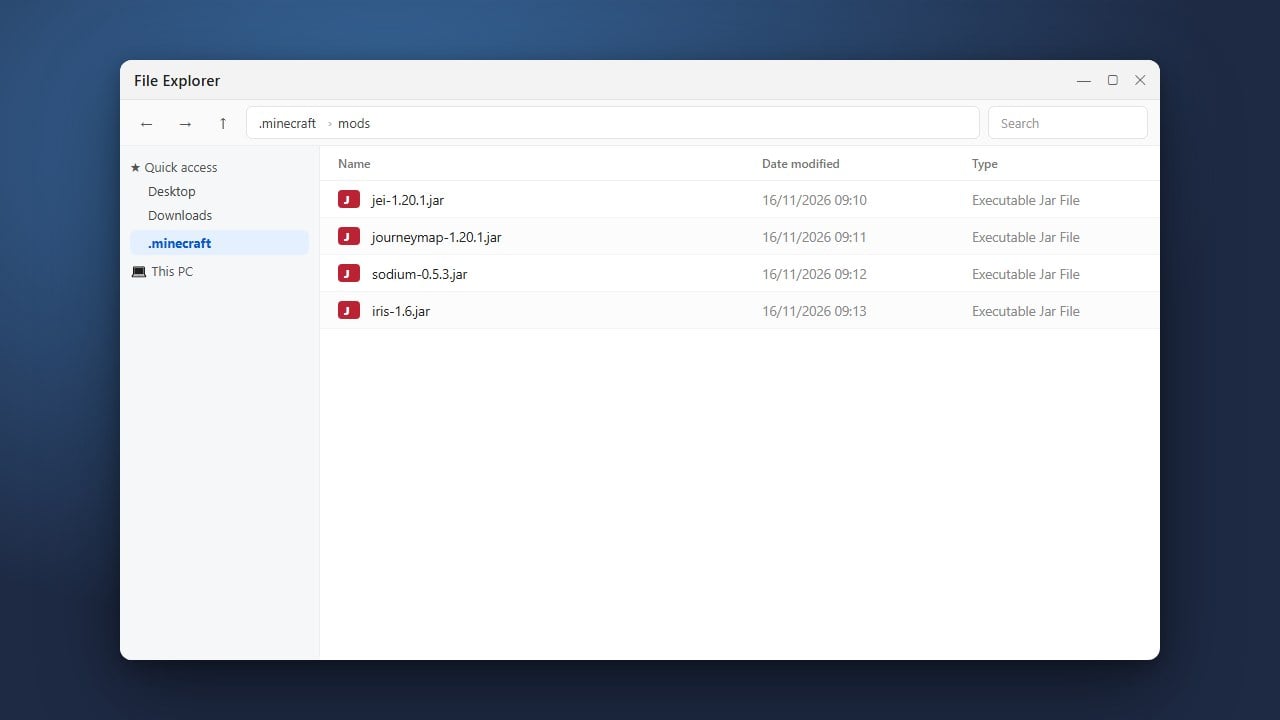
Inside your instance directory, look for a folder named mods. If the folder does not exist yet, you can create a new folder and name it exactly mods in lowercase letters.
Download and Place Your Mod Files
Download your desired Java Edition mods from trusted sources like CurseForge or Modrinth, ensuring they match your exact Minecraft version. Drag and drop the downloaded .jar mod files directly into the mods folder you opened in the previous step.
Launch the Game and Verify
Return to Fjord Launcher and click the play button to start your modded instance. Once the game loads to the main menu, click on the Mods button to verify that your newly added files are active and working properly.
Frequently Asked Questions
Can I use Fjord Launcher for Minecraft Bedrock Edition?
No, Fjord Launcher is designed for Java Edition features and mod loaders. Minecraft Bedrock Edition handles add-ons and behavior packs through its own built-in marketplace and world settings.
Why are my mods not showing up in the game?
Ensure your mod files match your exact Minecraft version and that you have installed the correct mod loader such as Forge or Fabric. You can learn more about setting these up in How to Install Forge and Fabric with Fjord Launcher.