Welcome to our complete guide on how to use Fjord Launcher for Minecraft Bedrock Edition. Whether you are setting up your accounts or learning how to launch the game smoothly, this tutorial will walk you through everything you need to know step by step.
Be cautious when downloading third-party launchers. Always verify you are using trusted, official download links to prevent malware, adware, or unauthorized account access.
Download and Install Fjord Launcher
First, head to the official Fjord Launcher repository or website to download the latest installation file for your operating system. Run the installer and follow the on-screen prompts to complete the setup process on your computer.
Sign In with Your Account
Open Fjord Launcher from your desktop or start menu. You will need to link your Microsoft account that owns Minecraft Bedrock Edition to access the game features. Always ensure you purchase and use the official game files from minecraft.net to protect your personal data and avoid security risks.
Select Your Bedrock Edition Version
Navigate to the version selection or profile settings menu inside the launcher. Choose the specific Minecraft Bedrock Edition version you wish to play, ensuring compatibility with any local servers or worlds you plan to join.
Configure Settings and Launch the Game
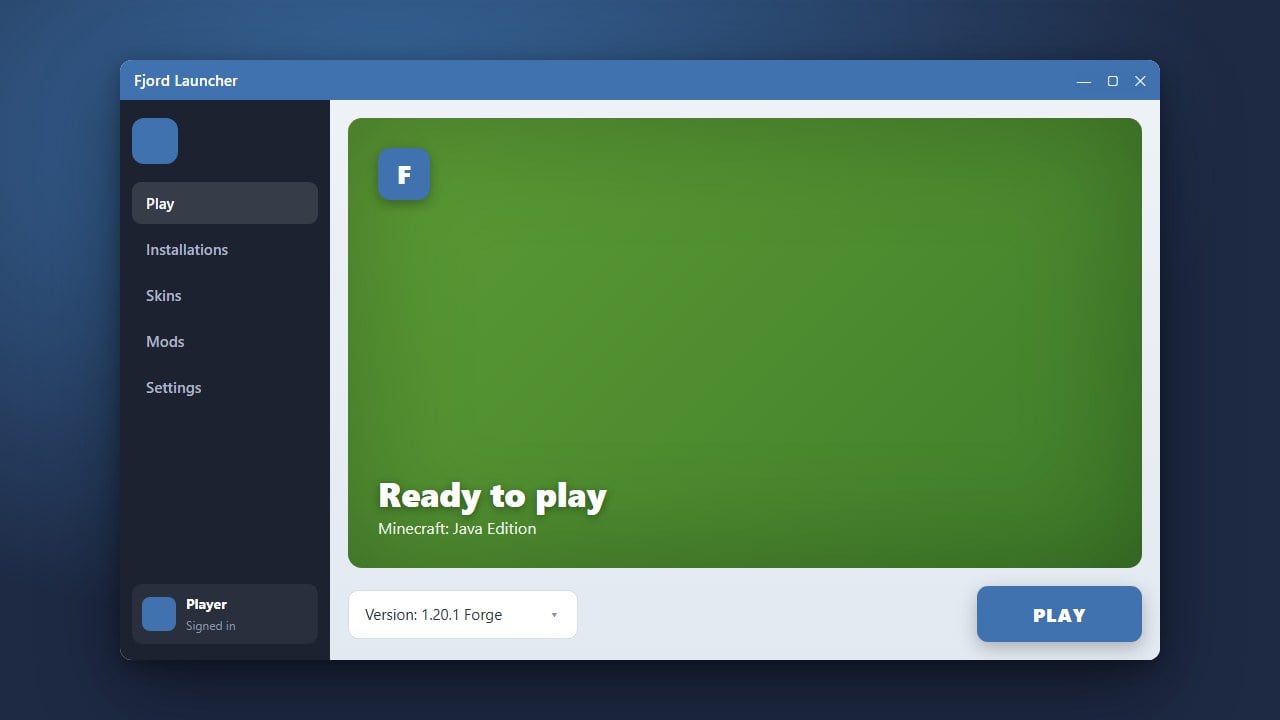
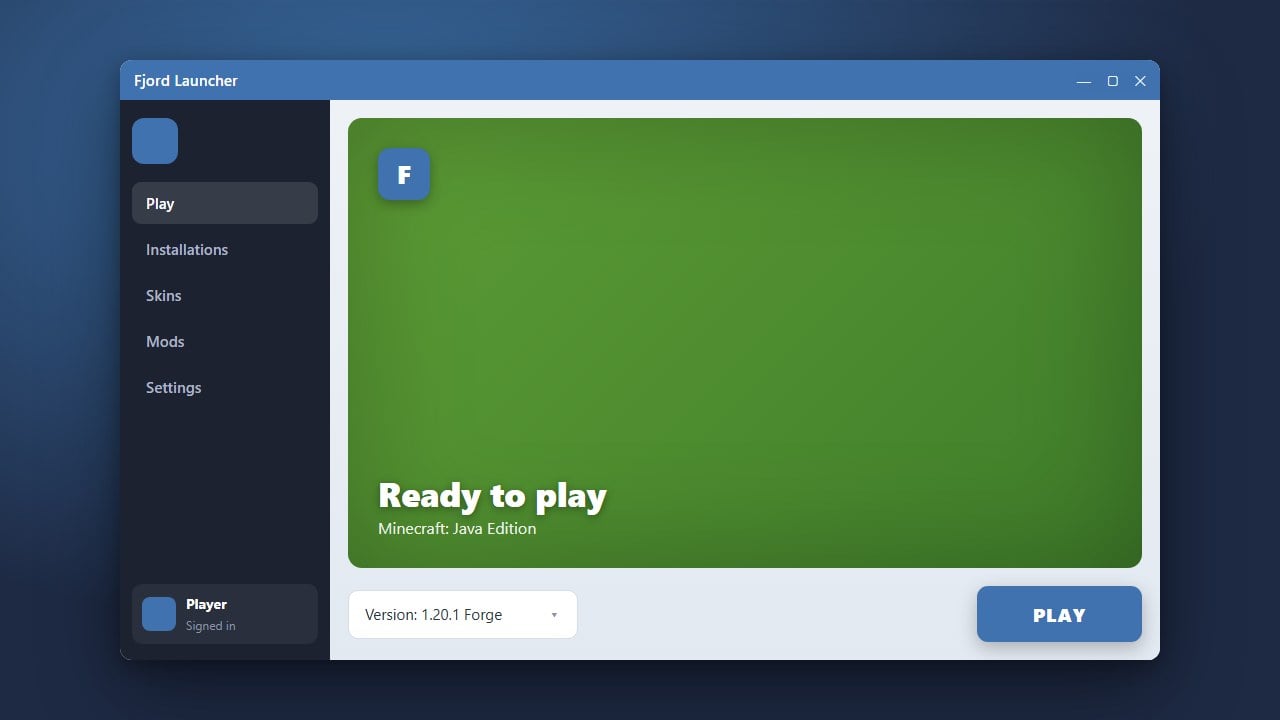
Check your configuration options, such as graphics preferences and memory allocation. When you are ready, click the Play button to start Minecraft Bedrock Edition directly through the launcher.
Frequently Asked Questions
Is Fjord Launcher free to use?
Yes, the launcher software itself is free, but you still need a legitimate, paid Minecraft account to play the game online.
Does Fjord Launcher support Bedrock Edition?
Yes, Fjord Launcher provides dedicated support for managing and playing Minecraft Bedrock Edition on supported operating systems.