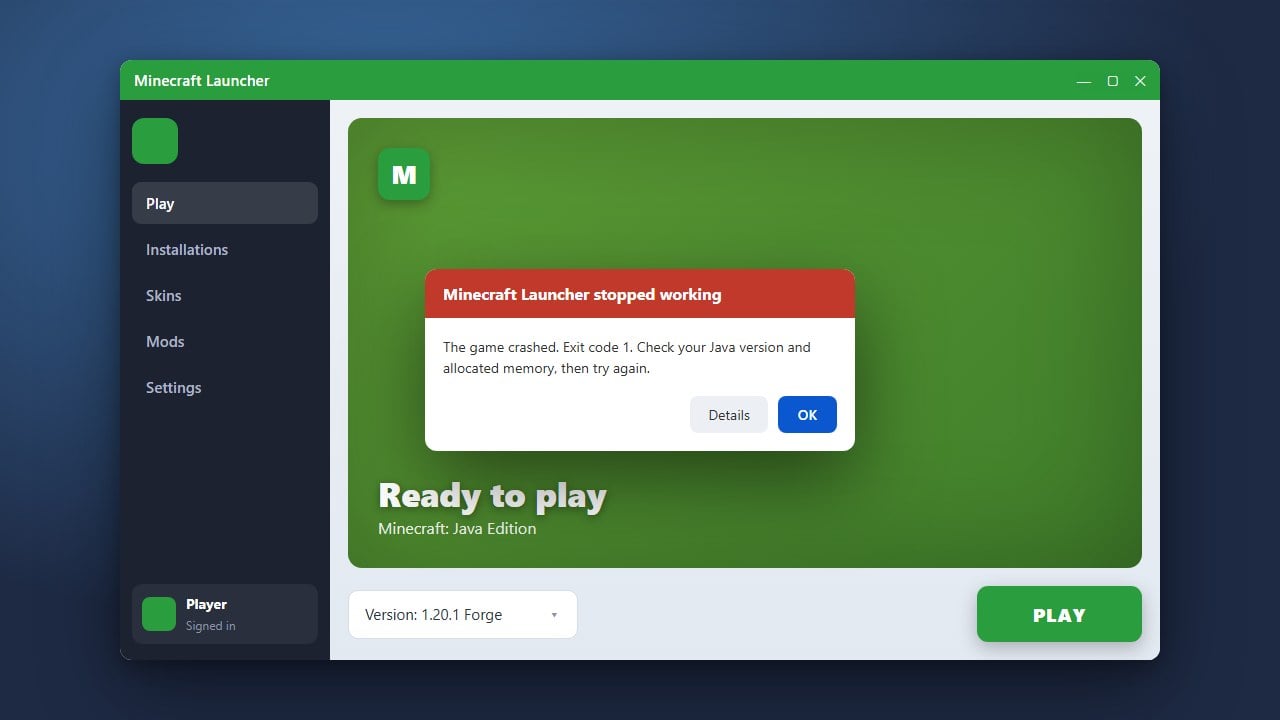
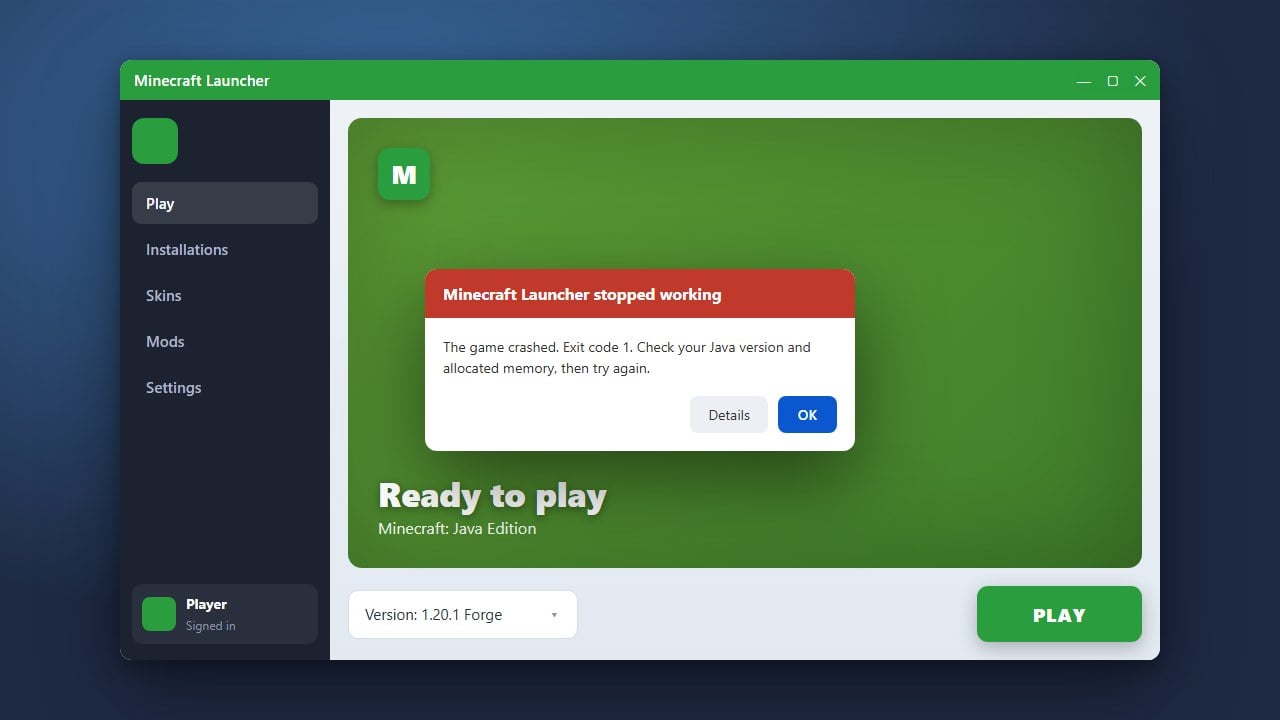
Encountering an unexpected error message or crash in Minecraft can be frustrating, whether you are playing Java or Bedrock Edition. Fortunately, most common errors can be resolved quickly by updating your software, checking your game files, and applying basic troubleshooting steps.
Identify the Error Message
Take note of any specific error codes, numbers, or text displayed on your screen or in your crash logs. Knowing the exact error helps you narrow down whether it is a network problem, an outdated launcher issue, or a hardware conflict.
If your game is closing unexpectedly without a clear window, you might want to look into How to Fix Exit Code 1 for more specific Java troubleshooting.
Update Minecraft and Your Launcher
Outdated game versions or launchers frequently cause compatibility errors. Open the official Minecraft Launcher or your platform's app store (such as the Xbox app or Google Play) and check for pending updates to ensure you are running the latest version.
Keeping your software updated prevents many unexpected bugs and ensures smooth online connectivity across both Java and Bedrock editions.
Check Your Internet Connection
Many connection-based errors happen due to packet loss, unstable Wi-Fi, or firewall blocks. Restart your router, verify your internet connection, and make sure your firewall or antivirus software is not blocking Minecraft from accessing the internet.
If you keep getting disconnected from servers, you can also check out How to Fix Minecraft Connection Reset for specialized network fixes.
Verify and Clean Game Files
Corrupted resource packs, outdated mods, or damaged game installation files can trigger persistent crashes and error screens. Remove any recently added modifications or resource packs that might be interfering with your game.
For Java Edition users experiencing sudden freezes or crashes during startup, reinstalling the official launcher or clearing temporary cache files often resolves deep installation conflicts.
Frequently Asked Questions
Why does Minecraft keep giving me an error when I try to launch?
This is usually caused by outdated graphics drivers, corrupted installation files, or an outdated Java runtime environment on Java Edition. Updating your drivers and verifying your game files usually fixes this.
How do I find my Minecraft crash logs?
On Java Edition, you can find your logs inside the logs folder in your main .minecraft directory. These text files contain detailed error reports that explain why the game crashed.