Prism Launcher is a fantastic, open-source custom launcher for Minecraft Java Edition that lets you manage multiple instances, mods, and resource packs with ease. Note that Prism Launcher requires a legitimate Minecraft account to log in and play; please purchase the official game from minecraft.net to support the developers. If you are also interested in setting up your instance properly, you may want to check out our guide on How to Download and Install Prism Launcher.
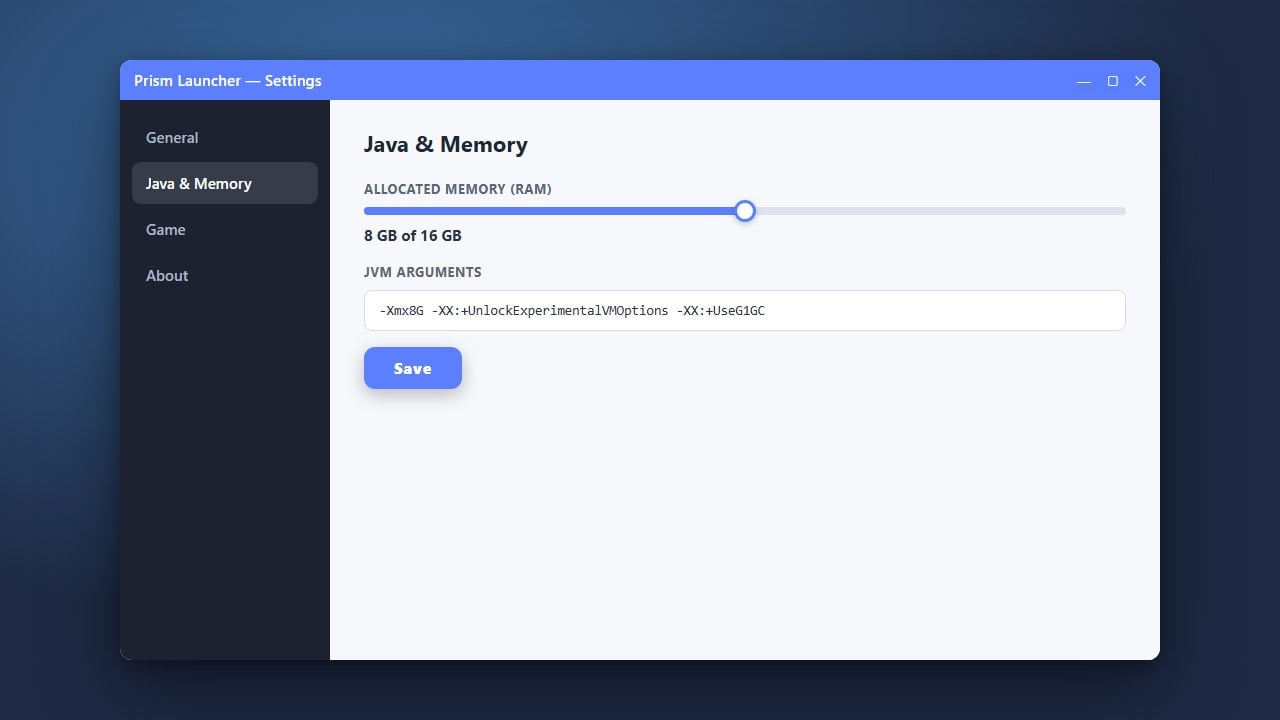
If your game runs slowly after enabling shaders, make sure you allocate enough memory by following our tutorial on How to Allocate More RAM in Prism Launcher.
Open Your Prism Launcher Instance
Launch Prism Launcher on your computer and select the Minecraft instance where you want to add shaders. If you need help creating or modifying your game setups, you can also read our guide on How to Change the Minecraft Version in Prism Launcher.
Install Iris Shaders and Sodium
Click on your instance and select Edit from the right-hand menu, then click on the Download Mods tab on the left. Search for Iris (the modern shader loader for fabric/forge) and Sodium (for performance), check both boxes, and click Select for Install.
Download Your Favorite Shader Packs
Before launching the game, download your favorite shader packs (such as Complementary or Bliss) as .zip files from trusted community sites like Modrinth or CurseForge. Keep these files handy in your browser downloads folder.
Open the Shaderpacks Folder
Launch your modded Minecraft instance from Prism Launcher. Once you reach the main menu, click on Options, then Video Settings, and open the Shader Packs menu provided by Iris.
Click the Open Shaderpack Folder button at the bottom of the screen to reveal the directory where your shader files need to go.
Drop Shader Packs into the Folder
Dragand drop your downloaded .zip shader files directly into the shaderpacks folder that just opened up on your screen. Do not extract or unzip the files; keep them zipped.
Activate Your Shaders in Game
Return to Minecraft and refresh the Shader Packs list if needed. Click on the shader pack name you just added to highlight it, click Apply, and enjoy your stunning new visuals!