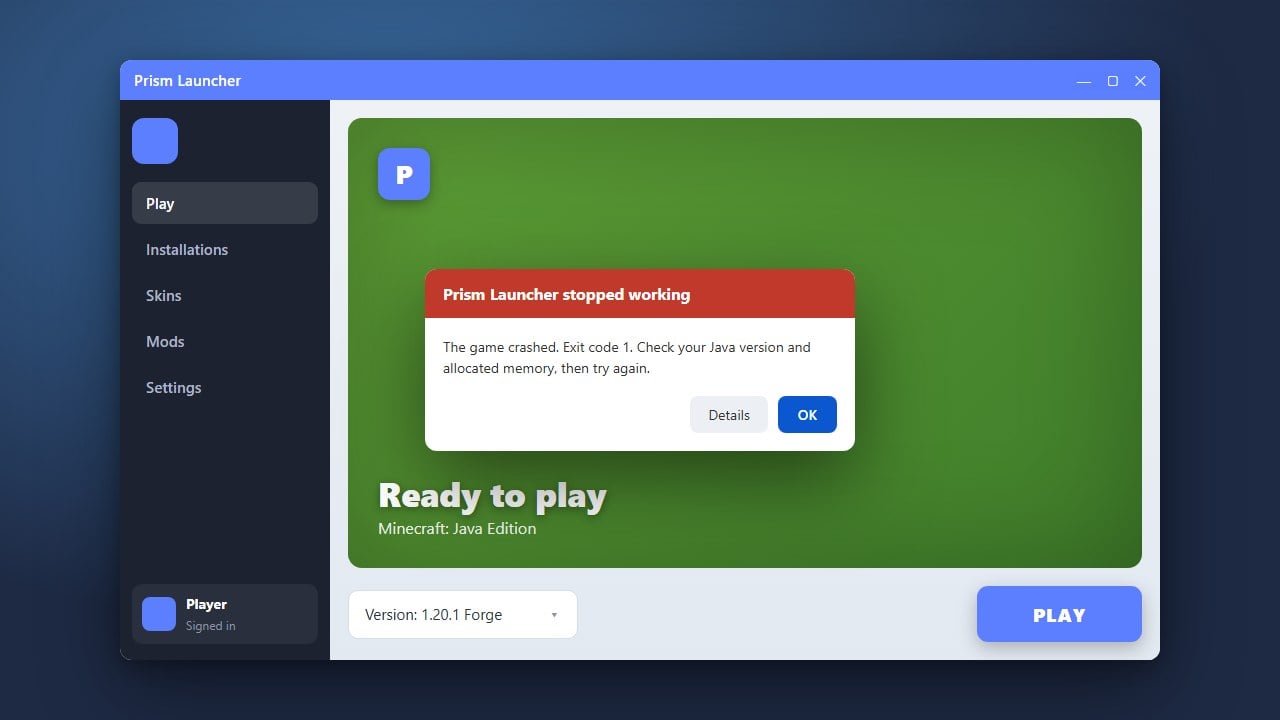
If Prism Launcher refuses to start or crashes when launching Minecraft Java Edition, it can quickly halt your gaming session. This troubleshooting guide will walk you through verifying your Java installation, updating your files, and fixing common startup bugs so you can get back to playing.
Check and Update Your Java Version
Prism Launcher relies heavily on the correct Java runtime environment to execute Minecraft correctly. Depending on whether you are playing modern versions like Java Edition 1.21 or older legacy versions, you may need Java 17 or Java 21 installed on your system.
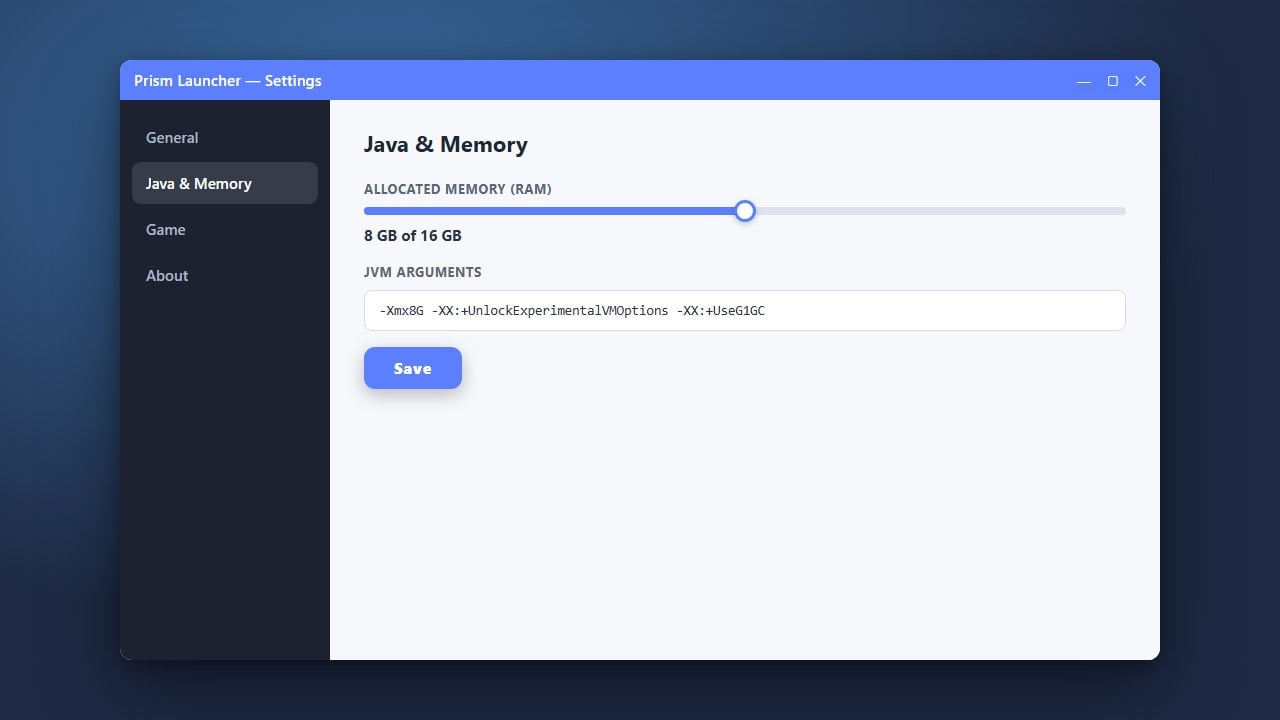
Open your Prism Launcher settings, navigate to the Java tab, and ensure that the launcher is pointing to a valid, up-to-date Java installation. If you are unsure, download and install the latest Java Development Kit (JDK) matching your operating system.
Verify Your Microsoft Account Login
Authentication errors can frequently prevent custom launchers from initializing properly or downloading game assets. Ensure you have purchased the genuine game from minecraft.net, as Prism Launcher requires a legitimate official account to log in safely and securely.
Go to the accounts management section inside Prism Launcher, remove your current profile, and log back in with your Microsoft credentials to refresh your authentication tokens.
Adjust Your RAM Allocation Settings
Insufficient or improperly configured memory allocation can cause Prism Launcher or the game instance to freeze immediately upon startup. If you need help tailoring these values, you can review How to Allocate More RAM in Prism Launcher for specific recommendations.
Open your instance settings, head to the Memory tab, and ensure you have allocated a reasonable amount of RAM (such as 4GB for vanilla or moderate modpacks) without starving your computer's operating system.
Update Prism Launcher to the Latest Version
Running an outdated build of Prism Launcher can lead to compatibility issues with recent Minecraft updates or Microsoft authentication changes. Check the official website or use the built-in update utility to install the newest stable release.
If you enjoy managing different versions, you might also want to explore alternatives or learn How to Change the Minecraft Version in Prism Launcher once your main application is running smoothly again.
Clear Corrupted Cache and Temporary Files
Sometimes leftover cache files or corrupted downloads in your Prism Launcher directory can block the application from launching altogether. Completely close the launcher through your task manager, navigate to your app data folder, and clear out corrupted cache directories.
After clearing the temporary files, restart your computer and launch Prism Launcher fresh to allow it to rebuild necessary configuration files cleanly.
Frequently Asked Questions
Why does Prism Launcher crash immediately upon opening?
This is usually caused by an outdated Java installation, corrupted configuration files, or background conflicts with antivirus software. Updating Java and restarting your PC typically resolves the issue.
Can I use Prism Launcher without buying Minecraft?
No. Prism Launcher is a custom client wrapper that requires a legitimate, paid Microsoft or Minecraft account purchased directly through official channels to verify ownership and download game files.