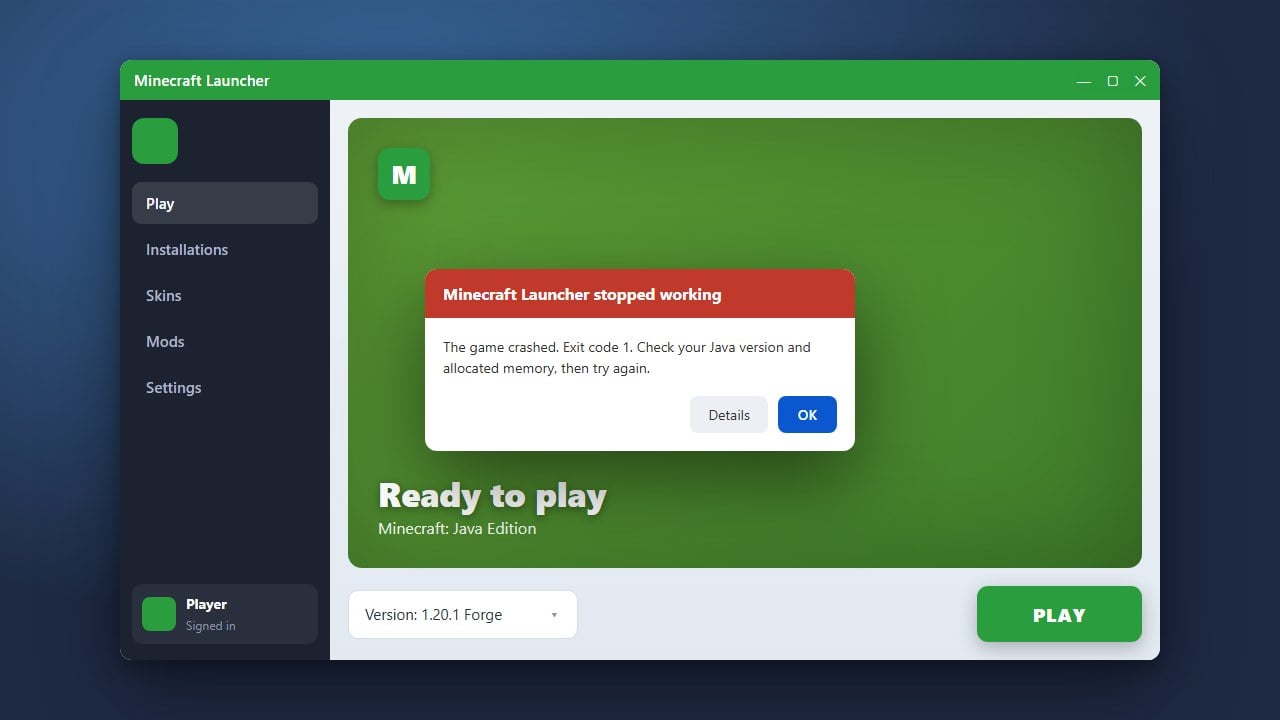
Stuck with a failed download while trying to install Minecraft, update the game, or grab essential assets? Download errors can happen for several reasons, from unstable internet connections to corrupted launcher files. This guide will walk you through easy steps to resolve download problems on both Java and Bedrock editions so you can get back to building.
Before deleting any game directories or reinstalling, always make sure to How to Back Up Your World so you do not accidentally lose your single-player saves!
Check Your Internet Connection
A weak or unstable internet connection is the most common reason Minecraft downloads fail halfway through. Restart your router or switch from a wireless connection to a wired Ethernet cable if possible. Ensure your firewall or antivirus software is not accidentally blocking the Minecraft Launcher from connecting to the download servers.
Run the Launcher as Administrator
Sometimes the launcher lacks the proper Windows permissions required to write downloaded game files to your hard drive. Right-click your Minecraft Launcher icon and select Run as administrator. If you are experiencing broader application issues, you might also want to check our guide on How to Fix Minecraft Launcher for more troubleshooting tips.
Clear Launcher Cache and Temporary Files
Corrupted temporary files stored by the launcher can cause repetitive download loops or error codes. Press the Windows key + R, type %appdata%, and open the .minecraft folder. Locate and delete or rename the assets and versions folders, then restart your launcher to force a fresh, clean download of the game files.
Reinstall the Minecraft Launcher
If the launcher itself is outdated or severely corrupted, downloading files will consistently fail. Uninstall the launcher completely from your system, download the latest official installer directly from the Minecraft website, and install it fresh. This ensures you have the most current version capable of handling modern updates.
Frequently Asked Questions
Why does my Minecraft download stop at 99%?
This usually happens when the launcher is trying to verify or write large asset files and encounters a permission block or antivirus interference. Running the launcher as an administrator or temporarily disabling third-party antivirus software usually resolves it.
Does this fix apply to Bedrock Edition on mobile or console?
For Bedrock Edition on mobile devices or consoles, download errors are typically tied to your app store account (Google Play, App Store, Xbox, or PlayStation). Ensure you are logged into the correct account that purchased the game and check for system software updates.