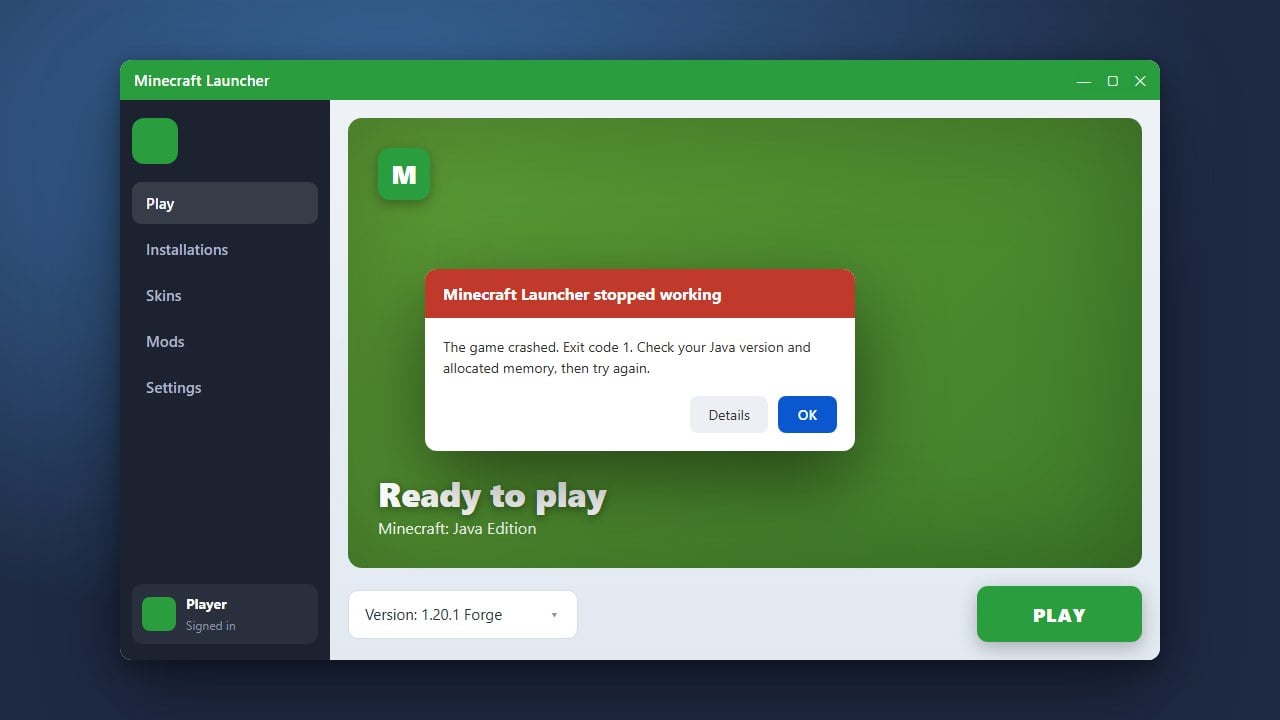
Experiencing crashes right as you try to load into a singleplayer world or connect to a server can be extremely frustrating. This guide walks you through simple methods to resolve world loading crashes in both Java and Bedrock editions.
Check for Outdated or Incompatible Mods
In Java Edition, incompatible or outdated mods are the number one cause of world-join crashes. Review your active mods and ensure they match your current game version (such as 1.21+).
Try temporarily removing your mods folder from your Minecraft directory to see if vanilla Minecraft loads the world successfully.
Allocate More Memory (RAM)
If your game runs out of memory while loading heavy world chunks, it will instantly crash. You can follow our guide on how to allocate more RAM to Minecraft to give your game the breathing room it needs.
Increasing your allocated memory from 2GB to 4GB or higher often solves sudden out-of-memory crashes.
Update Your Graphics Drivers
Outdated GPU drivers frequently cause rendering crashes the moment a world loads and displays complex graphics. Visit the official website of your graphics card manufacturer (NVIDIA, AMD, or Intel) to download and install the latest drivers.
After updating your drivers, restart your computer before launching Minecraft again.
Restore a Backup of the World
Sometimes a specific world save file gets corrupted due to an unexpected shutdown or game error. If you followed our advice on how to back up your world, you can easily replace the broken save folder with a recent working backup.
Always keep regular copies of your favorite saves to prevent permanent data loss.
Frequently Asked Questions
Why does Minecraft only crash when I join a specific world?
A specific world crash usually indicates a corrupted chunk, a broken modded item placed in that world, or corrupted level data rather than a general game installation problem.
Where can I find my crash logs in Java Edition?
You can find your crash reports inside the crash-reports folder located in your main Minecraft directory (.minecraft).