Discovering that your favorite Minecraft world is corrupted or missing from the selection menu can be alarming, but it rarely means your hard work is gone forever. World corruption usually stems from abrupt game crashes, sudden power cuts, or storage read errors while saving chunk data. With a few safe file adjustments, you can often recover your structures, inventory, and terrain in both Java Edition and Bedrock Edition.
level.dat file into a Java world will reset your player inventory and spawn coordinates. Store your items in chests as soon as you enter the repaired world.Duplicate the Corrupted World Folder
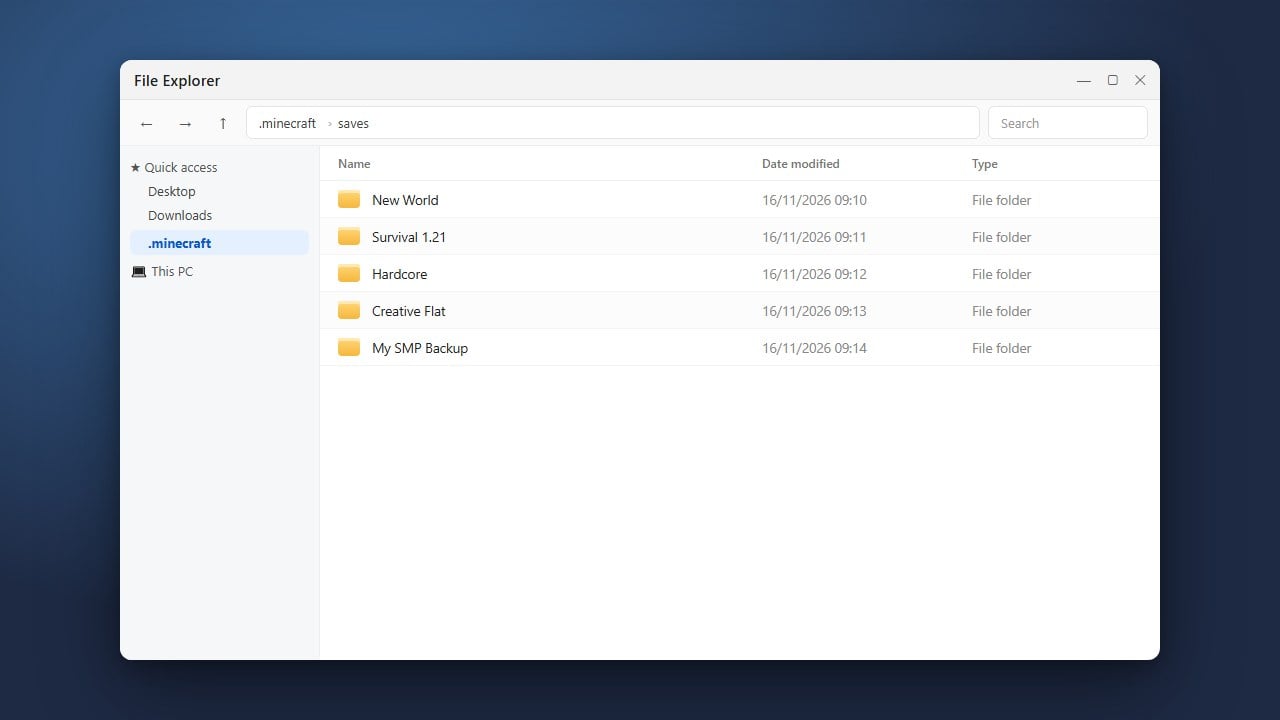
Before attempting any repair, always make a duplicate copy so you do not accidentally overwrite recoverable data. If you are not sure where your files are stored, check our guide on how to back up your world. On Java Edition, open your .minecraft/saves directory, copy the folder of your corrupted world, and paste it onto your desktop as an untouched fallback.
On Bedrock Edition for Windows, navigate to your local minecraftWorlds folder located under %LocalAppData%\Packages\Microsoft.MinecraftUWP_8wekyb3d8bbwe\LocalState\games\com.mojang\ and copy the world folder to a safe location before proceeding.
Swap level.dat with level.dat_old (Java Edition)
In Java Edition, the most common reason a world disappears from the menu or fails to load is a damaged level.dat file. Minecraft automatically creates an internal backup named level.dat_old every time your world saves. Open your corrupted world folder, delete the existing level.dat file (or rename it to level.dat.corrupt), and rename level.dat_old to level.dat.
Relaunch Minecraft and check your Singleplayer list. If the header was the only damaged part, your world will reappear normally with all structures and chunk data intact.
Transplant Header Files from a New World (Java Edition)
If both level.dat and level.dat_old are missing or unreadable, create a brand-new world in Minecraft using the same game version (and the same world seed if you know it). Load in, immediately save and quit to the title screen, then open the new world folder in .minecraft/saves.
Copy level.dat, level.dat_old, and session.lock from the new world folder and paste them into your corrupted world folder, choosing to replace existing files. This restores the core parameters so Minecraft can read your original region folder containing all your builds.
Restore Bedrock Worlds from Cloud or Previous Versions
Bedrock Edition uses a LevelDB database format rather than loose files, making manual text editing difficult. If you play on Windows, right-click your corrupted world folder inside com.mojang/minecraftWorlds, select Properties, and open the Previous Versions tab to see if Windows File History holds a recent shadow copy to restore.
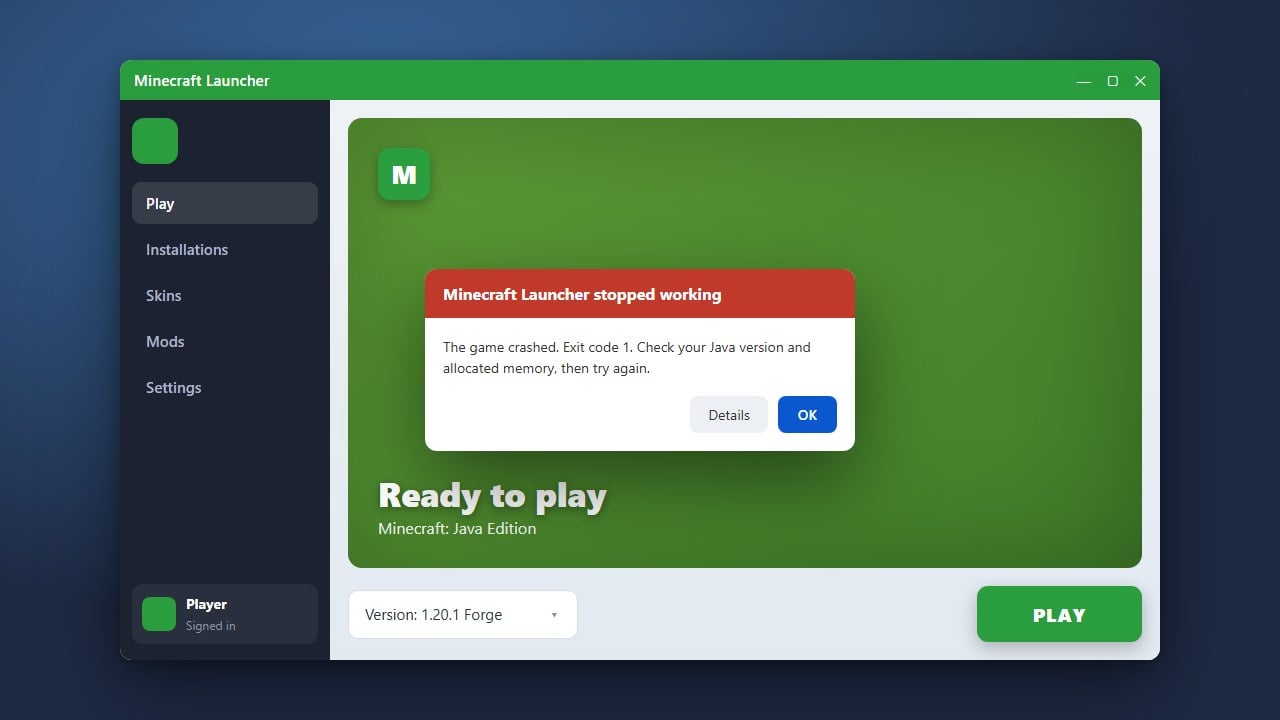
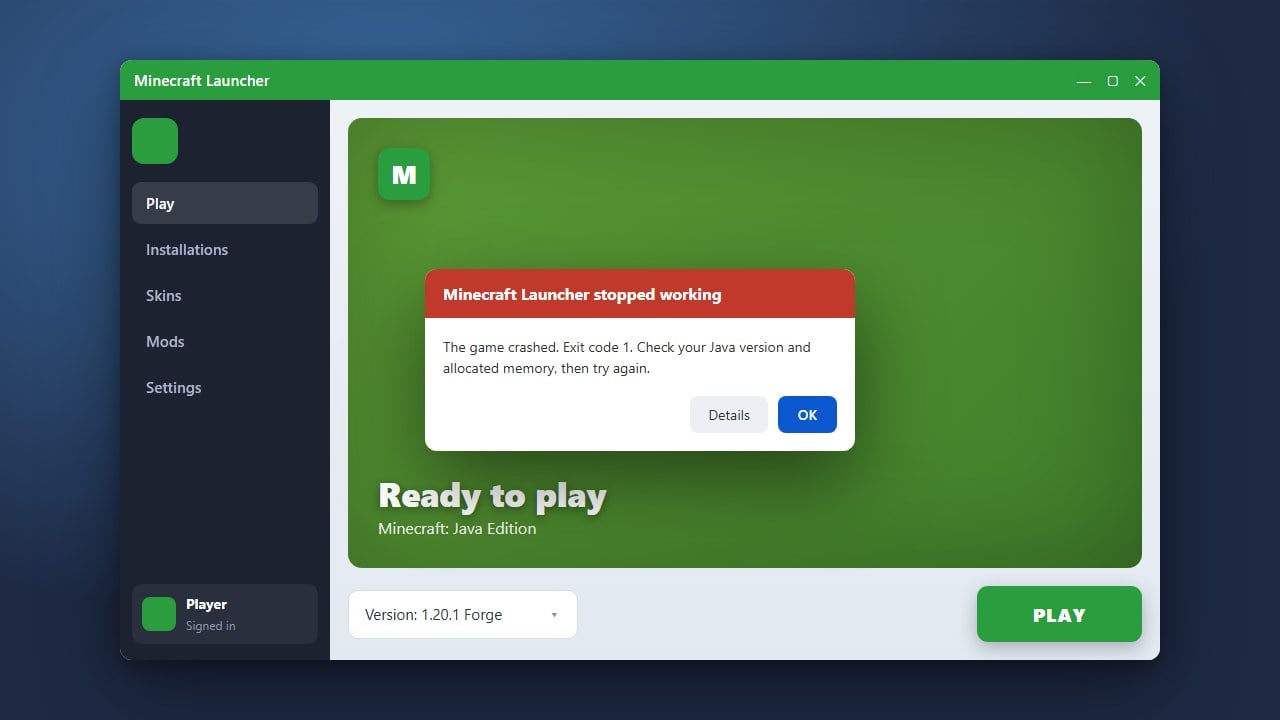
If you play on consoles (Xbox, PlayStation, or Nintendo Switch), check your console cloud storage settings to download a previous cloud save made before the corruption occurred, preventing errors like Minecraft crashing when joining a world.
Isolate and Remove Corrupted Chunks
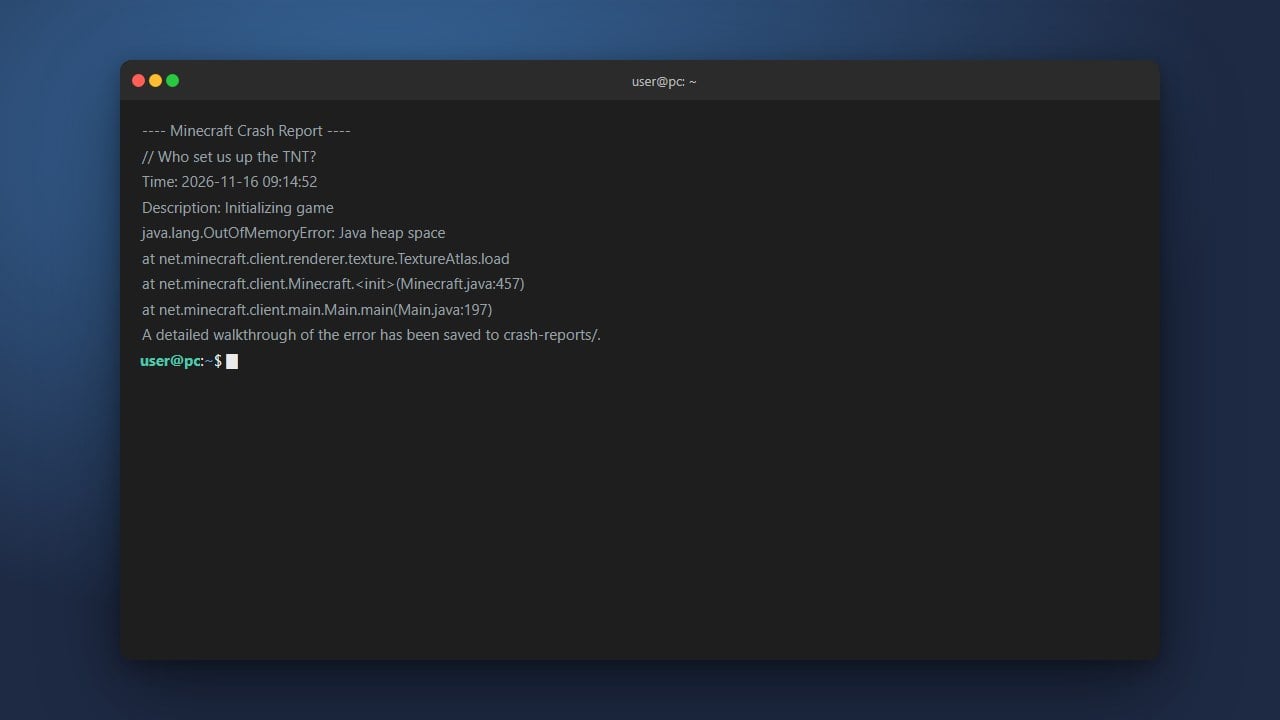
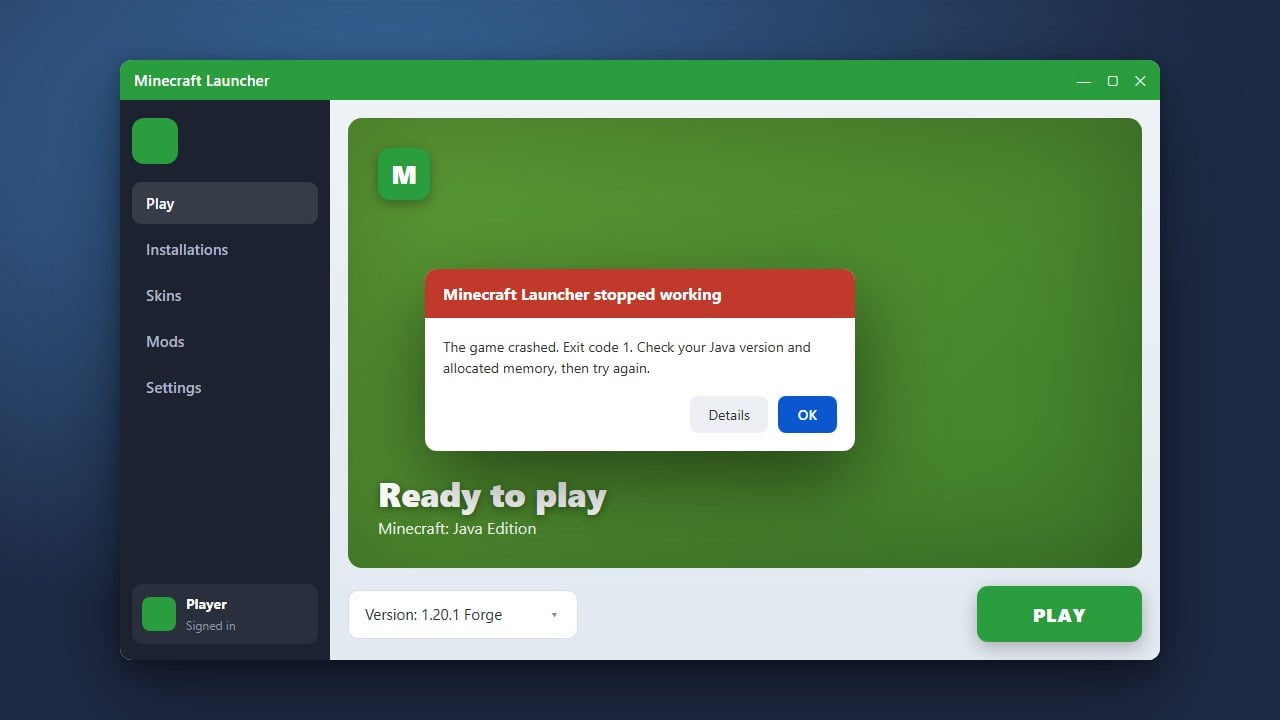
If your world loads but immediately crashes whenever you walk toward a specific area, a single corrupted chunk is causing a game-breaking entity or block tick loop. You can check your crash report to find the problem coordinates and identify which region file corresponds to that area.
On Java Edition, open your save with an external chunk tool such as MCA Selector to locate and delete only the corrupted chunk, or manually remove the matching file from the region directory. Minecraft will generate fresh terrain in that specific area the next time you visit, resolving persistent Minecraft crashes without sacrificing the rest of your map.
Frequently Asked Questions
Why do Minecraft worlds get corrupted?
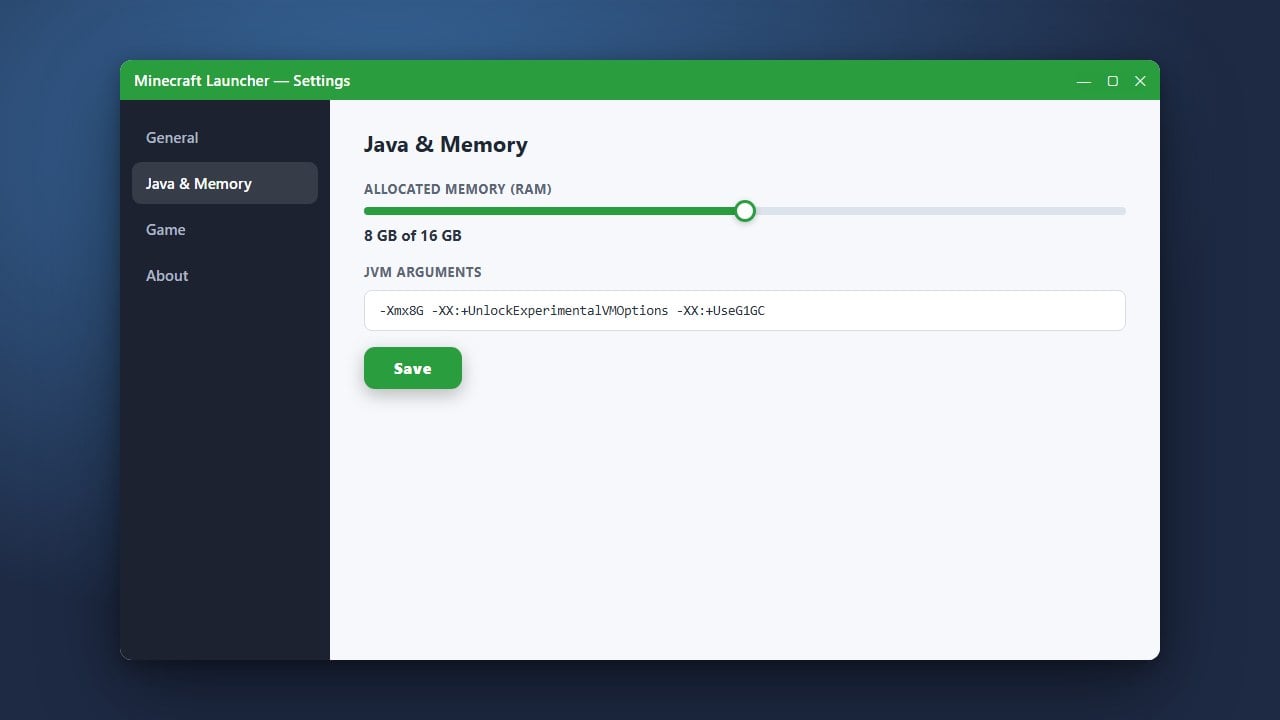
Corruption almost always occurs when the game is interrupted while actively writing data to your disk. Common causes include computer power failures, abrupt device shutdowns, out-of-memory errors, and mod conflicts.
Will my builds disappear if I delete a corrupted region file?
Yes, deleting a region file resets a 32x32 chunk area (512x512 blocks) back to its pristine seed generation. Only delete region files or individual chunks if those specific coordinates are broken and prevent the entire world from loading.
Can I fix a corrupted world on Bedrock Edition mobile?
On Android or iOS, recovery relies heavily on exporting .mcworld backups beforehand. If you have access to a file manager, you can copy the world folder from your app storage to a computer to inspect the LevelDB files or restore an earlier backup file.