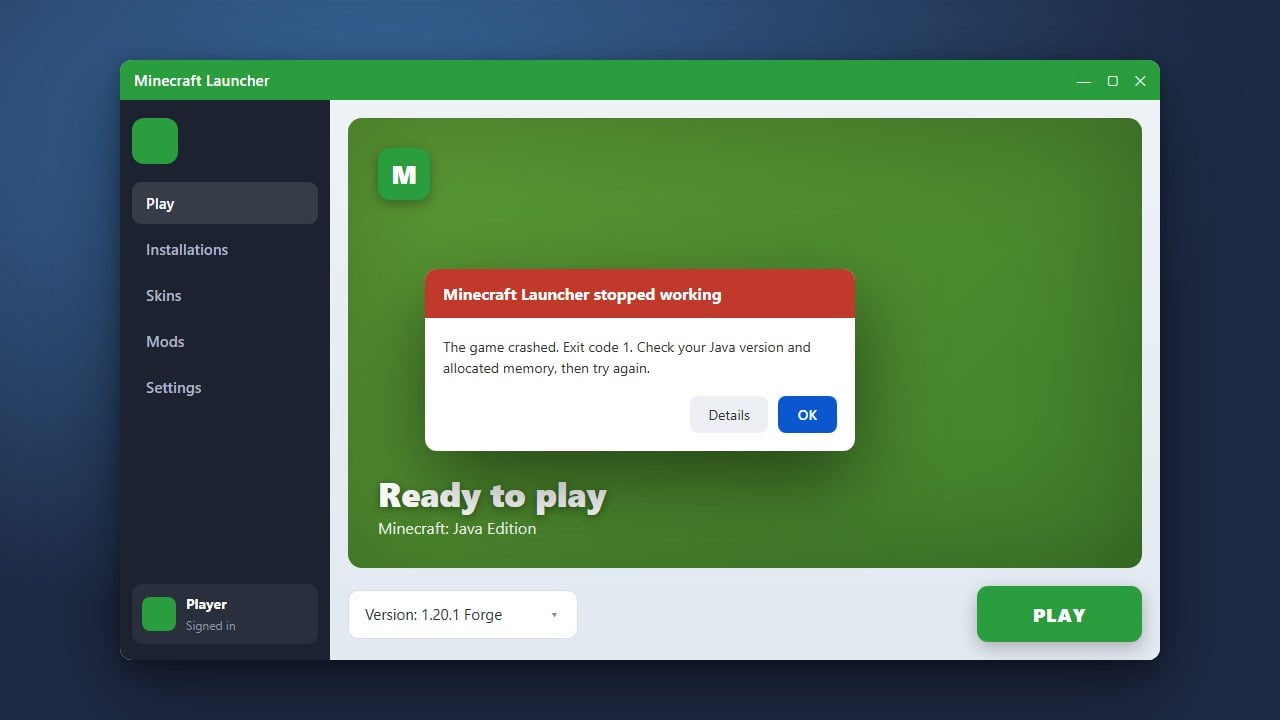
Minecraft Error Code: Bat is a sign-in error that primarily appears on Bedrock Edition platforms when the game fails to authenticate your Microsoft or Xbox Live account. This usually happens due to temporary server desynchronization, corrupted login credentials, or an expired sign-in session. Fortunately, you can resolve this Minecraft error quickly without losing any of your saved worlds.
Error Code Bat only impacts online account syncing, Marketplace access, and cross-play servers. Your local single-player worlds remain completely safe on your device.
If you use a VPN or custom proxy, disable it temporarily. VPN routes often trigger Microsoft security flags that block automated game authentications.
Restart Minecraft and Your Device
The quickest fix for transient authentication handshakes is a clean reboot. Completely shut down Minecraft, making sure background processes are terminated via Task Manager on PC or by force-quitting the app on mobile and consoles.
Restart your device and relaunch the game. In many cases, a simple restart forces the client to negotiate a fresh authentication ticket with Microsoft services.
Check Microsoft and Xbox Network Status
Because Error Code Bat relates directly to profile authentication, backend outages can prevent successful logins even if your local setup is fine. Visit the official Xbox Status page or Mojang Status channels on social media.
If account management or multiplayer services are experiencing downtime, you will need to wait until Microsoft resolves the service outage before signing in.
Sign Out and Reconnect Your Account
If the servers are online, clear the active session inside the game. Open Minecraft, go to Settings, choose Account, and select Sign Out of Your Microsoft Account.
Wait a few seconds, then click the sign-in prompt on the main menu to log back in. If you run into repeated login stalls, check our guide on how to fix Minecraft account not logging in for specific profile troubleshooting.
Clear Stored Credentials in Windows Credential Manager
On Windows PC, old security tokens can get stuck and trigger a persistent Minecraft authentication error. Press Windows + S, type Credential Manager, and open it.
Select Windows Credentials, scroll down to the Generic Credentials section, find entries starting with Xbl| or XboxLive, and click Remove. Reopen Minecraft and enter your login details again to generate fresh tokens.
Update Minecraft and Gaming Services
Running an outdated version of Minecraft Bedrock Edition or the Microsoft Store background apps can block security handshakes. Open the Microsoft Store, navigate to your Library, and select Get updates.
Ensure that both Minecraft and Gaming Services (along with the Xbox app) are updated to their latest builds, then try signing in once more.
Frequently Asked Questions
What does Error Code: Bat mean in Minecraft?
It is an authentication failure code in Bedrock Edition indicating that the game cannot verify your Microsoft or Xbox Live account credentials with the authentication servers.
Will fixing the Bat error delete my worlds?
No. Signing out of your Microsoft account or clearing credential caches does not delete local world saves or installed packs.
What should I do if Error Code Bat keeps returning?
If the error persists across multiple days, try resetting the Minecraft app via Windows Settings (Settings > Apps > Installed apps > Minecraft > Advanced options > Repair/Reset), or verify that your system date and time are synchronized automatically.