Whether your render distance slider is capped unexpectedly low, resets every time you relaunch the game, or simply fails to load distant terrain, visual rendering limits can severely hinder exploration. This guide explains how to fix Minecraft render distance issues across both Java Edition and Bedrock Edition so you can see far across your worlds smoothly.
Check In-Game Video Settings and Server Limits
On Java Edition, press Escape, go to Options > Video Settings, and check the Render Distance slider. On Bedrock Edition, open Settings > Video and scroll down to Render Distance.
If you are playing on a multiplayer server or Realm, remember that server-side view distance always overrides your personal settings. If the server administrator set the view distance to 10 chunks, your client will not render terrain beyond 10 chunks even if your local slider is set to 32.
Lower Simulation Distance to Prevent Throttling
Both modern Java Edition and Bedrock Edition separate visual render distance from Simulation Distance (the distance at which blocks tick and entities move). If your game stutters or drops frames when raising render distance, lower your simulation distance slider to 4 or 6 chunks.
Lowering simulation distance relieves heavy CPU calculations, preventing frame stalls and stopping the game engine from freezing chunk generation, which avoids severe Minecraft FPS drops.
Allocate More RAM (Java Edition)
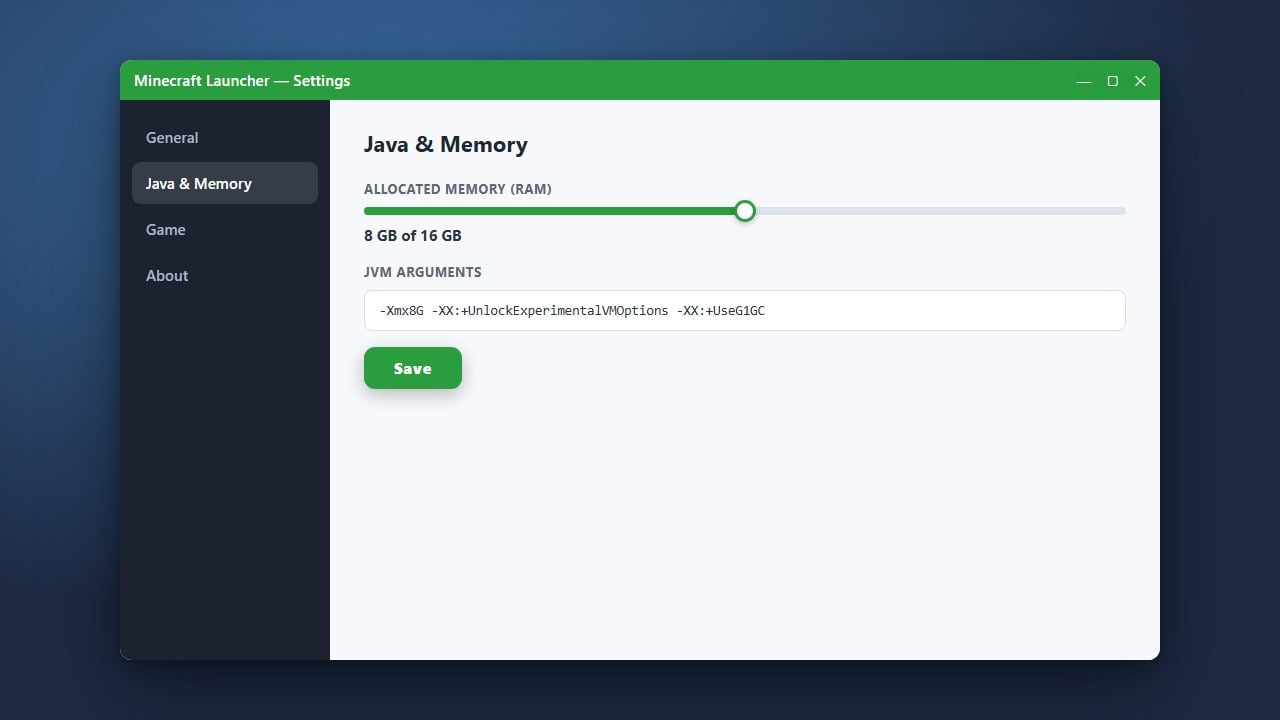
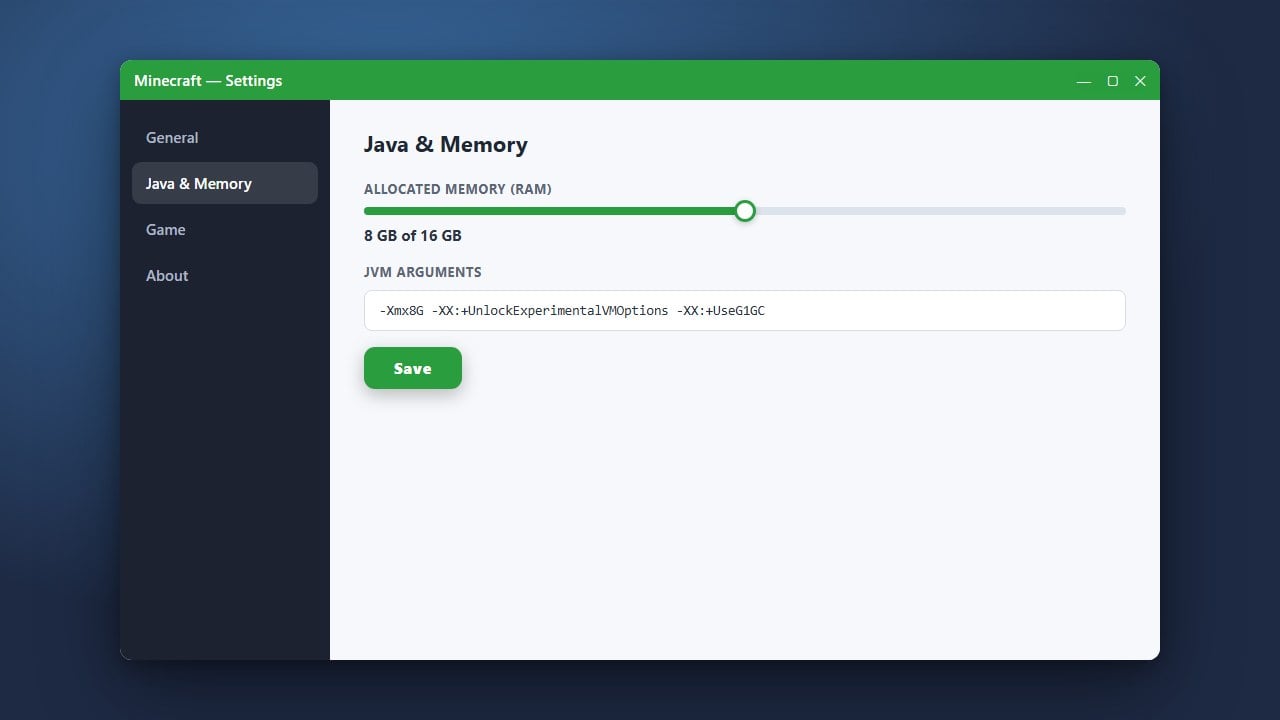
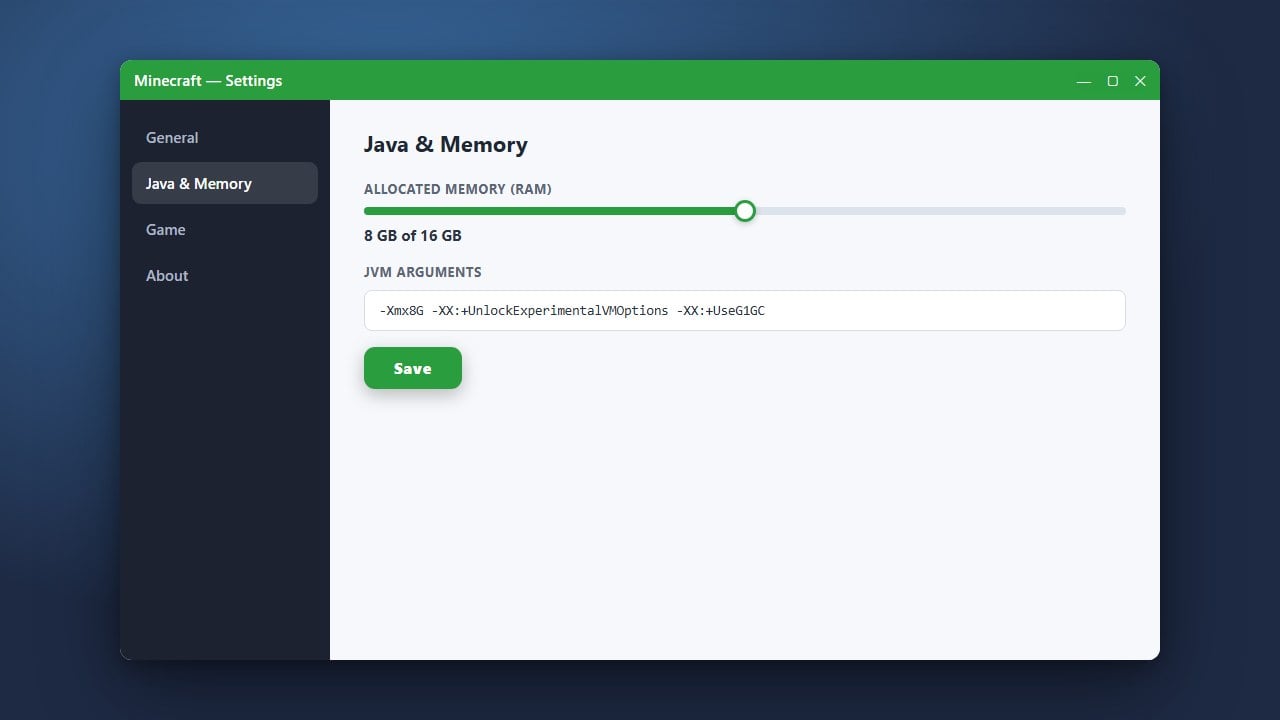
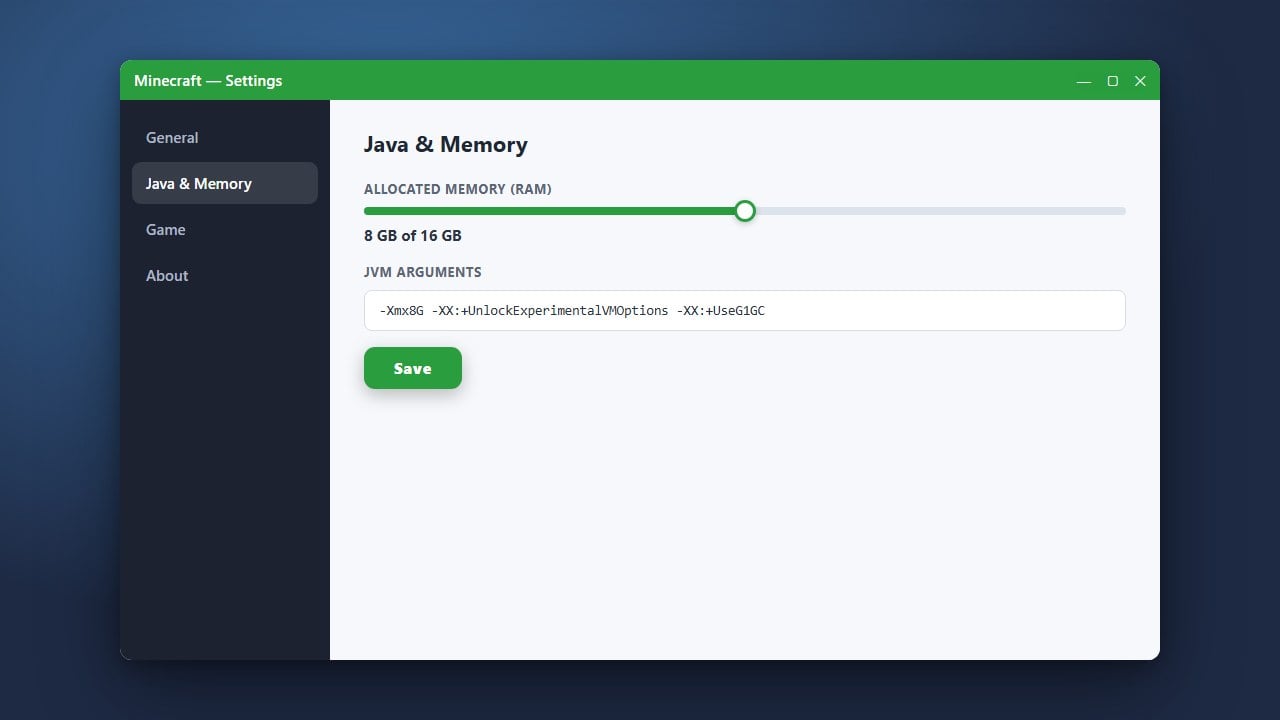
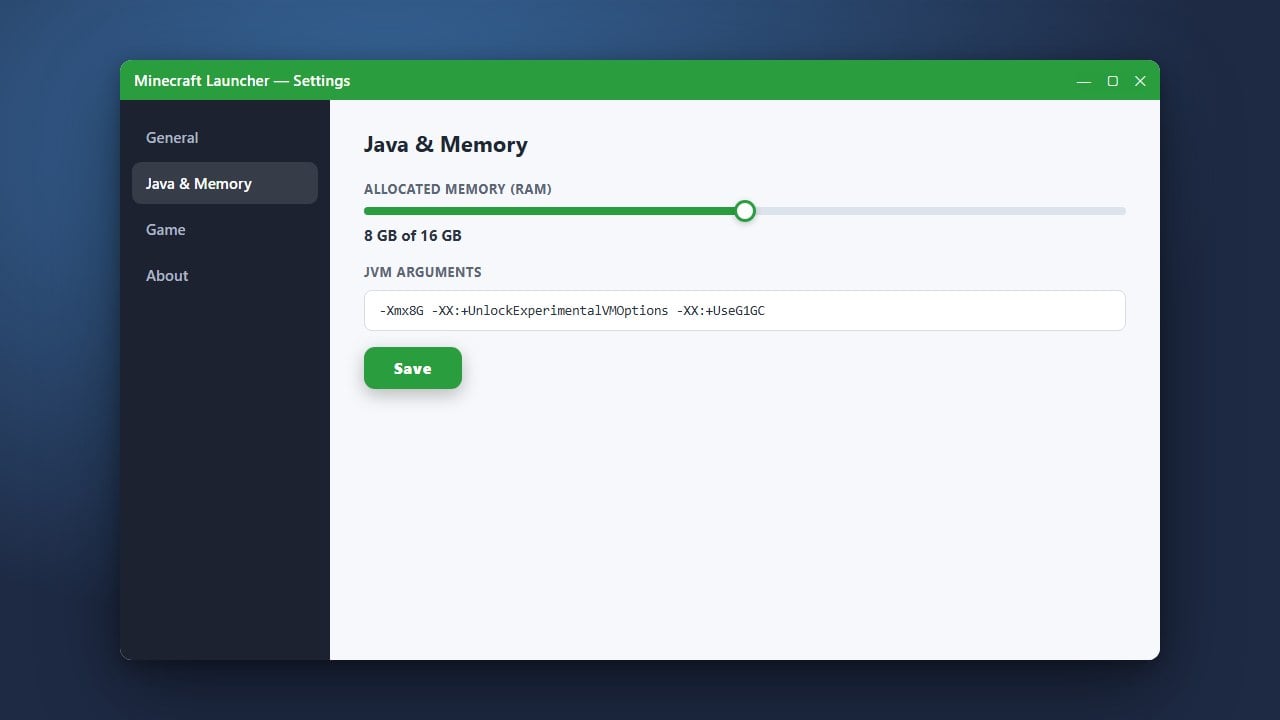
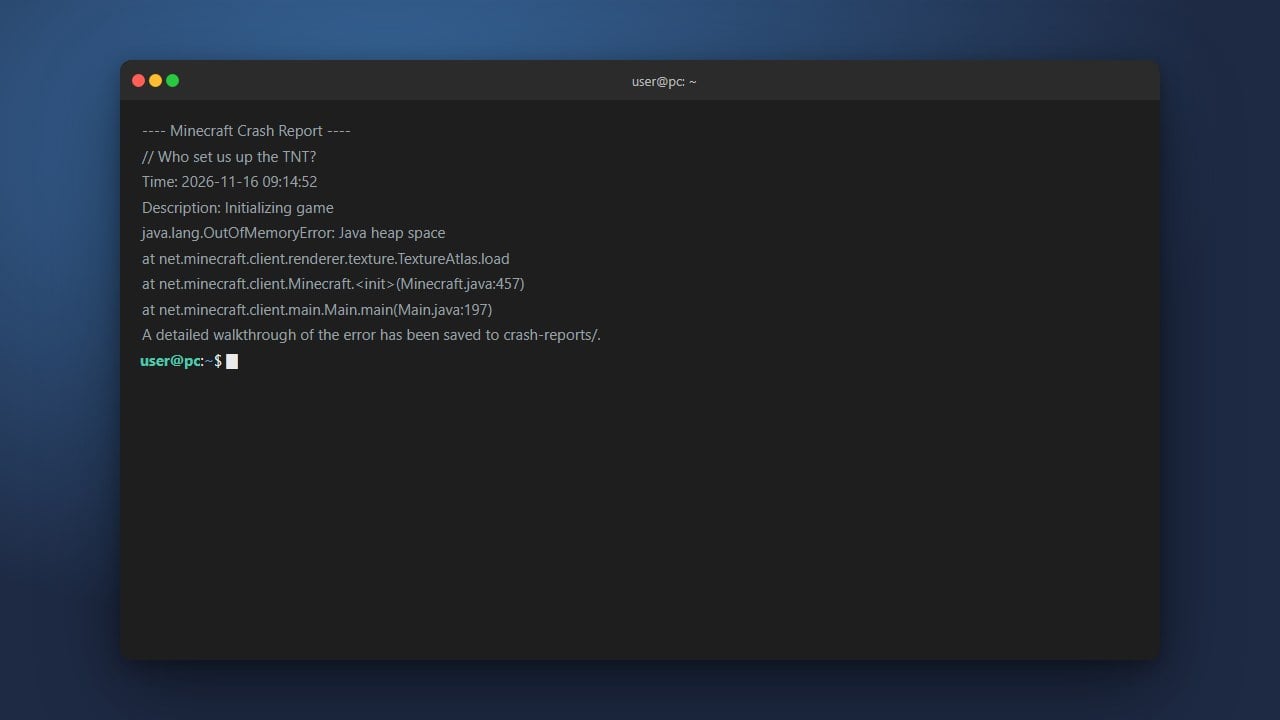
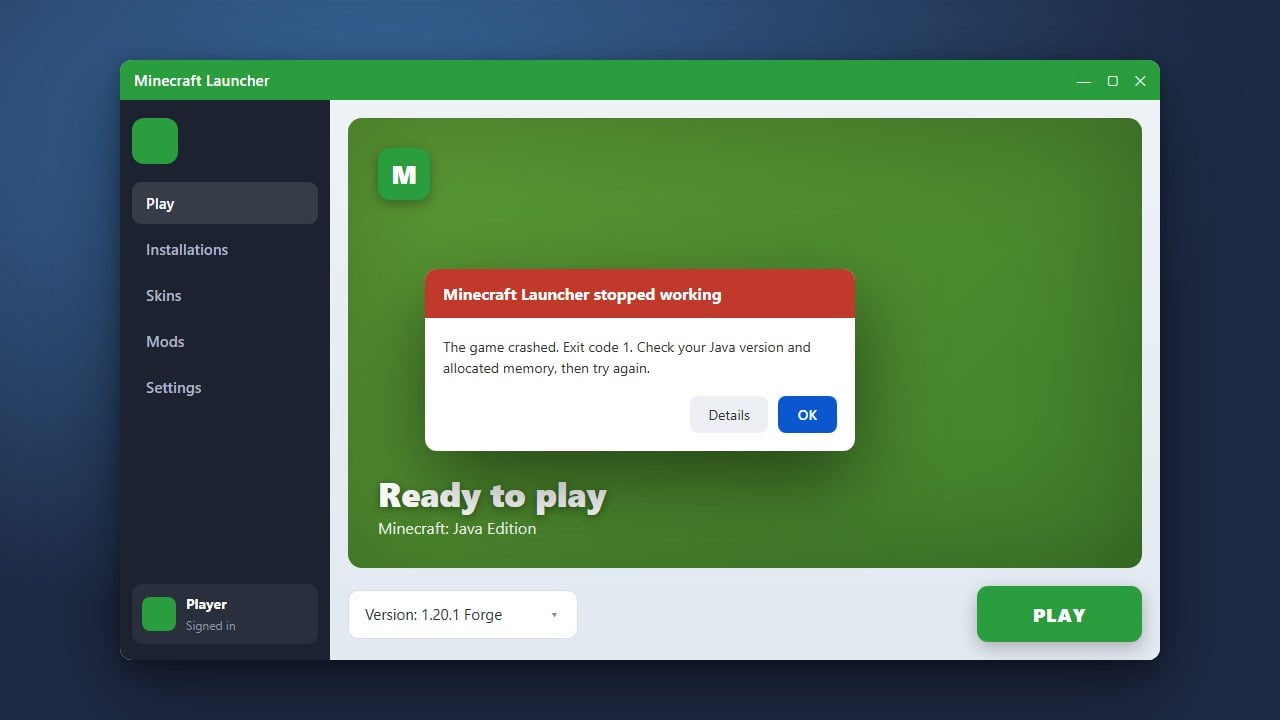
High render distances (16 chunks and above) require significant memory to store chunk geometry and entity data. By default, the Minecraft Launcher allocates only 2 GB of RAM to Java Edition, which frequently causes rendering to stall or chunk generation to freeze completely.
Check our guide on how to allocate more RAM to Minecraft to increase your memory allocation to 4 GB or 6 GB in your launcher profile settings.
Manually Edit and Unlock the Options File
If your render distance slider refuses to save your changes, your configuration file may be set to read-only or corrupted. Close the game entirely. On Java Edition, press Win + R, type %appdata%\.minecraft, and open options.txt in a text editor. Find renderDistance: and set it to your desired number (e.g., renderDistance:16).
Right-click the options.txt file, select Properties, and verify that the Read-only checkbox is unchecked so the game can write changes freely.
Reload World Chunks to Clear Stalled Terrain
If you raised your render distance but surrounding terrain remains trapped behind an invisible wall or void, the chunk rendering thread may have hung. On Java Edition, press F3 + A while in-world to force the engine to redraw and reload all loaded chunks.
On Bedrock Edition, pause the game, lower the render distance slider by two ticks, unpause, and then slide it back up. If terrain still fails to load properly, see our guide on how to fix Minecraft chunks not loading.
Frequently Asked Questions
Why is my Bedrock Edition render distance slider locked to a low number?
Bedrock Edition automatically queries your device specifications. If your mobile device, console, or PC has integrated graphics or low available RAM, the game hard-caps the slider to prevent out-of-memory crashes.
Does raising render distance affect mob spawning?
In modern Minecraft, mob spawning is governed by Simulation Distance rather than Render Distance. Raising Render Distance only affects how far you can see terrain, leaving mob spawning limits unchanged.