A packet handling error in Minecraft usually occurs when there is a communication breakdown between your game client and the server, often due to mismatched game versions, corrupted cache files, or network instability. Follow this guide to troubleshoot and resolve the issue so you can get back to playing.
Verify Your Game Version
The most common cause of a packet handling error is trying to join a server running a different version of Minecraft than your game client. Make sure your game version matches the server requirements exactly.
If you are playing Java Edition, you can easily switch your version using How to Change Your Minecraft Version to match the server you want to join.
Check for Mod and Plugin Mismatches
If you play on modded servers in Java Edition, having different mods, client-side tweaks, or outdated mod loaders can corrupt packet data exchanged with the server. Ensure that all required mods match the server's mod pack precisely.
If you use custom client modifications, try disabling them temporarily to see if the packet error stops occurring.
Restart Your Game and Launcher
Sometimes temporary connection glitches cause data packets to drop or fail decoding during transmission. Completely close out of Minecraft and your game launcher, wait a few seconds, and then reopen everything fresh.
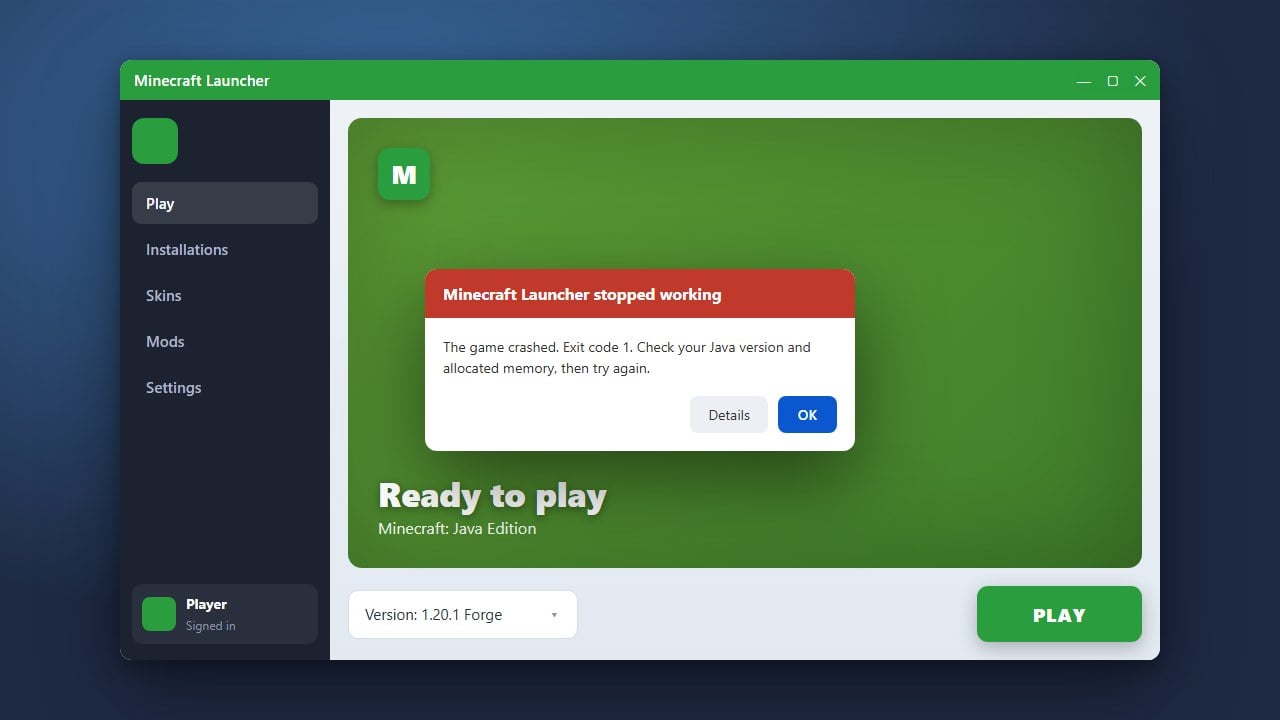
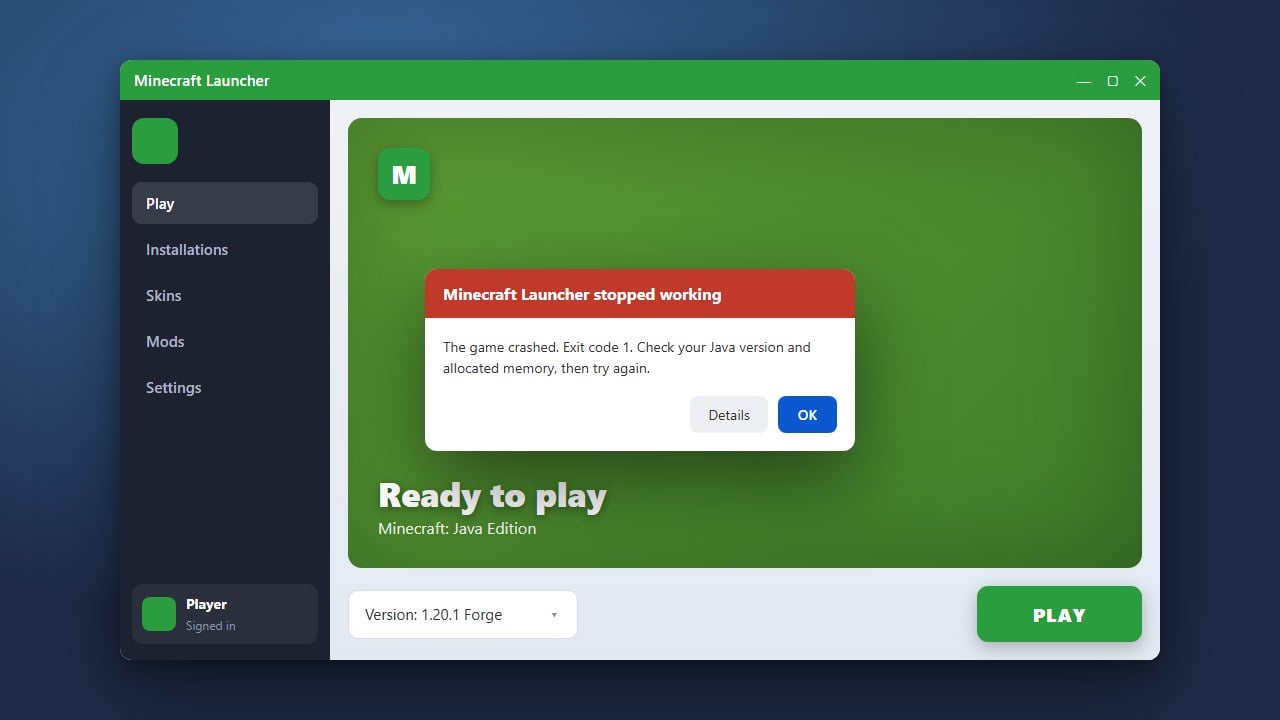
If your launcher itself is acting up or failing to sync properly, you might want to look at troubleshooting tips found in How to Fix Minecraft Launcher before trying to reconnect.
Check Your Internet Connection
Unstable internet connections, high packet loss, or temporary router glitches can interrupt the stream of data packets between your device and the Minecraft server. Restarting your router or switching from Wi-Fi to a wired Ethernet connection can often resolve persistent connectivity errors.
If you continue experiencing connection drops or timeouts alongside packet errors, check out How to Fix "Connection Timed Out" for additional network troubleshooting steps.
Frequently Asked Questions
What does a packet handling error mean in Minecraft?
It means the server and your game client failed to properly understand or process the data packets being sent back and forth, usually caused by mismatched versions or bad network packets.
Can mods cause packet handling errors?
Yes. If a server requires specific server-side plugins or client mods and yours do not match, the game will throw packet decoding or handling errors when you attempt to interact with the world.