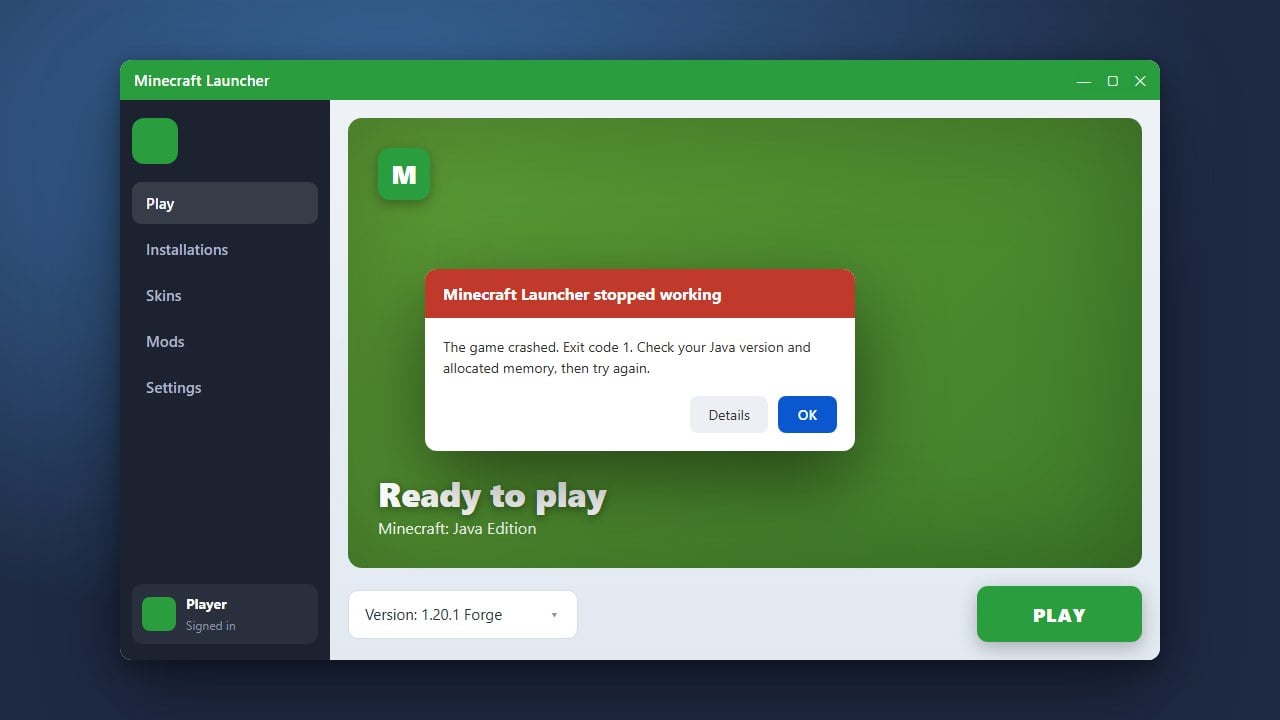
If your game unexpectedly shuts down or freezes while playing, it can be extremely frustrating. This guide covers the most effective troubleshooting steps to fix Minecraft when it keeps stopping on both Java and Bedrock editions, helping you get back to your world smoothly.
Check for Outdated Mods and Resource Packs
In Minecraft Java Edition, outdated mods, shaders, or resource packs are the number one cause of unexpected game shutdowns. Remove any recently added modifications from your mods folder and try launching the game again to see if the issue stops.
If you suspect a wider mod conflict or instability, you can learn more about managing your setup in our guide on How to Fix Minecraft Mods Not Working.
Allocate More System Memory
Running out of RAM will cause Minecraft Java Edition to freeze and abruptly close. If your computer has enough memory, giving the game a higher RAM limit can resolve these random stops.
To safely increase your assigned memory, follow the instructions outlined in our tutorial on How to Allocate More RAM to Minecraft.
Update Your Graphics Drivers
Outdated or corrupted graphics card drivers frequently cause rendering errors that make Minecraft stop working. Visit the official manufacturer website for your GPU (NVIDIA, AMD, or Intel) to download and install the latest drivers.
After updating your drivers, restart your computer completely before launching Minecraft again to ensure the changes take effect.
Verify Game Files and Reinstall
Corrupted installation files can trigger repetitive crashes. For Minecraft Java Edition, use the official launcher to verify or reinstall your game files. For Bedrock Edition, check your device's app settings to repair or reinstall the game.
Always remember to safeguard your saved worlds before performing a clean reinstallation by following How to Back Up Your World.
Frequently Asked Questions
Why does Minecraft keep stopping on my phone?
On mobile devices (Bedrock Edition), Minecraft usually stops due to low available RAM, running background apps, or an outdated operating system. Try clearing your device's background tasks and restarting your phone.
How do I know what caused Minecraft to crash?
In Java Edition, you can check the crash-reports folder inside your main Minecraft directory for text files containing detailed error logs that point directly to the culprit.