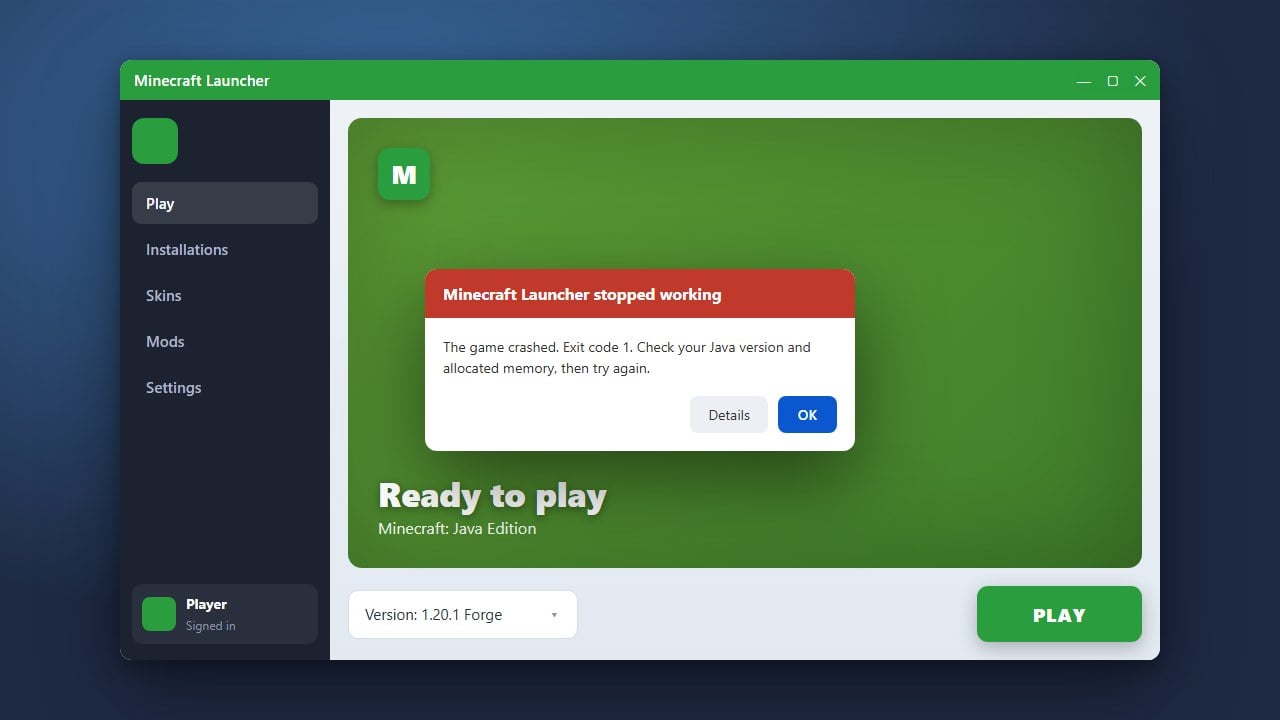
The Invalid Session error in Minecraft usually pops up when your game client loses authentication with the official Minecraft or Xbox servers. This often happens if your game has been open for too long, you put your computer to sleep, or your login token has simply expired. Follow these straightforward steps to refresh your session and rejoin your favorite multiplayer worlds.
Always keep your Minecraft Launcher updated to the latest version to prevent recurring login token drops and connection errors.
Close the Minecraft Game Completely
First, exit out of Minecraft entirely. If you are playing on Java Edition, close the game window and ensure no background processes related to Minecraft are still running in your task manager.
Sign Out of the Minecraft Launcher
Open your Minecraft Launcher. Click on your Microsoft or Mojang account profile name in the top corner of the launcher window, and select the sign out option. This clears out your stale authentication data.
Log Back Into Your Account
Sign back into the launcher using your correct Microsoft account credentials. Make sure you are logging into the exact account that owns the game or has your active Xbox Game Pass subscription.
If you run into other authentication troubles during this step, you may want to check out our guide on How to Fix Minecraft Account Not Logging for extra troubleshooting.
Restart the Launcher and Verify Connection
Once you have successfully signed back in, close the launcher completely and open it up one more time to ensure your new session token syncs up properly with the servers. Launch Minecraft and try joining your server again.
Frequently Asked Questions
Why does the Invalid Session error keep happening?
This error usually occurs when your login token expires after a long gaming session, your computer wakes up from sleep mode, or your internet drops briefly while authenticating with Microsoft services.
Does this error affect both Java and Bedrock Edition?
Yes, while the exact wording can vary slightly, both Java and Bedrock players can experience authentication and session validation issues when connecting to online multiplayer servers or Realms.