Running Minecraft on a powerful gaming computer should result in flawless, high-framerate gameplay. However, many players with top-tier hardware experience sudden microstutters and frame drops. This usually happens because the game defaults to integrated graphics, suffers from Java garbage collection spikes caused by excessive memory, or struggles with uncapped frame timing. Follow these steps to smooth out your game and get the performance your hardware deserves.
Ensure Minecraft Uses Your Dedicated GPU
High-end PCs with discrete graphics cards (such as Nvidia GeForce or AMD Radeon) often mistakenly run Minecraft on the CPU's integrated graphics. In Java Edition, press F3 while in a world and look at the top right of your screen. If you see "Intel" or "AMD Radeon Graphics" instead of your dedicated GPU model, Windows is routing the game through the wrong chip.
To fix this on Windows 10 or 11, open Windows Settings and navigate to System > Display > Graphics. Add your Minecraft launcher or Java executable (usually javaw.exe located in your Minecraft runtime folder), click Options, choose High performance, and select your dedicated GPU.
Set the Optimal RAM Allocation
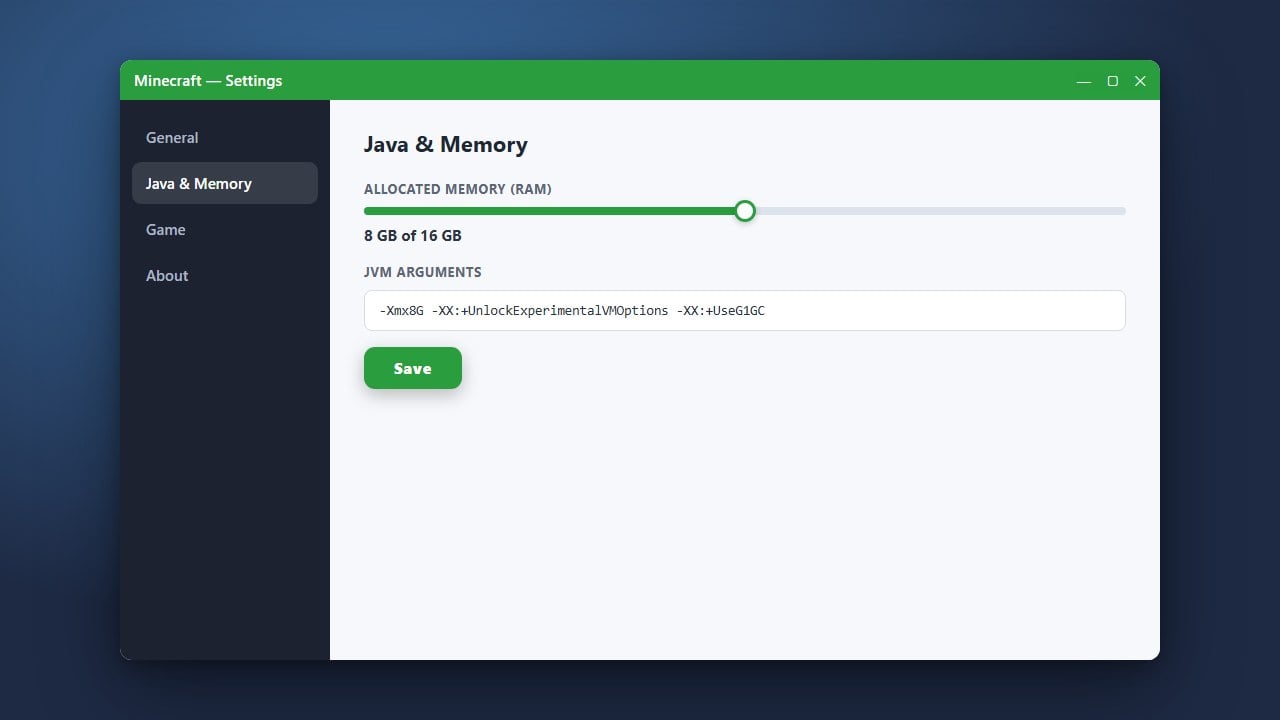
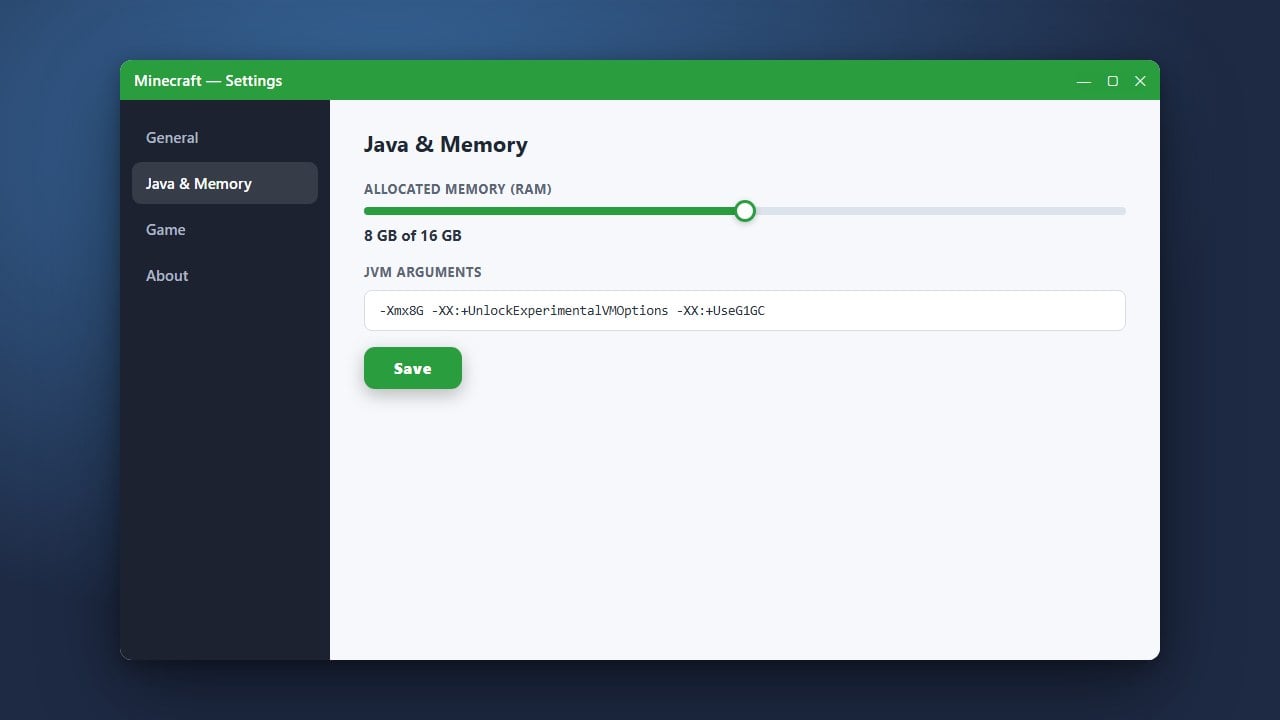
Allocating either too little or too much RAM causes severe stuttering in Java Edition. If you assign too little, the game freezes when memory runs out; if you assign 16GB or more, Java's garbage collector pauses the entire game for a split second every time it clears memory. For unmodded Minecraft, 4GB is ideal, while heavy modpacks generally need 6GB to 8GB.
Open the Minecraft Launcher, click the Installations tab, click the three dots next to your profile, and select Edit. Click More Options and find the JVM Arguments field. Change the beginning text from -Xmx2G to -Xmx4G (or -Xmx6G for modded play). You can learn more details in our guide on how to allocate more RAM to Minecraft.
Cap Framerate to Match Your Monitor Refresh Rate
Letting your frame rate run completely uncapped can cause severe frame pacing issues and microstuttering, even if your counter displays 300+ FPS. When framerates fluctuate wildly between render passes, your display cannot present frames evenly.
In Java Edition, pause the game, go to Options > Video Settings, and set the Max Framerate slider to your monitor's exact refresh rate (such as 144 fps, 165 fps, or 240 fps) or enable VSync. In Bedrock Edition, toggle VSync or cap the framerate within your graphics card control panel (such as Nvidia Control Panel or AMD Software) to enforce smooth frame delivery.
Balance Render and Simulation Distances
High-end hardware tempts players to crank Render Distance to 32 chunks or higher. However, Minecraft's world generation and tick processing are strictly CPU-bound on a single thread. When moving through the world, generating dozens of chunk updates simultaneously will spike CPU thread usage and produce stutter.
Drop your Render Distance to 16–20 chunks and your Simulation Distance to 10–12 chunks. This maintains expansive viewing ranges while drastically reducing tick load and disk read spikes. If you still want faster performance, check our advice on how to increase FPS in Minecraft.
Install Modern Optimization Mods (Java Edition)
Vanilla Java Edition uses an outdated OpenGL rendering pipeline that does not take full advantage of modern multi-core processors and graphics architecture. Even an RTX 4090 or RX 7900 XTX will stutter on vanilla Java code due to draw-call bottlenecks.
Install the Fabric mod loader alongside Sodium (a modern rendering engine replacement) and Lithium (general physics and chunk optimization). Sodium rewrites the rendering pipeline to use modern graphics techniques, eliminating chunk-loading hitches and microstutters entirely.
Frequently Asked Questions
Why does Minecraft stutter every few seconds on a fast PC?
This is almost always caused by Java garbage collection spikes. Press F3 and watch the memory percentage in the top-right corner. If the stutter happens exactly when the memory drops from 80% back down to 40%, you have either allocated too much RAM (forcing a massive cleanup pause) or too little RAM (forcing constant mini-cleanups). Adjust your allocation to 4GB or 6GB to fix it.
Does Bedrock Edition suffer from the same stutter issues?
Bedrock Edition is written in C++ rather than Java, so it does not suffer from Java garbage collection pauses. When Bedrock stutters on high-end hardware, the culprit is almost always aggressive VSync conflicts with high-refresh G-Sync or FreeSync monitors, or running maximum chunk distances over slow storage drives.