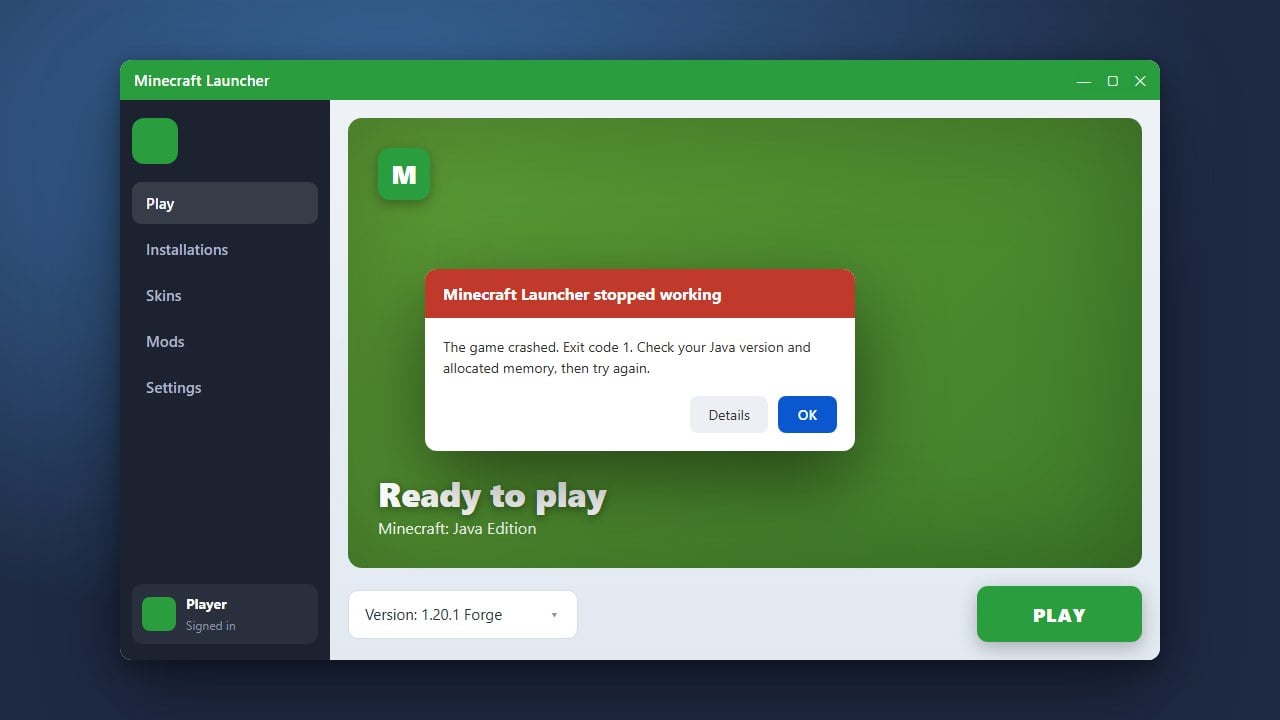
Encountering a resource reload failure in Minecraft can be frustrating, usually stopping your texture packs, resource packs, or behavior packs from applying properly. Whether you are playing Java or Bedrock edition, this guide will walk you through the simplest ways to clear out corrupted files and get your game running smoothly again.
Restart Your Game Completely
Sometimes a simple restart is all it takes to clear temporary loading glitches. Close Minecraft entirely, ensure no background processes or launcher tasks are lingering, and then reopen the game.
After launching the game back up, try applying your resource packs or reloading your resources again from the settings menu.
Remove Conflicting or Outdated Resource Packs
An outdated resource pack or one designed for a completely different game version will often trigger reload errors. Navigate to your resource packs menu and disable any packs that have not been updated.
If you suspect a specific pack is causing your game to freeze or crash when loading, you may want to check out How to Fix Minecraft Mods Not Working for additional troubleshooting tips on custom assets.
Clear the Cache and Temp Files
Corrupted cache files in your Minecraft directory can prevent textures and sounds from reloading correctly. For Java Edition, open your resourcepacks folder from the game menu and inspect the contents. For Bedrock Edition, check your storage settings in-game to delete corrupted cache data.
If your game is also struggling with performance or memory allocation while handling heavy textures, consider following How to Allocate More RAM to Minecraft to give your game more breathing room.
Verify Game Files and Update
Outdated game installations can cause conflicts with modern resource structures. Use your official Minecraft Launcher to verify your installation files or update your game to the latest version.
Ensuring both your base game and your resource packs are fully up to date resolves most compatibility errors instantly.
Frequently Asked Questions
Why does Minecraft say resource reload failed?
This error typically happens when a resource pack contains syntax errors in its code, missing texture files, or is built for an older version of Minecraft that is no longer compatible.
Does this fix work for both Java and Bedrock editions?
Yes! While the file paths and menu names differ slightly between Java and Bedrock, the core troubleshooting steps of removing bad packs and clearing cache apply to both editions.