When Minecraft add-ons fail to load, items appear without textures, or custom mobs refuse to spawn, the issue usually stems from inactive behavior packs, disabled experimental toggles, or version mismatches. Follow these troubleshooting steps to get your add-ons working properly across both Bedrock Edition and Java Edition.
In Bedrock Edition, enabling experimental features or behavior packs in a world disables Xbox/PlayStation achievements permanently for that world save.
Always test new add-ons in a freshly created creative test world before applying them to your long-term survival saves.
Activate Both Behavior and Resource Packs
In Bedrock Edition, most complete add-ons consist of two parts: a Behavior Pack (which controls game logic, stats, and mob behavior) and a Resource Pack (which supplies models, sounds, and textures). If you only activate one half, the add-on will malfunction or display missing textures.
Open your world settings by clicking the pencil icon next to your world, scroll down the left sidebar to Resource Packs, and ensure the pack is listed under Active. Then, open Behavior Packs directly below it and verify the matching pack is also active.
Turn On Required Experimental Toggles
Many Bedrock add-ons depend on Bedrock Script API features or creator tools that remain behind experimental toggles. If these switches are disabled, custom items and scripts cannot load into your world.
In your Bedrock world settings, select Experiments. Toggle on switches required by the add-on creator, such as Beta APIs or creator toggles. Because enabling experiments creates a copy of your world, it is always wise to know how to back up your world before modifying experimental game flags.
Adjust Pack Load Priority to Prevent Conflicts
When you run several add-ons at once, packs placed higher in your active list take priority over packs beneath them. If two add-ons modify the same entity, recipe, or player animation file, the lower pack will be overridden or partially broken.
Go to your active pack list in World Settings, select the add-on that is failing, and use the arrow buttons to move it higher in the load order. Test your world with only the problem add-on active to rule out conflicts with other installed packs.
Re-import the Add-on Files
Add-on files can become corrupted during download or extraction. If your game failed to read the manifest file or skipped importing assets, try re-importing a fresh copy.
Download the original .mcaddon or .mcpack file and double-click or tap it to trigger the automatic importer. If you run into import errors or file association issues on mobile or PC, check our guide on how to fix Minecraft Bedrock texture packs not importing.
Verify Game Version and Script Compatibility
Major game updates such as Minecraft 1.21 frequently update data-driven syntax and scripting libraries. Outdated add-ons often fail silently or crash the game when loading custom blocks or entities.
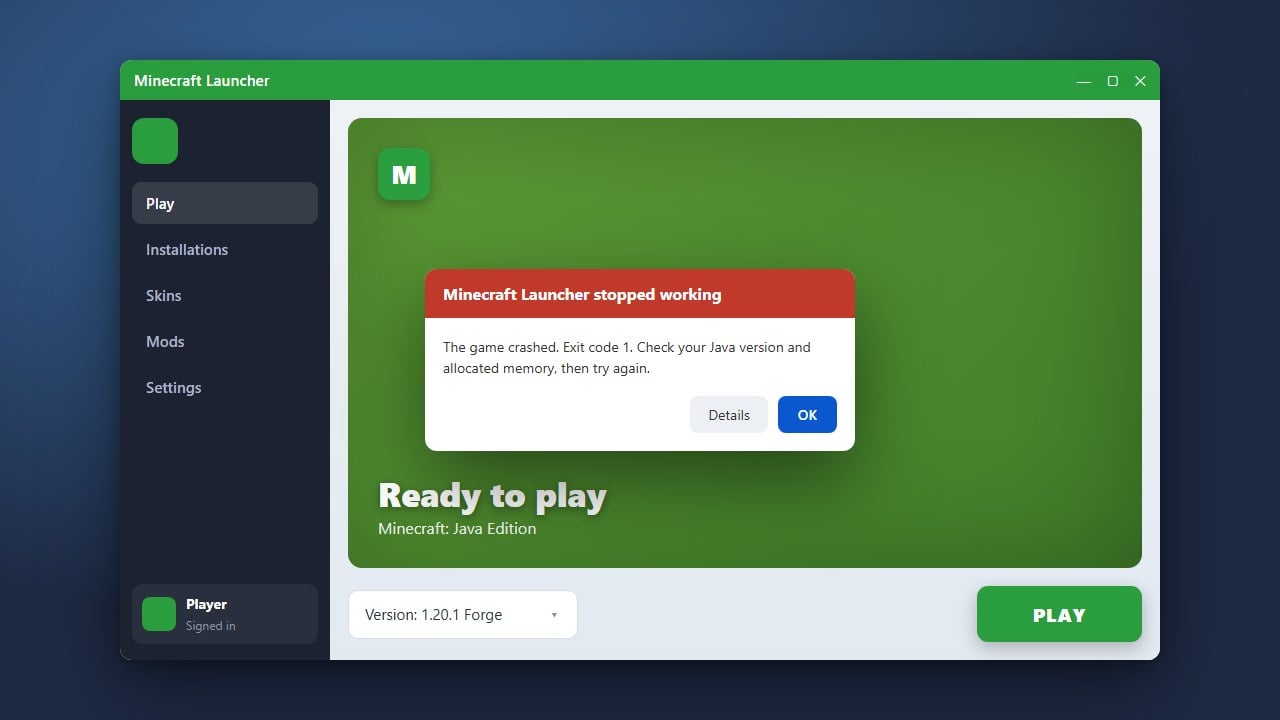
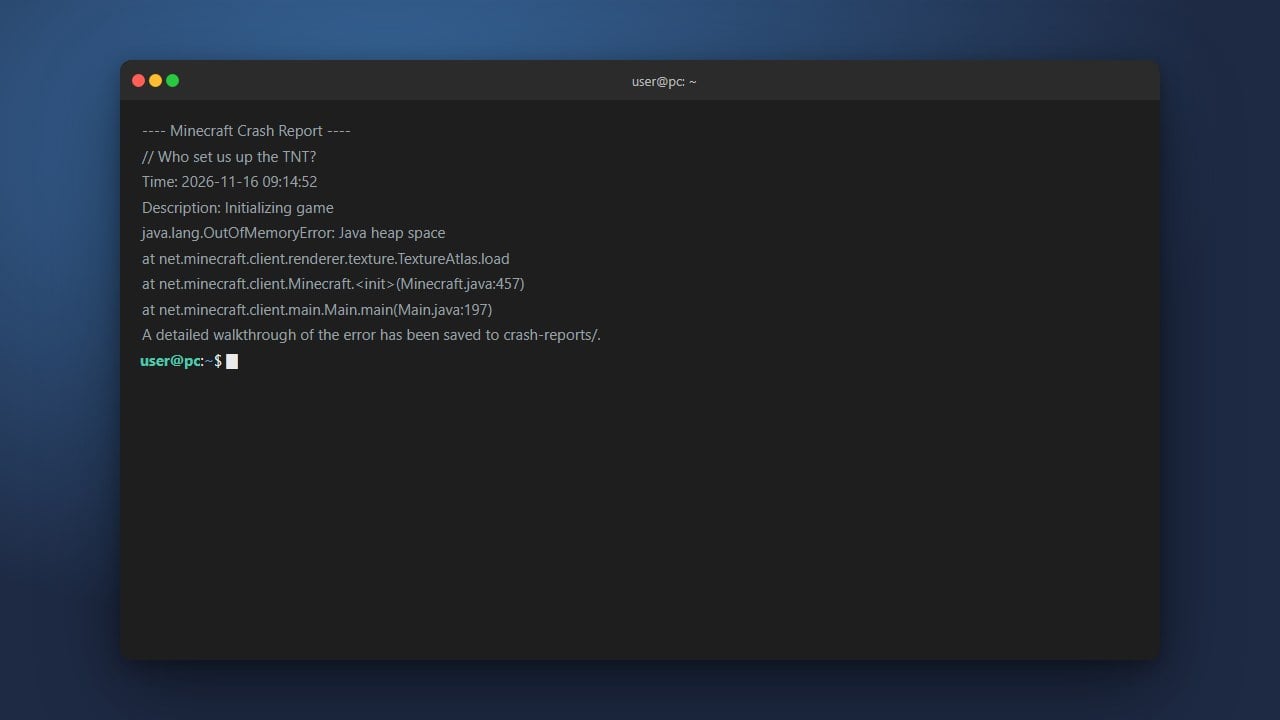
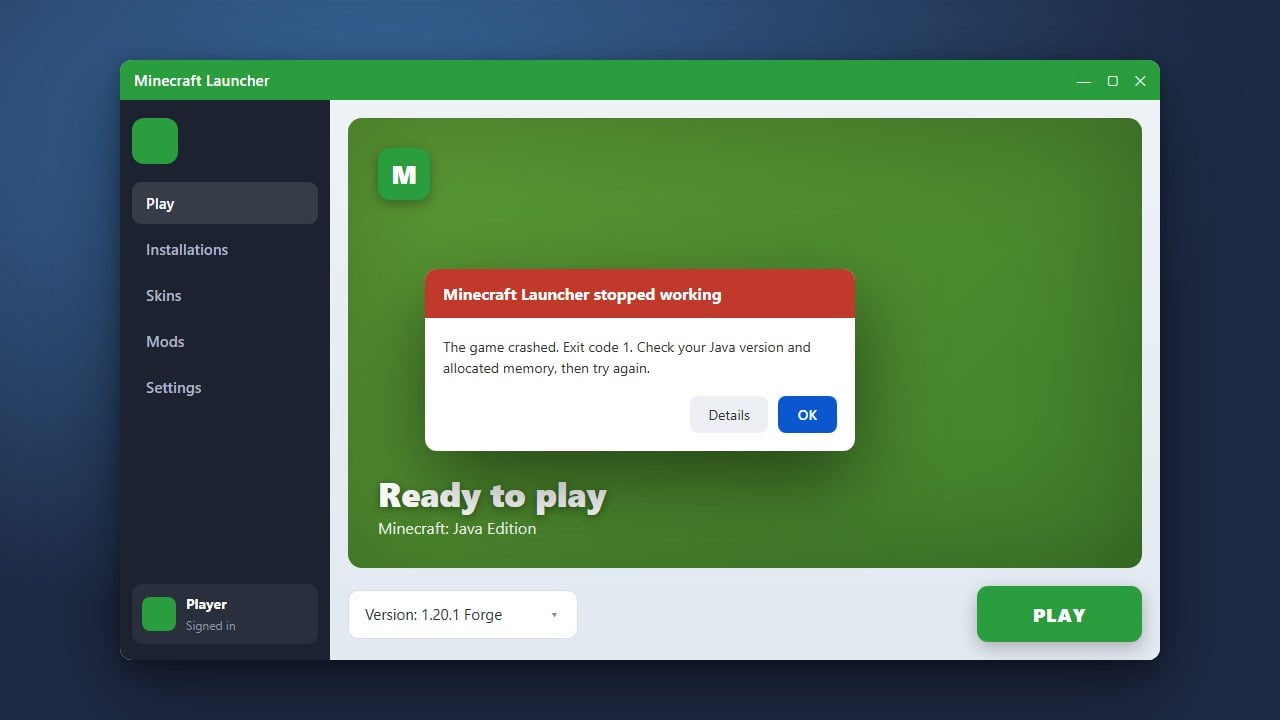
Visit the original download page to confirm the add-on supports your current game build. If you are playing Java Edition with third-party content or hybrid mods, ensure your mod loader matches your game version, or consult our guide on how to fix Minecraft crashing with mods.
Frequently Asked Questions
Why do items from my add-on appear as purple-and-black checkerboards?
This indicates a missing texture. It happens when the add-on's Behavior Pack is enabled without its corresponding Resource Pack, or when the Resource Pack is placed below another pack that overwrites the texture definitions.
Can I use Bedrock add-ons in Minecraft Java Edition?
No. Bedrock add-ons use .mcaddon, .mcpack, JSON, and Bedrock Scripting APIs, which are incompatible with Java Edition. Java Edition uses data packs, resource packs, and mod loaders such as Fabric, NeoForge, or Forge instead.
Why does my add-on work in singleplayer but not on my Realm?
Bedrock Realms only support specific experimental features. If an add-on relies on unreleased or restricted Beta APIs, the Realm server may disable the scripts upon upload, causing custom mechanics to fail.