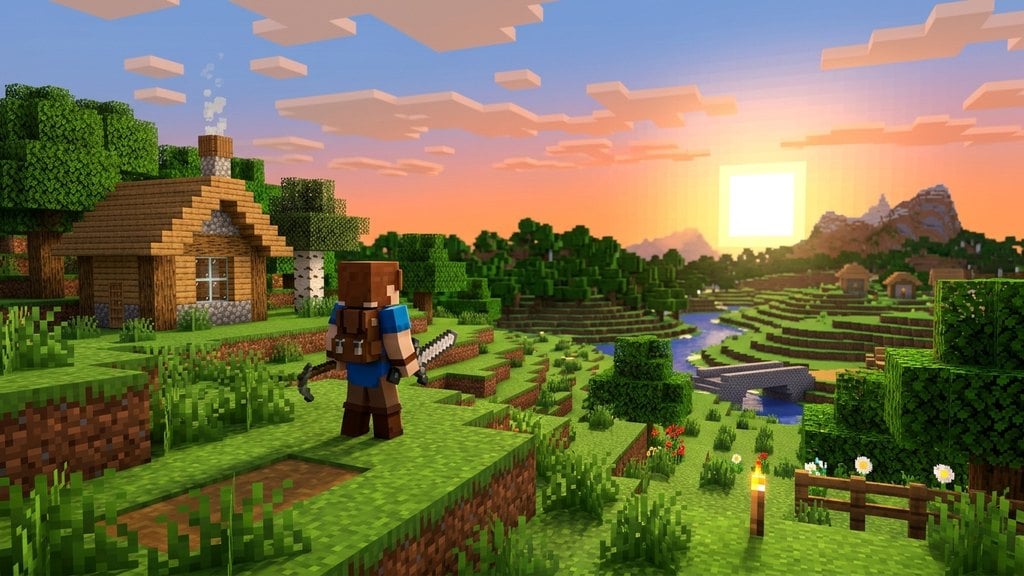
Minecraft: Story Mode is an episodic narrative adventure developed by Telltale Games that lets you guide Jesse and their companions through a cinematic journey across the Overworld, Nether, and End. Unlike the sandbox game, Story Mode focuses heavily on character choices, timed reactions, and story-driven puzzles.
If you purchase a used console disc for Season 1, make sure it is labeled The Complete Adventure. The standard "Season Pass" disc only holds Episodes 1–5 on the disc and may fail to download Episodes 6–8 due to defunct download servers.
Don't hesitate to pause the game if an unexpected action sequence begins. Pausing gives you a moment to adjust your hands and spot any imminent button prompts.
Obtain a playable copy of the game
Because Minecraft: Story Mode was delisted from digital storefronts in 2019, you cannot purchase it directly on digital stores like Steam or the PlayStation Store. To play today, you need to purchase a physical disc copy (such as The Complete Adventure edition for consoles) or redownload it from a digital account library that purchased it before June 2019.
Insert your disc or install the software on your console or PC. Ensure all season episodes are installed and updated from the disc data before starting Episode 1.
Master movement and environmental interaction
When you enter an explorable scene, control Jesse's movement using the WASD keys or the left analog stick on a controller. If you are learning how to play on computer controls, check out How to Play Minecraft Using Keyboard for key placement fundamentals.
Look around using your mouse or right analog stick. When Jesse approaches points of interest, white reticles will appear. Press the indicated interaction button (left mouse click or controller face button) to inspect objects, speak to friends, or pick up quest items.
Navigate timed dialogue choices
During conversations, a choice wheel presents up to four dialogue options mapped to keyboard keys (1, 2, 3, 4) or controller face buttons. You must select your response before the timer bar at the bottom of the screen runs out.
You can also choose to say nothing by letting the timer expire. Pay close attention to notification prompts such as "Petra will remember that", as your choices alter character relationships and scene outcomes in later episodes.
Execute Quick Time Events (QTEs)
Action sequences—such as fleeing hostile mobs, sprinting through collapsing ruins, or battling the Wither Storm—rely on Quick Time Events. On-screen prompts will flash directions or button symbols that you must press rapidly.
Watch for directional arrows (swiping or pressing W, A, S, or D) to dodge hazards. Failing too many consecutive QTEs will result in a game over screen, rewinding you back to the latest checkpoint.
Solve interactive crafting puzzles
At key moments in the narrative, Jesse must interact with a crafting table. Story Mode presents a simplified 3x3 crafting grid similar to standard Minecraft gameplay, differing slightly from exploration in Adventure Mode Explained.
Select items from your bottom story inventory, drag them into the correct recipe layout on the grid (such as sticks and cobblestone to make a stone sword), and select the crafted output to advance the scene.
Frequently Asked Questions
Can I customize Jesse's appearance?
Yes. At the beginning of Episode 1, you can choose between six different appearances for Jesse (three male and three female designs) along with different outfit options later in the series.
Do decisions in Season 1 carry over to Season 2?
Yes. If you play Minecraft: Story Mode - Season Two on the same device and profile, the game can read your Season 1 save file to maintain your narrative decisions and character relationships.