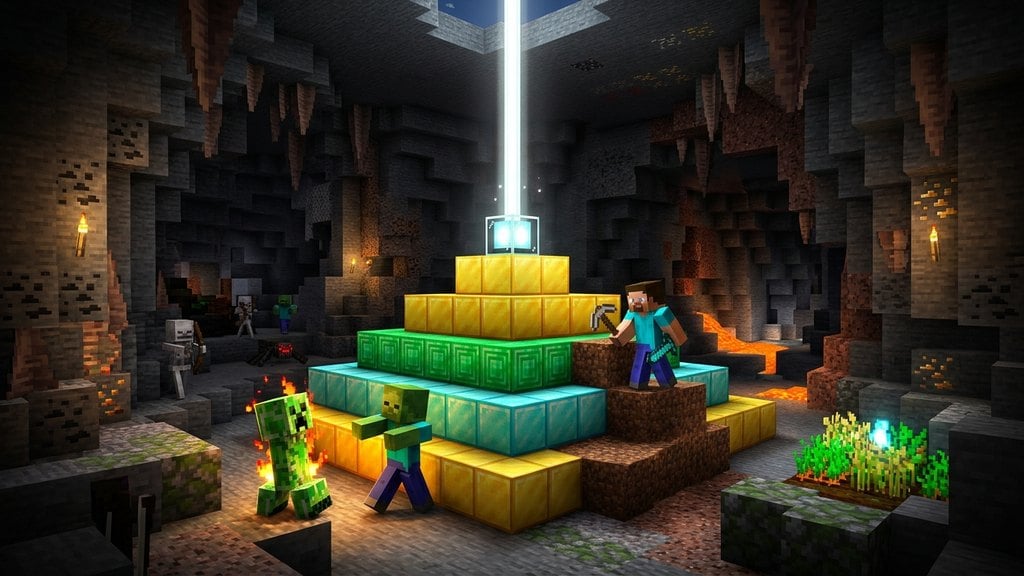
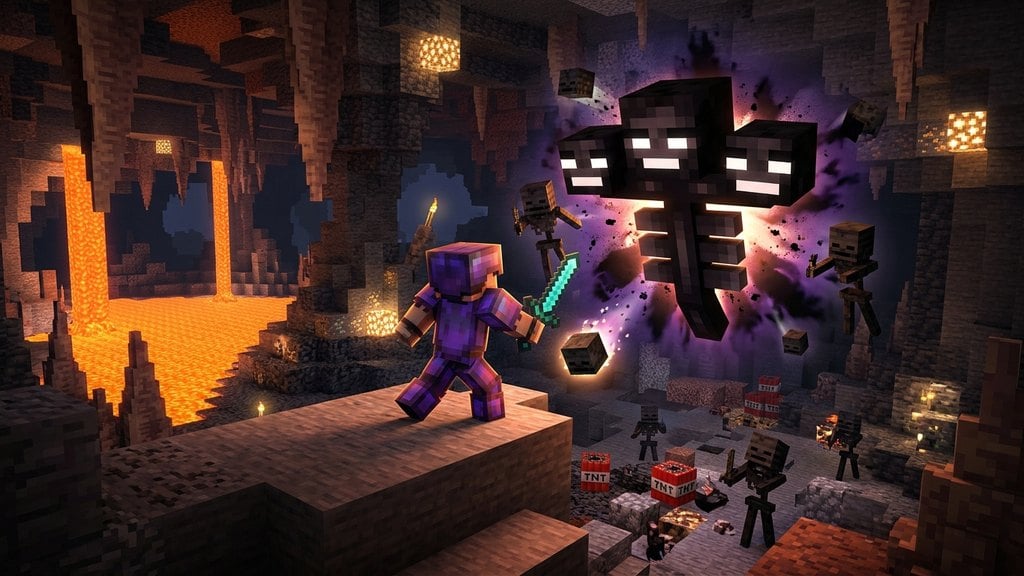
Beacons are endgame blocks that emit a towering beam of light into the sky while broadcasting continuous status effects to nearby players. Once you have earned a Nether Star by discovering how to defeat the Wither, learning how to configure your beacon gives you access to game-changing buffs like permanent Haste II, Speed, and Regeneration.
Combining Haste II from a beacon with an Efficiency V Netherite Pickaxe allows you to 'insta-mine' stone and deepslate ores, drastically speeding up massive underground mining operations.
Beacon effects refresh every 4 seconds. The buffs linger for 9 to 16 seconds depending on pyramid tier after stepping outside the beacon's operating radius.
Mount the Beacon on a Pyramid Base
A beacon cannot function by itself on regular terrain. You must place it centered on top of a solid pyramid constructed out of mineral blocks: iron, gold, emerald, diamond, or netherite. For exact block counts and layer setups, refer to our walkthrough on how to build beacon structures.
Clear an Unobstructed Path to the Sky
The beacon requires clear line of sight straight up to the sky to produce its beam. Solid, opaque blocks placed directly above the beacon will deactivate it. Transparent blocks like glass, tinted glass, water, and even the Nether's top bedrock ceiling do not block the beam.
Open the Beacon Interface
Right-click the beacon block (or press the interact button on Bedrock Edition) to open its user interface. The menu shows Primary Power options on the left and Secondary Power options on the right, which become accessible based on the size of your underlying pyramid.
Select Your Status Effects
Click the effect icon you want to activate. A 1-tier pyramid unlocks Speed and Haste; a 2-tier pyramid adds Resistance and Jump Boost; and a 3-tier pyramid unlocks Strength. With a full 4-tier base, you can also select Regeneration on the right panel or upgrade your primary effect to level II.
Insert a Payment Item and Confirm
Place one tribute item into the empty slot at the bottom of the interface. Valid items include an iron ingot, gold ingot, emerald, diamond, or netherite ingot. All materials provide identical results, making iron ingots from an automated iron farm the most cost-effective fuel. Click the green checkmark to confirm your selection.
Customize the Beam Color
You can change the color of the vertical beam by placing stained glass or stained glass panes directly above the beacon. Stacking multiple layers of differently colored glass blends the colors, allowing you to create custom gradients and personalized navigational markers across your world.
Frequently Asked Questions
Do more expensive payment items make the beacon stronger?
No. Using a rare netherite ingot or diamond provides the exact same buff duration, range, and potency as feeding the beacon a single iron ingot or emerald.
Can you use beacons in the Nether?
Yes. While beacons need sky access, bedrock is coded as transparent to beacon beams in both Java and Bedrock Editions. As long as no solid blocks exist between the beacon and the Nether bedrock roof, the beam will penetrate and activate normally.