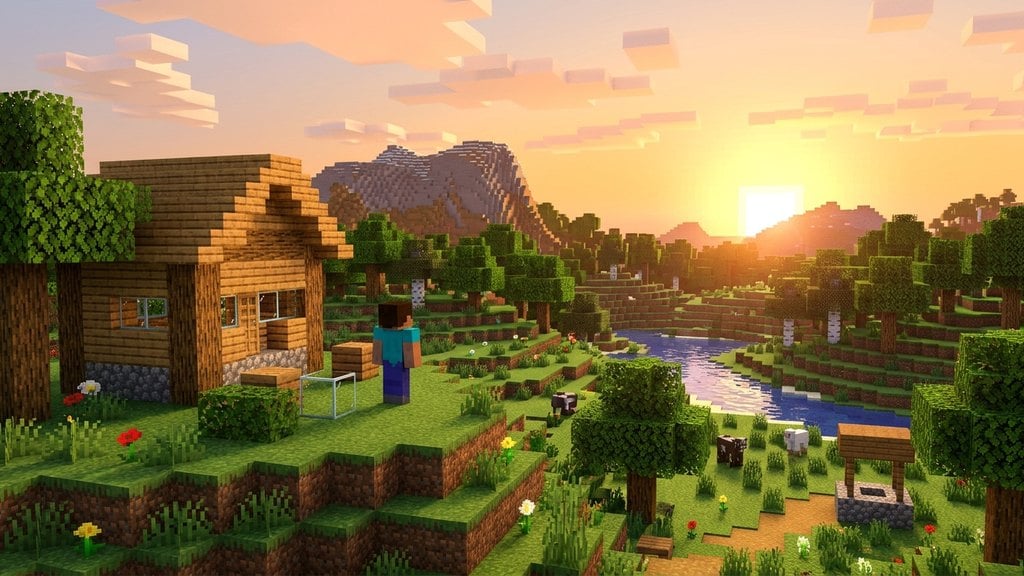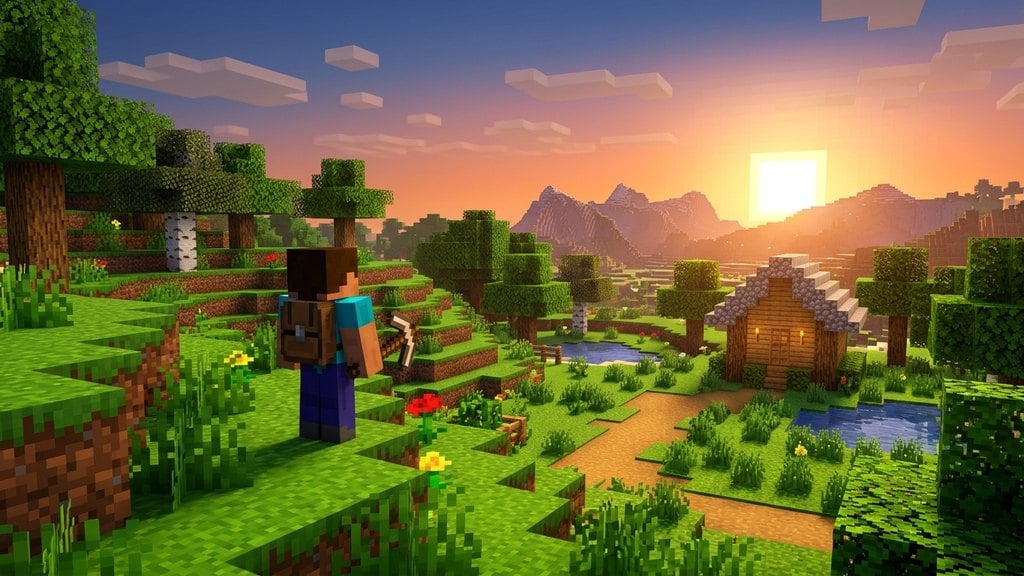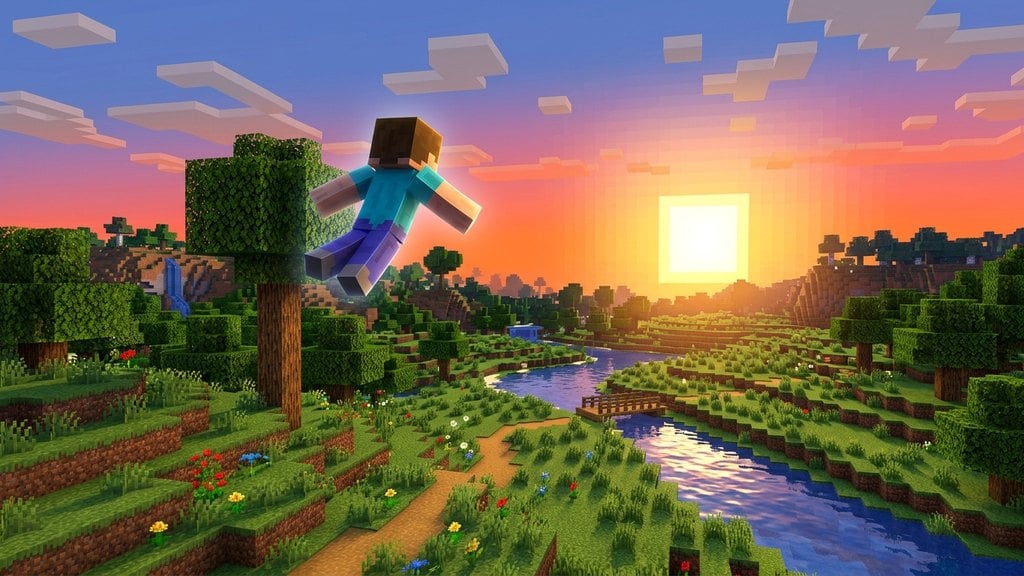
Spectator Mode is a special game mode in Minecraft that lets players fly freely around the world, pass through solid blocks and entities, and observe gameplay without interacting with the environment. Whether you are checking out a friend's mega-build or exploring underground caves safely, this guide explains how Spectator Mode works across both Java and Bedrock editions.
/gamemode survival or /gamemode creative in the chat.What is Spectator Mode?
In Spectator Mode, your character becomes completely invisible and intangible. You cannot break or place blocks, take damage, use items, or open containers. Other players in Survival Mode or Creative Mode cannot see you unless they are also in spectator view, though your name tag may appear faintly depending on server settings.
This mode is primarily used by world administrators, content creators, and players who want to explore their worlds or watch multiplayer matches without interfering with active gameplay.
How to Enter Spectator Mode
The standard way to switch into Spectator Mode in both Java and Bedrock editions is by using the in-game command system. Make sure cheats are enabled in your world settings, then open your chat window and type /gamemode spectator.
In Java Edition, you can also use the quick shortcut F3 + N on your keyboard to instantly toggle between your previous game mode (such as Creative Mode) and Spectator Mode.
Movement and Controls
Once you are spectating, your movement changes entirely. You float in the air and are unaffected by gravity. Use your standard movement keys to fly around, and use the sneak or jump keys to move straight down or up.
You can adjust your flight speed dynamically by scrolling your mouse wheel up or down, allowing you to zip across great distances or slow down for precise indoor viewing.
Viewing Through Mob Eyes
A unique feature of Spectator Mode is the ability to see the world from the perspective of mobs and other players. Simply left-click on any living creature, monster, or player while in spectator view to enter their first-person camera.
While looking through a mob's eyes, you will see the world through their unique visual filters—such as the Spider's multi-lense vision or the Enderman's inverted colors. To exit and return to free-flight mode, simply press your sneak key.