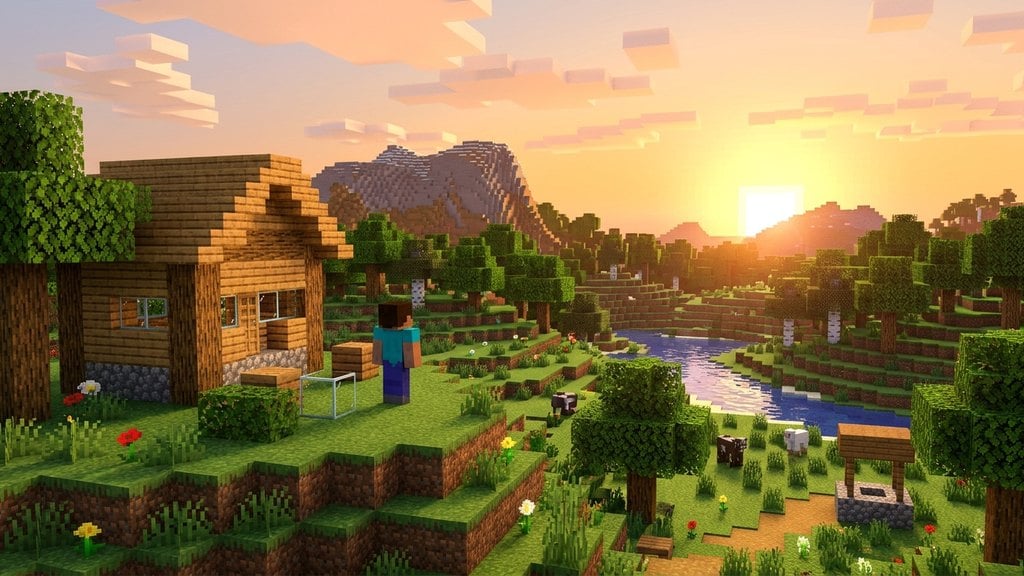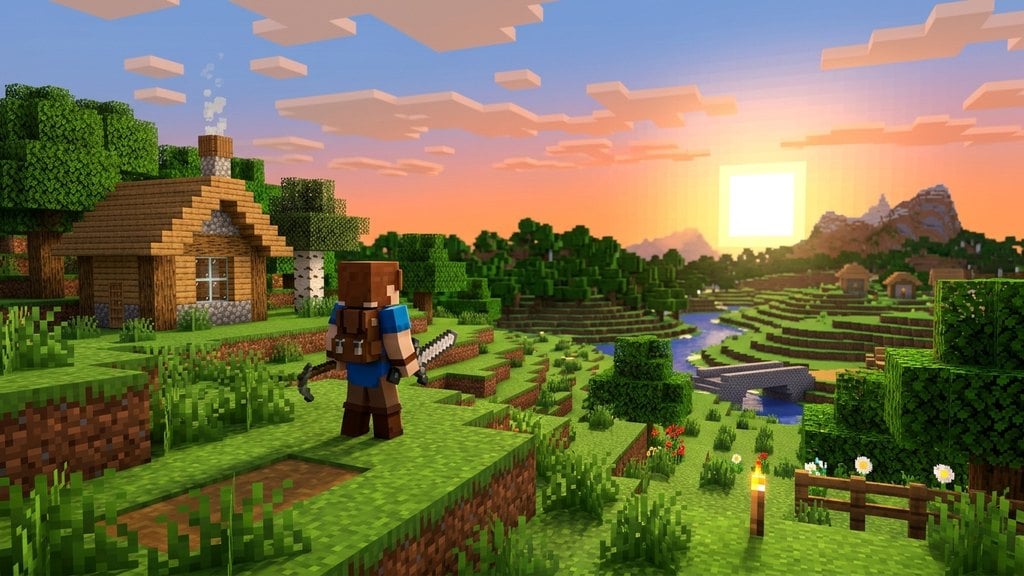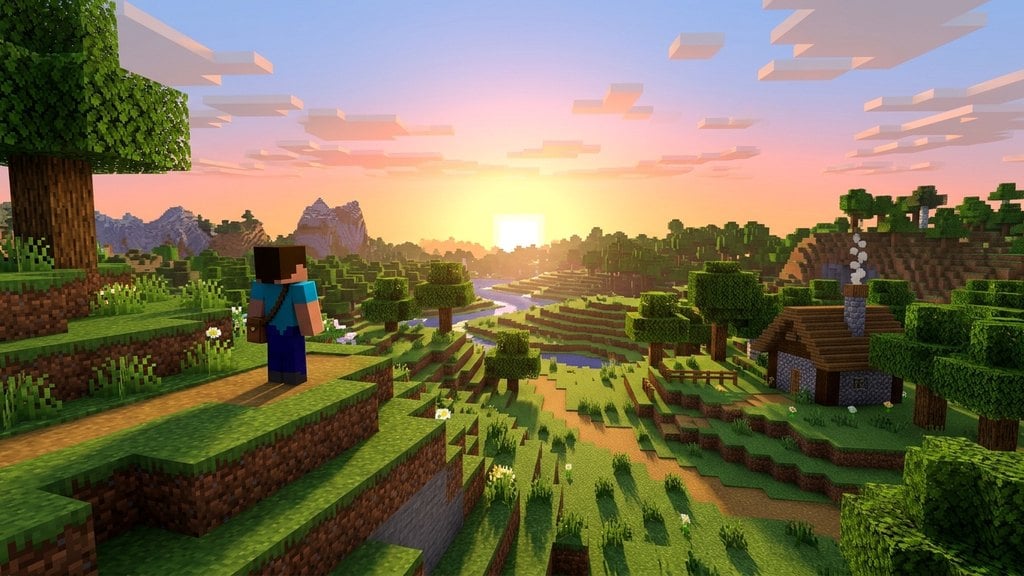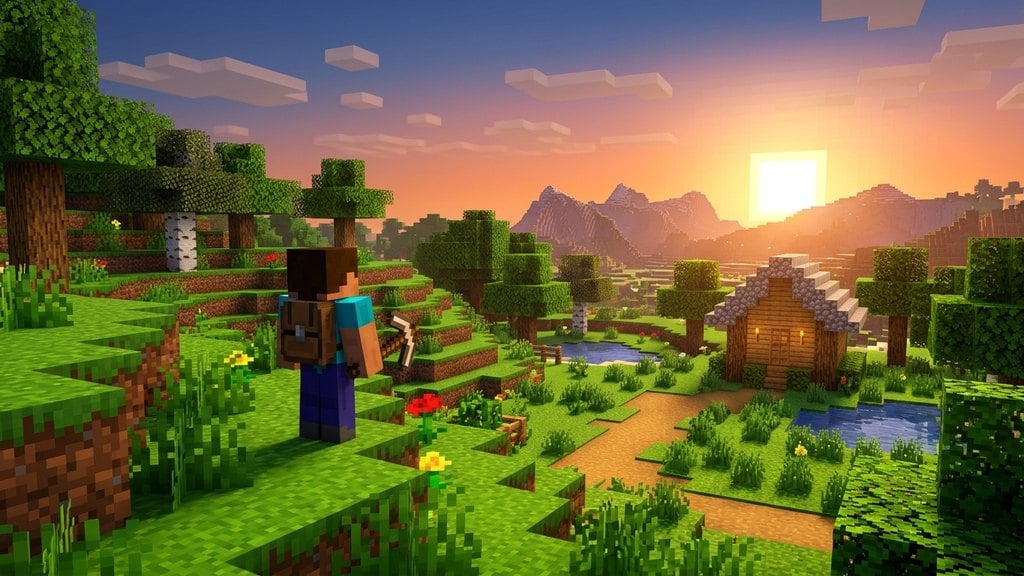
Survival Mode is the classic, intended way to experience Minecraft. In this mode, you must gather your own resources, manage your health and hunger, and defend yourself against dangerous monsters that emerge in the dark. For more options, you can also learn Creative Mode Explained or explore Adventure Mode Explained.
What Is Survival Mode?
Survival Mode drops you into a dynamically generated, open-ended world with nothing in your inventory. Your primary objective is simply to stay alive while exploring, building, and progressing through the game's dimensions. Every block you place and every item you use must be gathered by hand or crafted from raw materials found in the environment.
Managing Health and Hunger
Unlike Creative Mode where you are invincible, Survival Mode features a health bar and a hunger bar. Taking damage from falls, fire, drowning, or monster attacks depletes your hearts. Your hunger bar empties as you run, jump, and mine, and if it empties completely, your health will gradually drain.
To stay healthy, you must hunt animals, harvest crops, and eat food regularly. Eating food restores both hunger points and, over time, your health hearts.
The Day and Night Cycle
Time in Minecraft moves in a continuous cycle of roughly 20 real-world minutes, split evenly between daylight and nighttime. During the day, it is generally safe to gather wood, mine stone, and explore the surface. When night falls, hostile monsters such as zombies, skeletons, creepers, and spiders spawn in the darkness.
To survive the night safely, you can craft a bed to sleep through until morning, or build a secure shelter lit up with torches to prevent monsters from spawning nearby.
Gathering Resources and Crafting
Progression in Survival Mode relies on crafting better tools and equipment. You start by punching trees to get wood, turning that wood into planks, and building a basic crafting table. From there, you can upgrade through wooden, stone, iron, diamond, and netherite tiers of tools and weapons.
You will also want to secure defensive gear early on by learning how to make armor to protect yourself from heavy mob attacks.
Difficulty Settings
Survival Mode can be played across several different challenge levels, ranging from Peaceful (where no hostile monsters spawn and hunger does not deplete) to Hard. If things ever feel too difficult or too easy, you can easily adjust your experience by learning how to change the difficulty at any time from your pause menu or world settings.
Frequently Asked Questions
Can I change my world from Creative to Survival?
Yes. In Java Edition, you can use cheats or open the world to LAN to change game modes. In Bedrock Edition, you can toggle world settings directly, though doing so may disable Xbox achievements or PlayStation trophies for that specific world.
What happens when you die in Survival Mode?
When your health drops to zero, you die and respawn at your world's default spawn point or at your last used bed. You will drop all the items currently in your inventory and hotbar on the ground where you fell, and you have a limited time to walk back and retrieve them before they despawn.