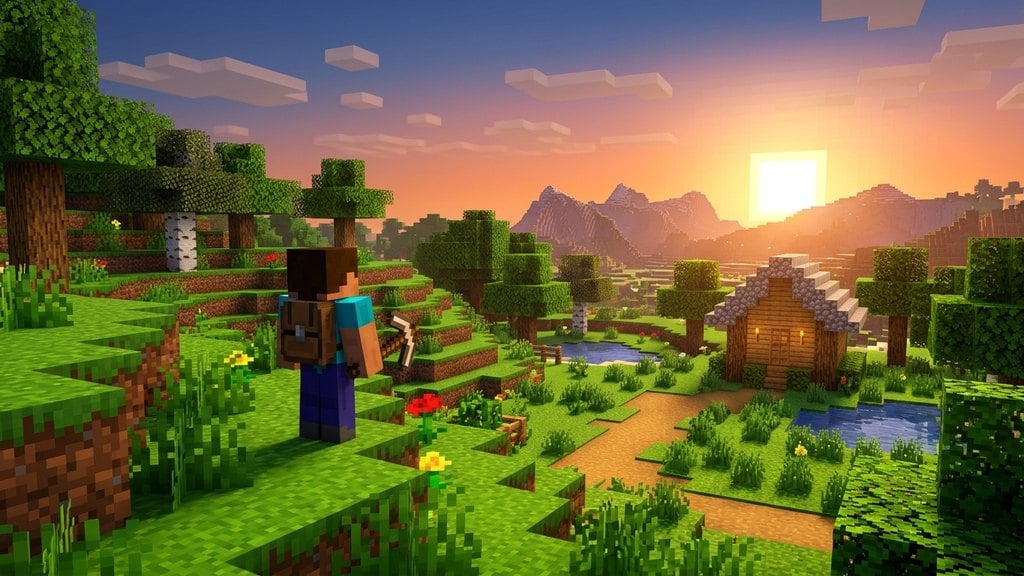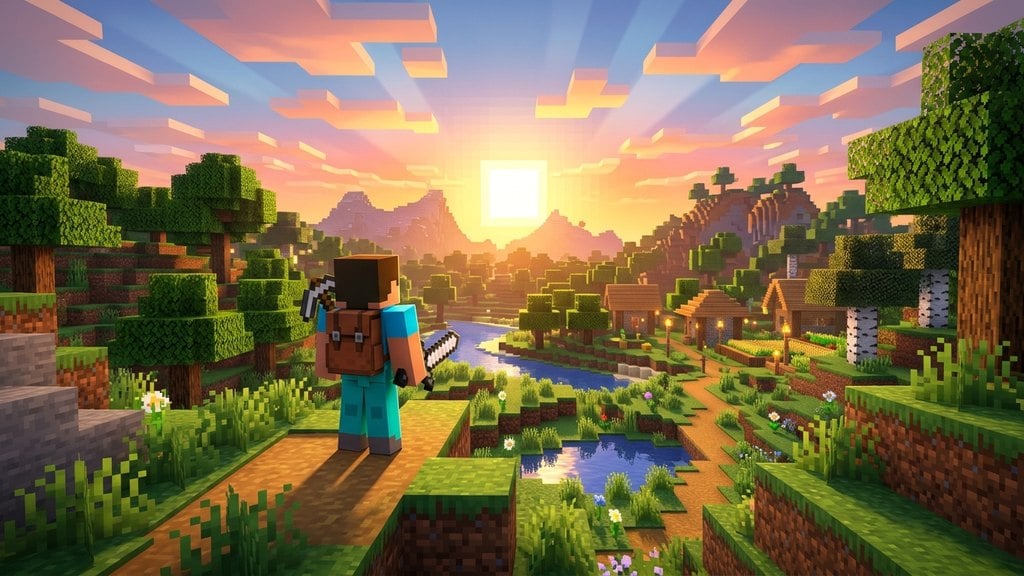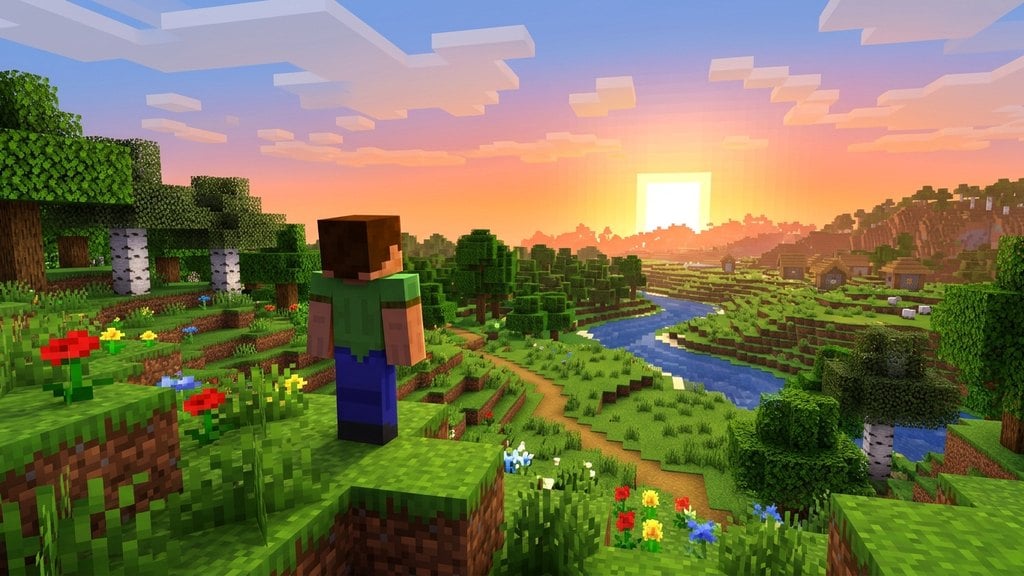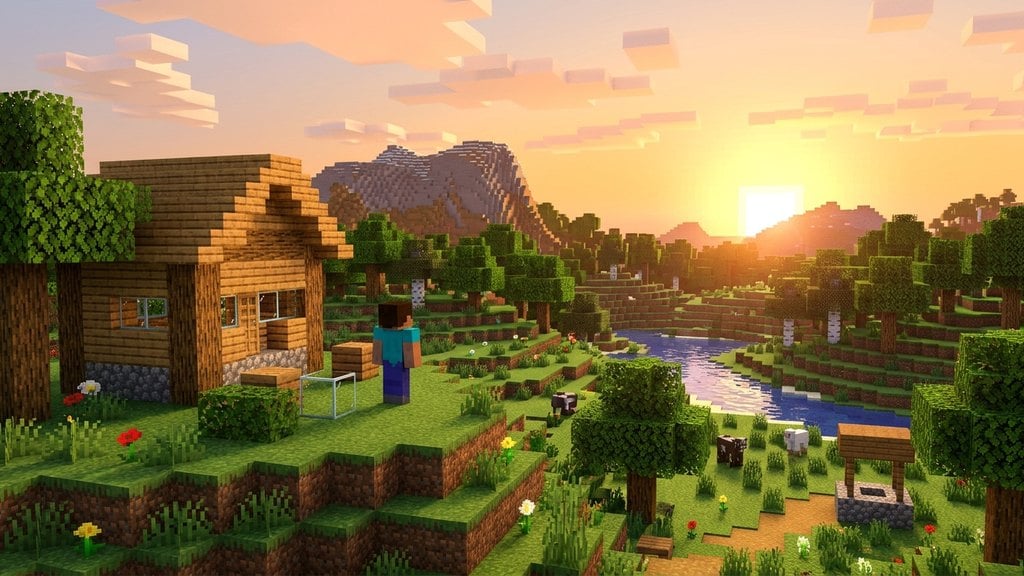
Creative mode is the ultimate sandbox experience in Minecraft. It removes all survival mechanics like health, hunger, and enemy attacks, giving players total freedom to build, test mechanics, and explore without limitations.
What Is Creative Mode?
In Creative Mode, the focus shifts entirely from survival to building and imagination. You do not have to worry about gathering resources, managing a health bar, or dying from falls and monster attacks. This makes it the ideal mode for planning large-scale builds, testing redstone contraptions, or simply exploring generated terrain at your own pace.
If you ever want a more traditional challenge after building in creative, you can easily transition or check out other styles like Survival Mode Explained or the stricter Hardcore Mode Explained.
Infinite Resources and Inventory Access
When you play in Creative Mode, you never need to craft items or mine for blocks. Opening your inventory reveals the complete creative menu, which contains every single block, item, and spawn egg available in Minecraft. Items in your hotbar never run out, allowing you to place as many blocks as you want without stopping to restock.
Flight Mechanics
One of the best features of Creative Mode is the ability to fly freely through the air. On Java Edition, simply press the Spacebar twice quickly to take off, and use the movement keys alongside shift and space to control your altitude. On Bedrock Edition, double-tap the jump button on your screen or controller.
Flying allows you to view your large building projects from above and reach high places instantly, making construction much faster and easier.
Invincibility and Safety
Monsters and environmental hazards cannot harm you in Creative Mode. Hostile mobs like zombies and skeletons will completely ignore you. Furthermore, you cannot take damage from falling, drowning, lava, or the void. Even if you break a block while floating high in the sky, you will remain completely safe.
How to Switch to Creative Mode
You can choose Creative Mode when How to Create Your First World by setting the default game mode before generating the map. If you are already playing in an existing world and have cheats enabled, you can switch your style instantly by following How to Change Game Mode with a Command.
Frequently Asked Questions
Can I take damage in Creative Mode?
No, players are completely invincible in Creative Mode. The only exception is if you use the /kill command while typing in chat.
Can I get achievements in Creative Mode?
On Bedrock Edition, turning on Creative Mode disables achievements for that world forever. On Java Edition, achievements are handled through advancements which can still be earned depending on world settings and commands used.