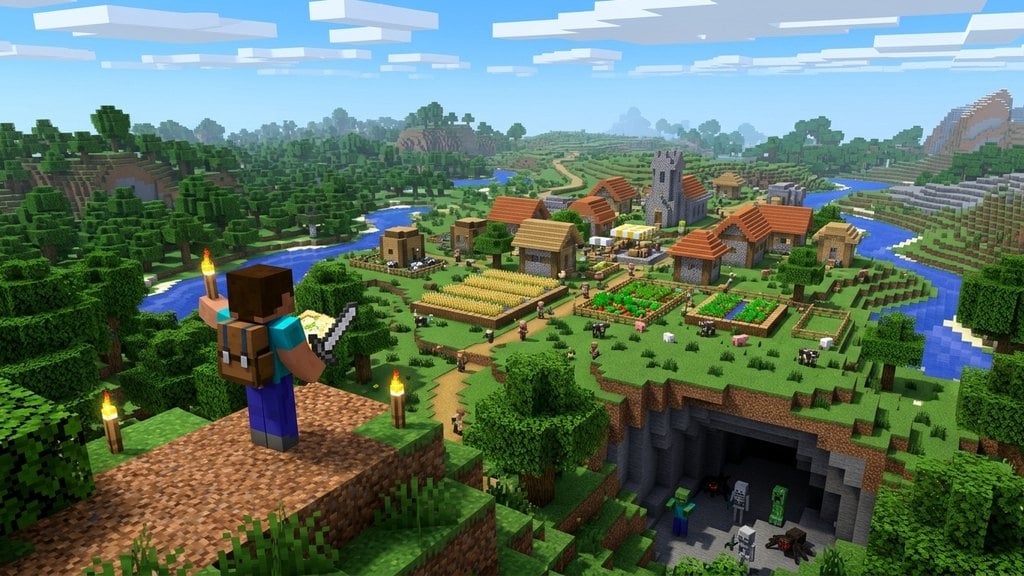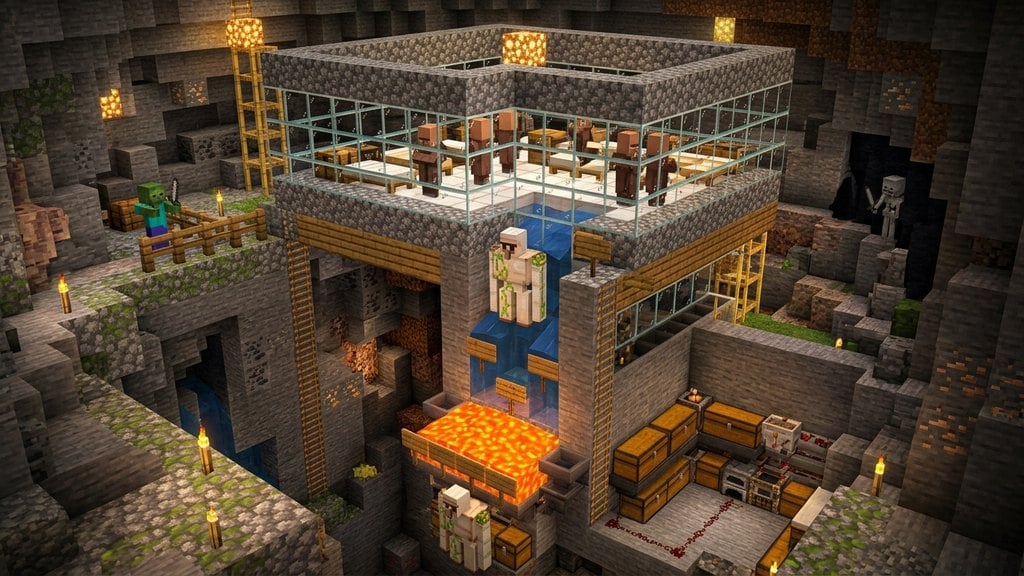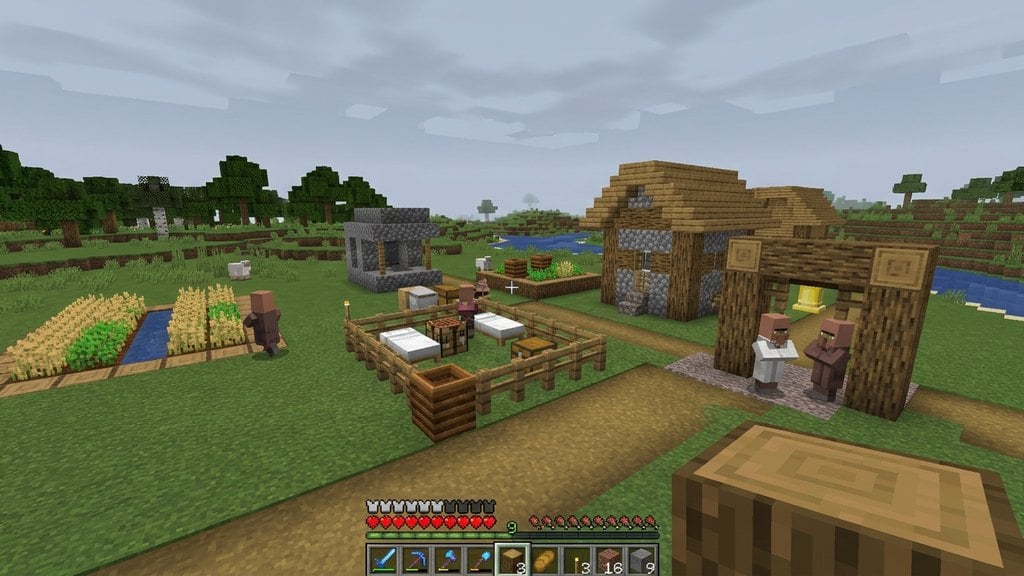
While you can easily find villages naturally generated across the world, creating your own custom village lets you build a trading hub right outside your base. To officially spawn and establish a village, you need to provide specific items that villagers recognize as a community center.
1. Build Enclosed Housing Areas
Villagers need designated spaces to live and sleep. Build a few small houses or rooms with doors, walls, and a roof so that the NPCs have proper shelter from hostile mobs.
2. Place Beds for the Villagers
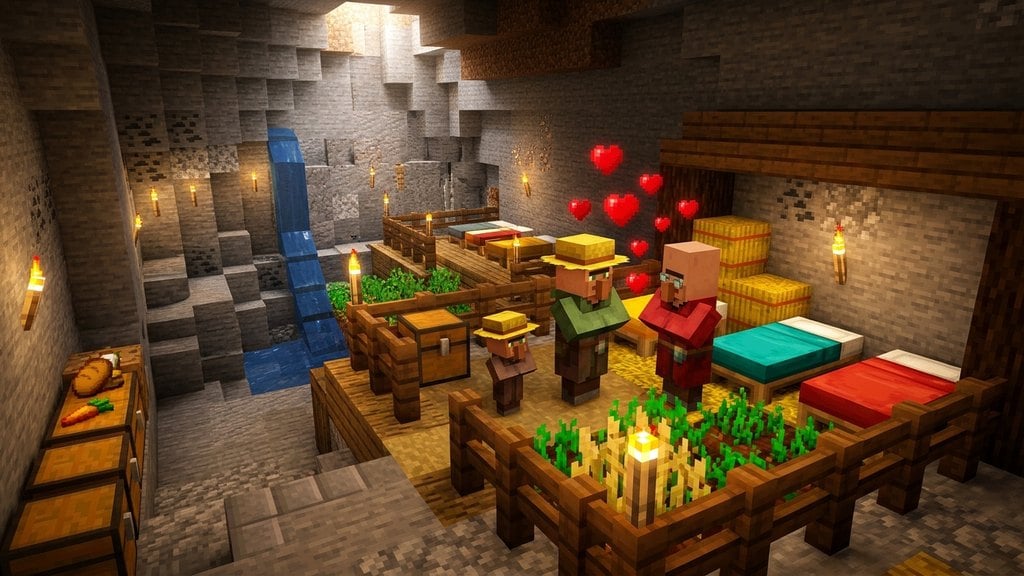
Place at least one bed inside each shelter. A village's population cap and center are determined by the number of accessible, unclaimed beds in the area, so ensure every villager you plan to bring has a place to sleep.
3. Add Job Sites and Workstations
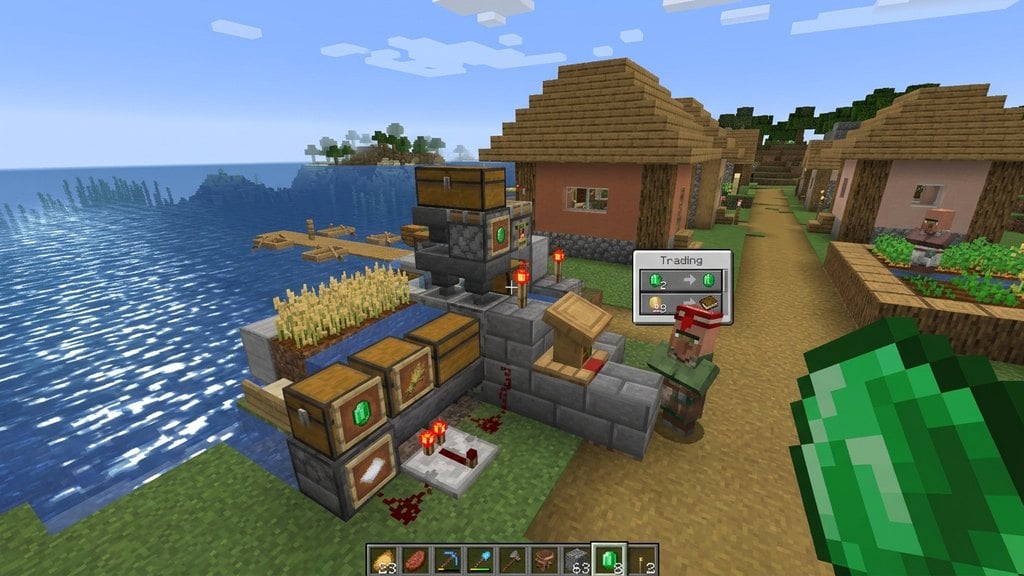
To turn your settlement into a functioning economy, place workstation blocks such as Lecterns, Composters, Fletching Tables, or Blast Furnaces around the houses. Each villager needs a claimed workstation to pick a profession.
4. Spawn or Transport Villagers
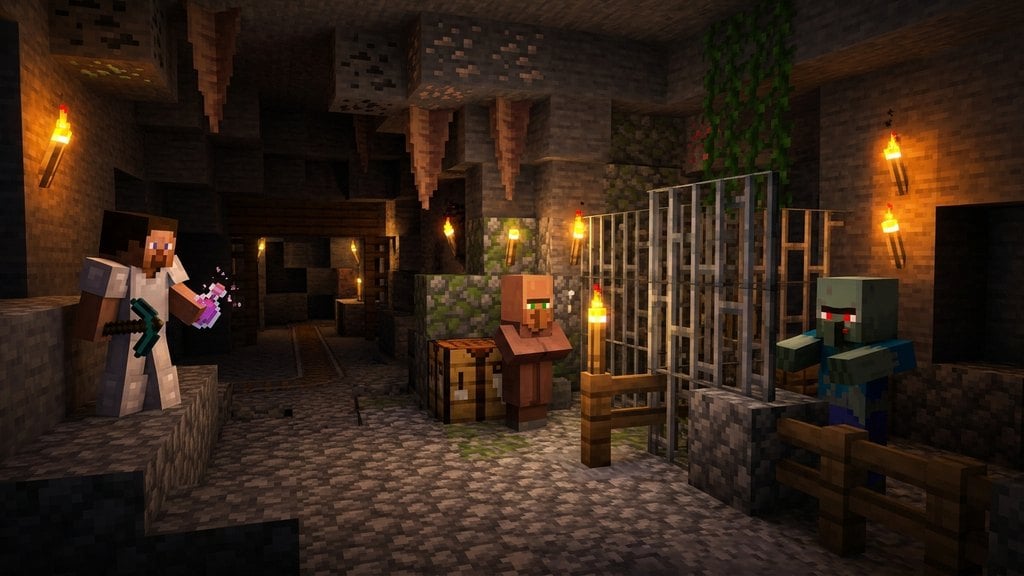
Bring at least two villagers into your constructed area. You can transport them using boats and minecarts from a nearby natural settlement, or learn how to cure a zombie villager to convert wandering hostile variants safely.
5. Feed and Breed Your Villagers
Once you have at least two villagers with beds and food (such as bread, carrots, or potatoes) in their inventories, they will begin to interact and breed. You can read more about this process in our guide on how to breed villagers.
Frequently Asked Questions
How many villagers do I need to start a village?
Technically, you only need one villager to claim a bed and a workstation, but you will need at least two villagers in order to breed and grow your new settlement's population organically.
Do the houses need doors to count as a village?
In current versions of Minecraft Java and Bedrock Edition, doors are no longer strictly required for a house to count. Beds and workstations are the primary blocks that define a village and track population limits.