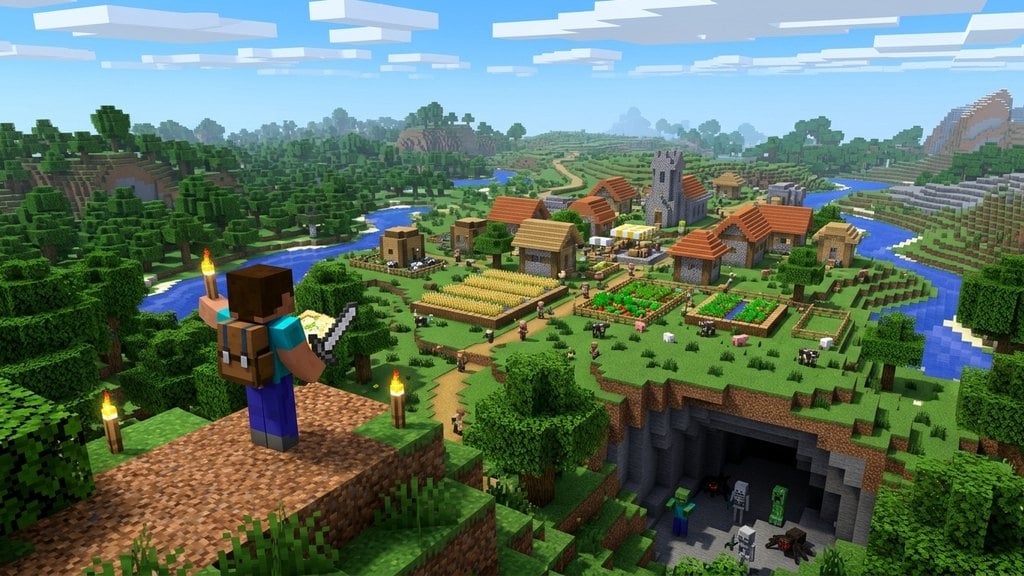
Villages are bustling hubs filled with friendly villagers, useful loot chests, and beds to rest in. Whether you want to set up a trading hall or gather resources, finding a village is one of the best early-game goals in Minecraft. This guide covers all the methods you can use to locate villages quickly in Java and Bedrock editions.
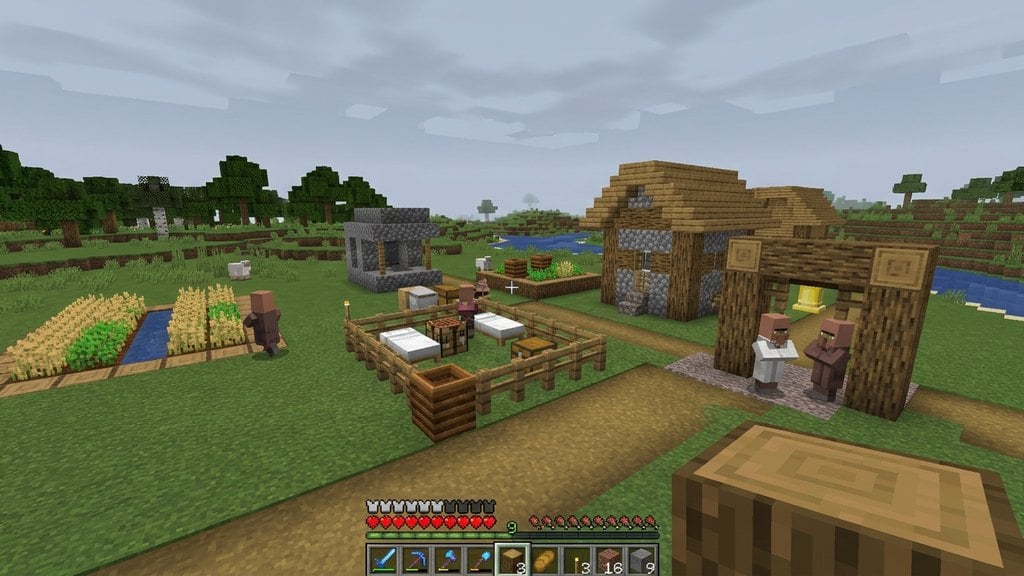
Look out for church towers and lampposts at night—the light from torches can help you spot a distant village in the dark!
Be careful when exploring at night while searching for villages, as hostile mobs will spawn freely in the open fields around you.
Search Suitable Biomes
Villages naturally generate only in specific surface biomes. When exploring your world, focus your search on Plains, Desert, Savanna, Taiga, and Snowy Plains biomes. Avoid dense forests, jungle biomes, and jagged mountains, as villages will never spawn there naturally.
Keep your render distance as high as your device can handle so you can spot distant buildings, lampposts, and fields over the horizon.
Travel Along Rivers and Flat Terrain
Village generation code prefers flat areas where buildings can fit easily without major terrain obstruction. A great exploration strategy is to boat along winding rivers or walk across large, open meadows. Rivers frequently cut right past plains and desert villages, making them much easier to spot from the water.
Trade with a Cartographer
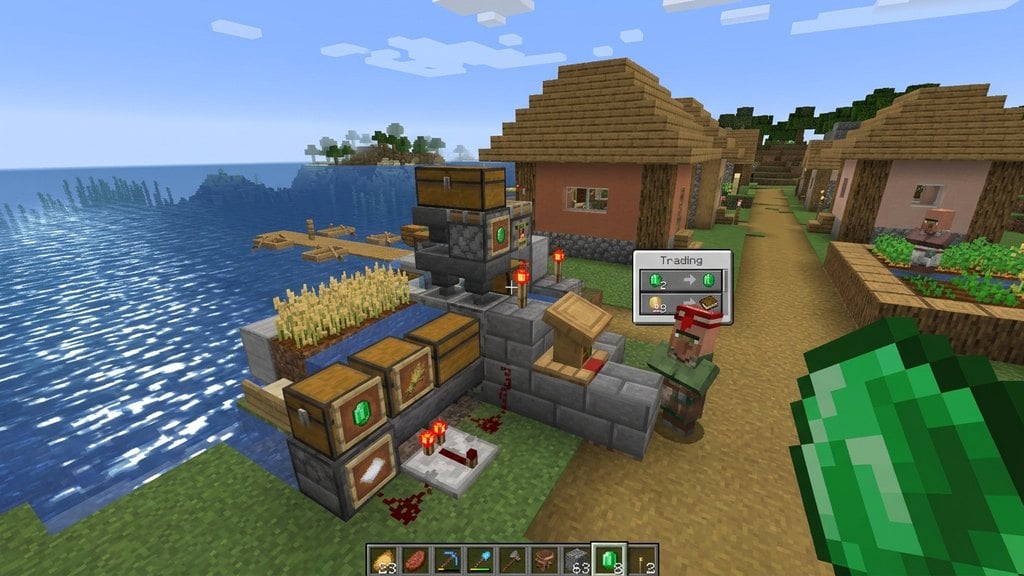
If you cannot find a village naturally by exploring, you can create your own! Craft a Lectern and place it near an unemployed villager to turn them into a Cartographer. Trade paper (crafted from sugar cane) with them until they reach Journeyman level. Once unlocked, they will sell an Explorer Map that points directly to a nearby village.
Once you have secured your thriving community, you can learn How to Breed Villagers to expand your population.
Use the Locate Command
If you have cheats enabled in your world, you can bypass the search entirely and let the game find the coordinates for you. Open your chat window and type the command /locate structure village in Java Edition, or /locate structure village in Bedrock Edition. The game will display the exact coordinates of the closest village in your chat.
You can then walk to those coordinates or use the /tp command to teleport straight there.
Frequently Asked Questions
What biomes do villages spawn in?
Villages spawn in Plains, Desert, Savanna, Taiga, and Snowy Plains biomes. Each biome features a unique architectural style and local villagers dressed to match the environment.
Can I build my own village from scratch?
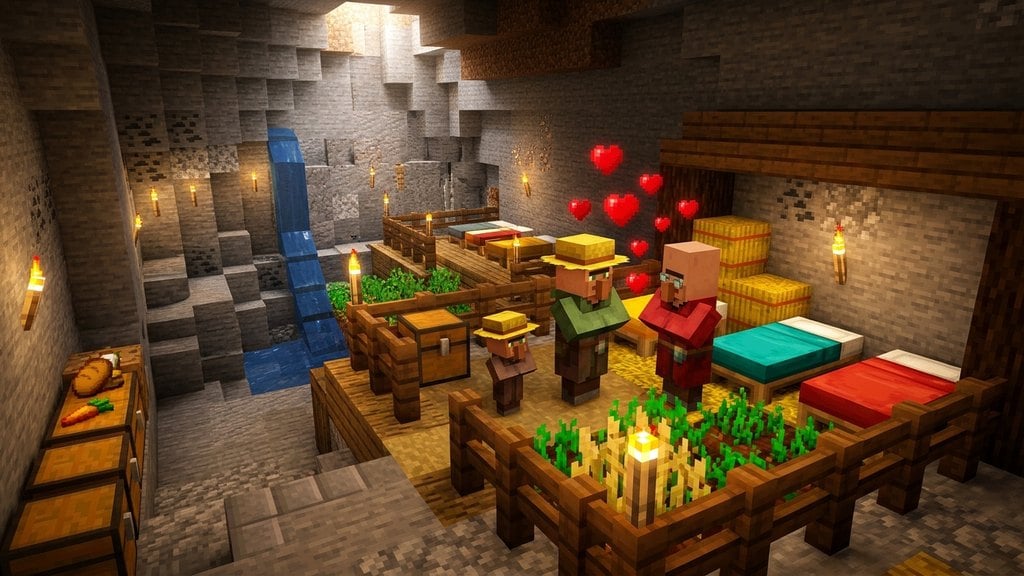
Yes! If you place doors, beds, and workstations together in an enclosed area with at least one villager, the game will recognize it as a village and they will begin to populate and work.