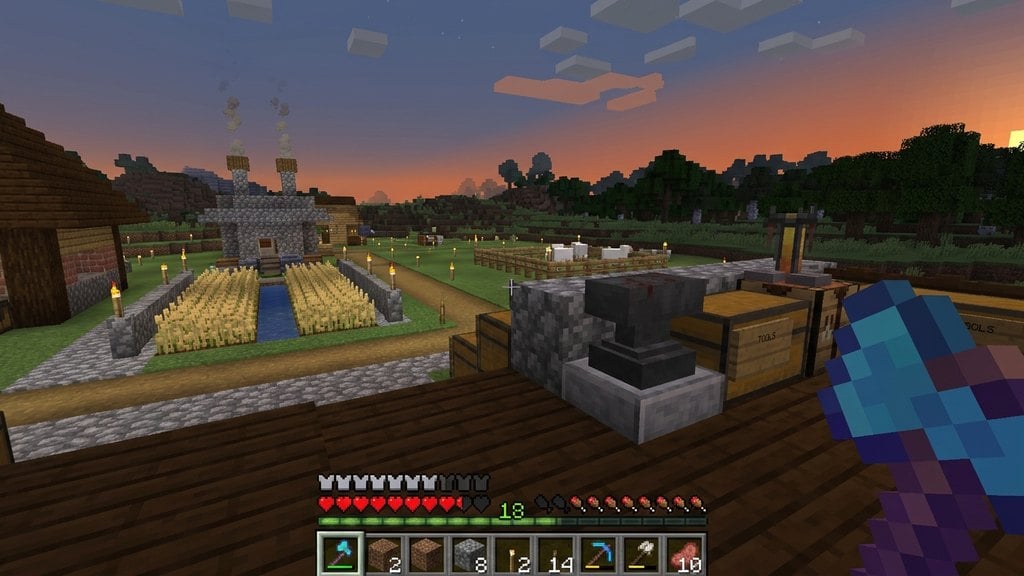
Using commands allows you to enchant gear instantly without spending experience levels or setting up an enchanting table. Whether you are building custom adventure maps or playing in creative mode, Minecraft offers built-in commands on both Java Edition and Bedrock Edition to imbue weapons, armor, and tools with any compatible enchantment in seconds.
/enchant command will fail if you try to exceed the maximum vanilla tier for that enchantment (such as attempting level 6 on Sharpness).Enable Cheats in Your World
Before you can run any command, cheats must be active in your world. In Bedrock Edition, pause the game, open Settings, scroll down to the Cheats section, and toggle Activate Cheats on. Note that doing this permanently disables achievements for that world.
In Java Edition singleplayer, press Esc, select Open to LAN, toggle Allow Cheats: ON, and click Start LAN World. If you are running a multiplayer server, make sure your account has operator permissions.
Equip the Item in Your Main Hand
The standard /enchant command only affects the item currently held in the target player's main hand. Place the sword, bow, armor piece, or tool you want to enchant into your hotbar and select it so your character holds it on screen.
If your main hand is empty or you are holding an item that cannot support the selected enchantment, the command will fail and display an error message.
Open the In-Game Chat Console
Open your chat bar to begin entering the command. On keyboard setups (Java Edition and PC Bedrock), press T or the forward-slash key / to open chat directly with the prompt ready. On consoles, press Right on the D-Pad, or tap the chat bubble icon at the top of touchscreen devices.
Enter the Enchant Command
Type the command using the syntax: /enchant <target> <enchantment_id> [level]. For your target, you can use your exact gamertag or the @s selector to target yourself.
For example, to give your held sword the highest rank of Sharpness, type /enchant @s sharpness 5 (or /enchant @s minecraft:sharpness 5 on Java) and press Enter. If you omit the level number, the game defaults to Level 1.
Understand Command Limits and Incompatibilities
The /enchant command follows standard survival rules: you cannot apply mutually exclusive enchantments (like combining Fortune with Silk Touch) or exceed natural level caps. If you need standard survival enchanting methods instead, see our guide on how to enchant items.
In Java Edition 1.21+, if you want to bypass level caps or enchant incompatible items, use the /give command with the modern component syntax instead, such as /give @s diamond_sword[enchantments={levels:{'minecraft:sharpness':10}}]. You can read more about illegal levels in our guide on how to enchant past the limit.
Frequently Asked Questions
Can I enchant armor that I am currently wearing with /enchant?
No. The /enchant command strictly targets the item in the selected player's main hand. To enchant a helmet, chestplate, leggings, or boots using this command, hold the armor piece in your hand first, run the command, and then equip it.
Why does Minecraft say 'There is no such enchantment'?
This error occurs if there is a spelling mistake in the enchantment ID or if you use spaces instead of underscores. In Java Edition, namespace identifiers like minecraft:unbreaking are standard, though typing just unbreaking also works.
Can I automate enchanting using command blocks?
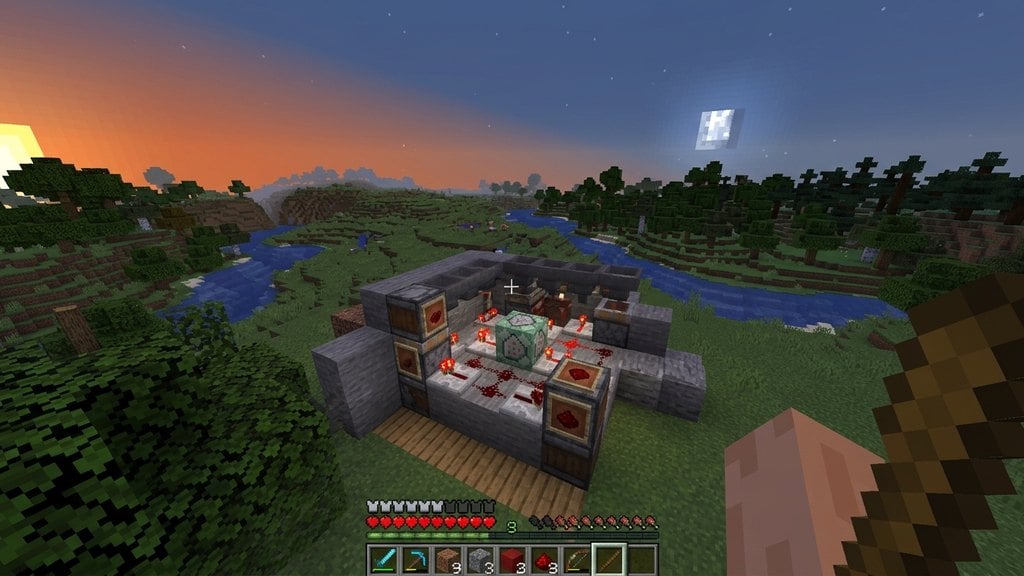
Yes. You can place the /enchant @p <enchantment> [level] command inside a block to enchant the nearest player holding a valid tool. Learn how to obtain the block in our guide on how to spawn a command block.