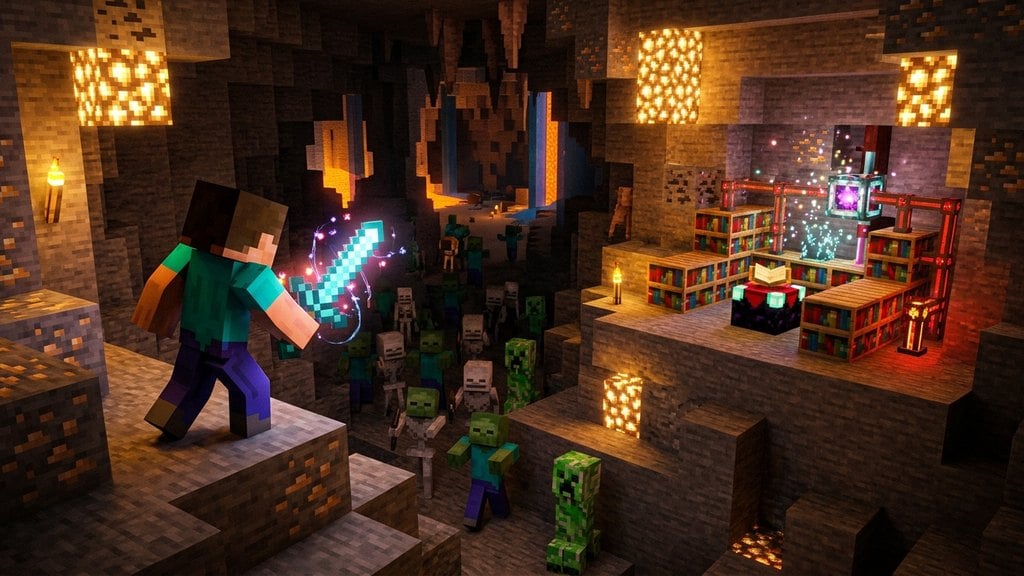
While enchanting tables and anvils cap your equipment at normal survival limits, you can easily break past these boundaries using commands. In Minecraft Java Edition 1.21 and newer, the item component system allows you to create weapons and tools with enchantment levels reaching all the way up to 255. Here is how to create custom overpowered gear and what Bedrock Edition players need to know.
Enable Cheats in Your World
To generate gear exceeding vanilla caps, you must have cheat permissions enabled. In single-player worlds, pause the game, choose Open to LAN, toggle Allow Cheats: ON, and start the LAN world. On a dedicated server or Realm, you must have operator status (op) to execute item generation commands.
Avoid the Standard Enchant Command
Never try to exceed limits with the /enchant command. While standard commands are great for survival-tier enchanting (as shown in our How to Enchant Using Commands guide), the /enchant command strictly enforces normal game caps like Sharpness V or Efficiency V. To surpass these limits, you must summon the item using /give.
Spawn Over-Enchanted Weapons in Java Edition
In Java Edition 1.21+, item components specify custom item attributes. Open chat and run the following command to receive a Netherite Sword enchanted with Sharpness 255:
/give @p netherite_sword[enchantments={levels:{sharpness:255}}] 1
Combine Multiple High-Level Enchantments
You can pack multiple overpowered enchantments onto a single item by listing them inside the levels component separated by commas. For an all-powerful mining tool, run:
/give @p netherite_pickaxe[enchantments={levels:{efficiency:255,fortune:255,unbreaking:255}}] 1
Overcome Limits in Bedrock Edition
Bedrock Edition handles chat commands differently and does not support custom NBT or component data in the /give command line. Because Bedrock's /enchant command also blocks values above natural survival caps, you cannot enchant past normal limits using standard Bedrock chat commands. Over-enchanted items on Bedrock require external third-party world/inventory editors or custom behavior packs.
Frequently Asked Questions
Can I combine two Sharpness V books in an anvil to get Sharpness VI?
No. Survival crafting mechanics such as anvils, grindstones, and enchanting tables strictly honor default limits. Combining two maximum-tier books will simply return the same maximum tier.
Will extremely high Looting or Fortune levels cause lag?
Yes. Setting Fortune or Looting to level 255 causes blocks and mobs to drop thousands of item entities at once, which can severely lag or crash your game.
Can you put any enchantment on any item with this method in Java?
Yes. Using the enchantments component allows you to attach incompatible or cross-type enchantments to any item, such as placing Protection 255 or Infinity on a sword.